Hardware
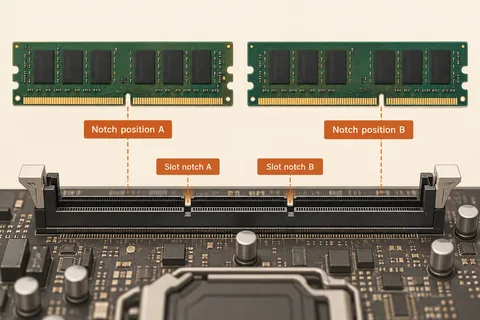
Matching replacement memory to a computer
Check generation, module format, capacity limits and supported arrangements for the exact system.
Read article ↗TERABYTE / 36 ARTICLES
Computers, components and connections considered together.
Check generation, module format, capacity limits and supported arrangements for the exact system.
Read article ↗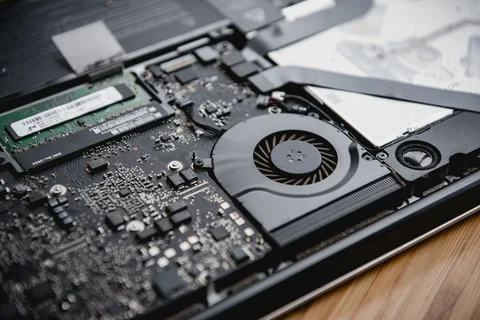
Establish what is removable before buying memory or opening a notebook.
Read article ↗
Board size shapes the layout and expansion options without deciding performance on its own.
Read article ↗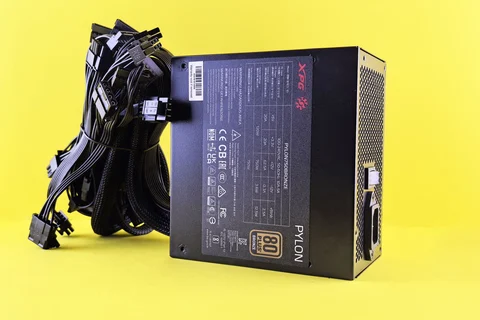
Wattage, approved cables, connector requirements and physical clearance belong in the same calculation.
Read article ↗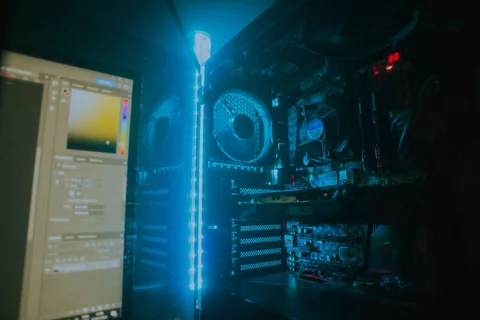
Follow the route through the case before deciding that another fan is the answer.
Read article ↗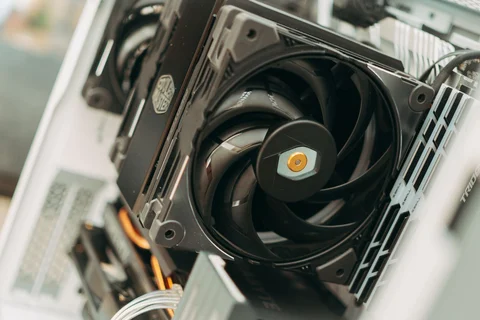
Timing and the character of a sound help distinguish a normal load response from a fault.
Read article ↗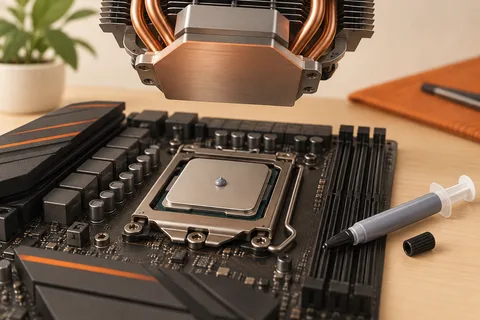
A correctly mounted cooler matters more than repeatedly replacing interface material without a diagnosis.
Read article ↗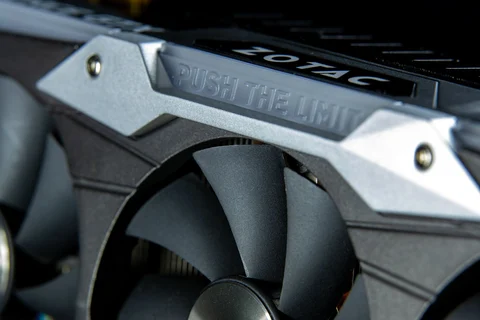
Card thickness, power-cable clearance and neighbouring parts matter as much as length.
Read article ↗
Movement in the surrounding enclosure deserves attention before repeated opening causes further damage.
Read article ↗
Printed legends, physical key shapes and the operating-system layout are separate choices.
Read article ↗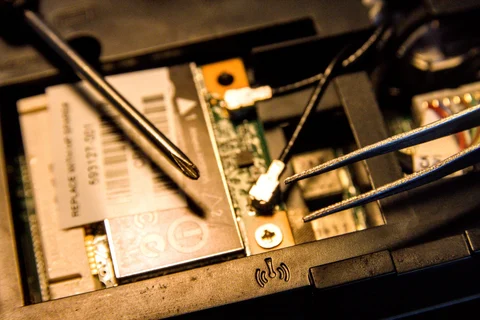
Service procedures and available replacement parts make repair claims easier to evaluate.
Read article ↗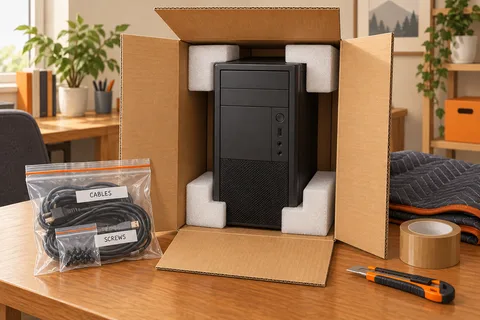
Prepare heavy internal components, packaging and the first inspection after a move.
Read article ↗