
Hardware
Laptop stands and unobstructed vents
Choose supports that keep the computer stable without covering its ventilation openings.
Read article ↗TERABYTE / 36 ARTICLES
Computers, components and connections considered together.
Choose supports that keep the computer stable without covering its ventilation openings.
Read article ↗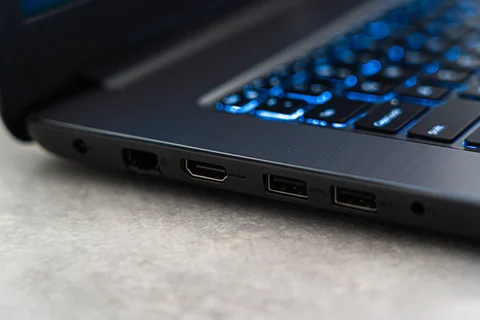
Map real devices to data, charging and display functions instead of counting connector shapes.
Read article ↗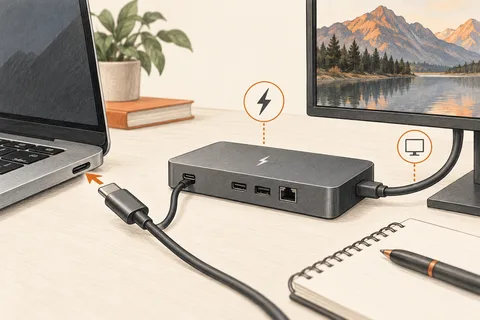
Check the documented combination of host, cable and accessory for the functions you need.
Read article ↗
An inventory of essential applications and peripherals makes platform compatibility a concrete question.
Read article ↗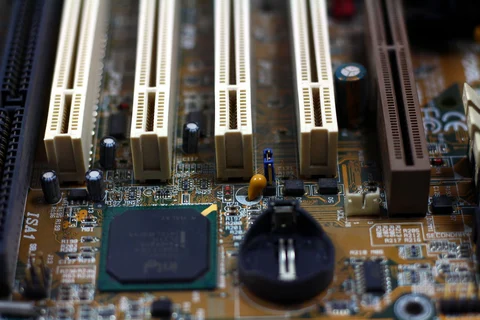
Read the purpose, identify the exact system and prepare recovery information before changing firmware.
Read article ↗
Keep configuration details and service records accessible even when the computer will not start.
Read article ↗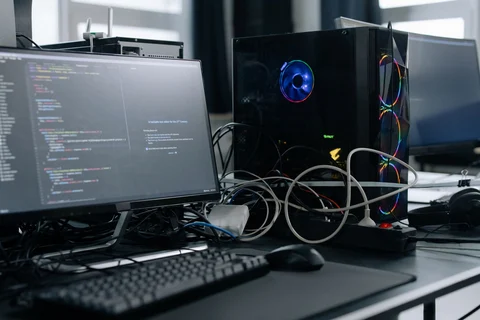
Evaluate a second-hand tower as a complete supported workstation, including missing accessories.
Read article ↗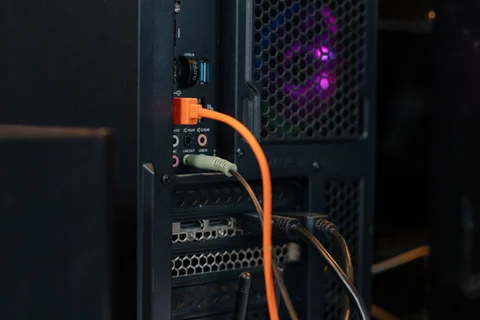
Cable bends, ventilation and maintenance access extend beyond the dimensions of the enclosure.
Read article ↗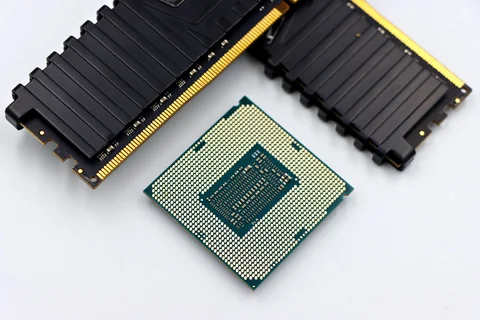
Capacity and memory-channel arrangement answer different questions about a RAM configuration.
Read article ↗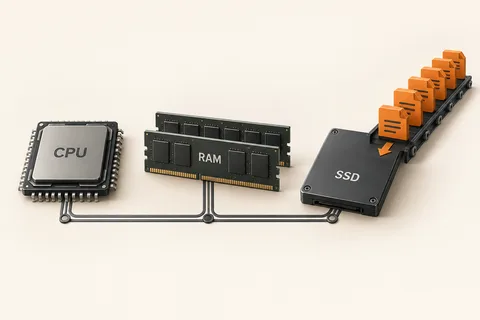
Controlled comparisons help identify the component or connection behind a particular delay.
Read article ↗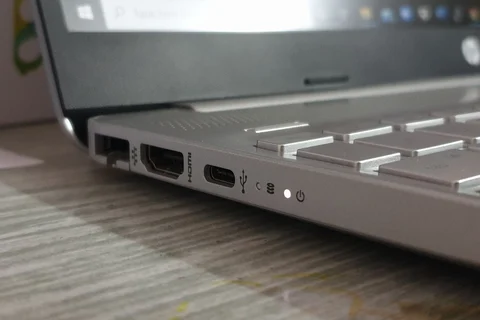
Plan simultaneous connections and their physical positions before deciding whether a dock is needed.
Read article ↗
Assembly time, fault diagnosis and support responsibilities belong beside the component prices.
Read article ↗