Watch the delay while it happens
A bottleneck is tied to a task. The same computer may wait for storage while opening a project, use the processor heavily during calculation and depend on graphics hardware during a preview. There is no single permanent bottleneck label that explains every activity. Begin with the action that feels too slow and reproduce it with the same files.
Use Task Manager or an appropriate monitoring tool to observe the system during that action. Look at processor, memory, storage and graphics activity together. A high reading is a clue, not a diagnosis by itself. For example, a brief spike may be normal, while a long pause could involve a network service that local hardware monitoring does not fully explain.
Change one condition
Try a controlled comparison. Open the same file from a local drive instead of a network location, or close an unusually memory-heavy application before repeating the task. These changes help isolate a cause without immediately buying hardware. Keep the file and application settings consistent so that the comparison still means something.
Consider temperature and power mode when a task becomes slower after several minutes. A laptop on battery or a machine with obstructed cooling can behave differently from the same system under other conditions. Check the manufacturer's settings and diagnostics rather than disabling safeguards. Also distinguish a slow operation from an unstable one: crashes and errors require investigation beyond a performance upgrade.
Spend against a measured problem
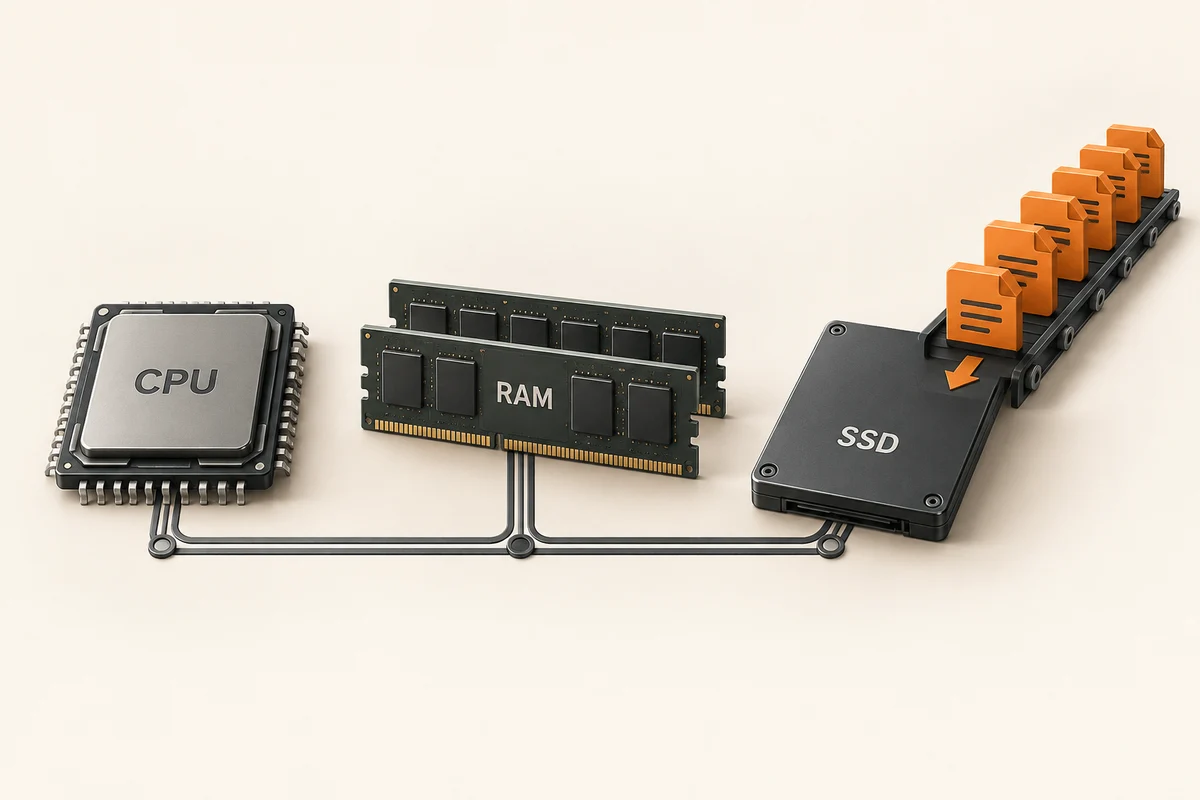
Once the likely constraint is identified, estimate what an upgrade can change. More memory helps when insufficient capacity is causing pressure, but it does not accelerate every calculation. A faster drive cannot fix a distant server's response time. Look for evidence using a workload close to yours, and include the cost of compatible supporting parts.
After any change, repeat the original test and record the result. Keep ordinary usability in the judgement: fewer pauses may matter more than a small benchmark increase. If the expected improvement does not appear, revisit the diagnosis rather than adding another component immediately. A short sequence of controlled observations usually produces a better decision than a shopping list based on whichever percentage looked highest once.
A slow project opening is not the same as a slow export
Take a video project as an example. First measure how long it takes to open from its normal location. Then measure a familiar export separately. If opening improves substantially when the source files are copied from a network share to a local drive, the first investigation should concern that file path. It does not follow that the processor needs replacing. The export can still be limited by a different part of the system.
During export, inspect which resources are busy and whether the application reports a particular acceleration mode. Keep the export settings identical between runs. A lower-quality preset may finish faster but does not demonstrate a hardware improvement. Likewise, a second run can benefit from cached data, so note the sequence and repeat the comparison before drawing a conclusion.
Now ask what matters to the working day. If the project is opened once but previewed continually, improving the initial load may have less value than smoother interaction. If a nightly export finishes before it is needed, reducing its duration may bring little practical benefit. This is why an upgrade decision needs both measurements and the frequency of the task.
Write a short purchase hypothesis: which component would change, which operation should improve and what would count as sufficient improvement. Include compatibility and supporting costs. If the available evidence cannot connect the component to the troublesome operation, continue investigating. That is more useful than buying a part because an online calculator assigns the whole computer a bottleneck percentage without knowing the project.