
Storage & backup
Testing a backup by restoring a real file
Opening a restored file tells you more than a green status message.
Read article ↗TERABYTE / 31 ARTICLES
Space for your files, copies to keep and ways back to them.
Opening a restored file tells you more than a green status message.
Read article ↗
A second visible copy may still follow the same deletion.
Read article ↗
Two drives help only when their roles remain clear.
Read article ↗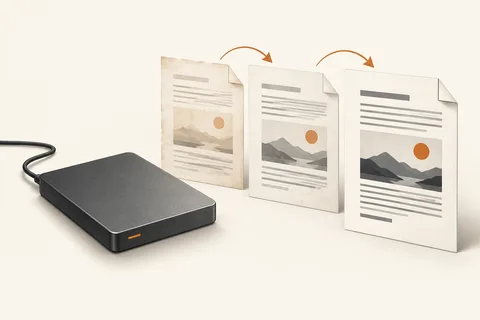
Check the protected folders before trusting the history.
Read article ↗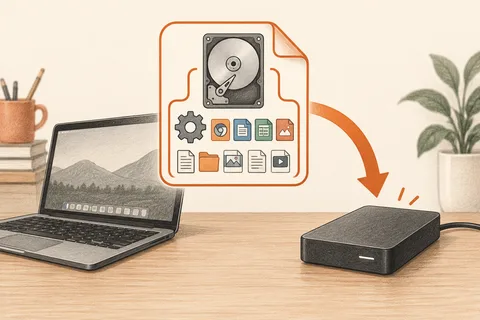
A whole-system image needs a usable route back onto a drive.
Read article ↗
A rescue stick and a document backup solve different problems.
Read article ↗
Prepare the data route before opening the computer.
Read article ↗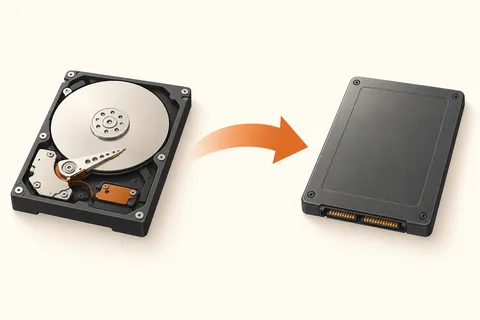
Carry the old setup forward, or use the move to rebuild it.
Read article ↗
The devices that must write to a drive decide its format.
Read article ↗
A finished progress bar is not always the final write.
Read article ↗
Give a new stick a trial run before it carries the only copy.
Read article ↗
The card and reader need to speak the same speed language.
Read article ↗