One connected, one elsewhere
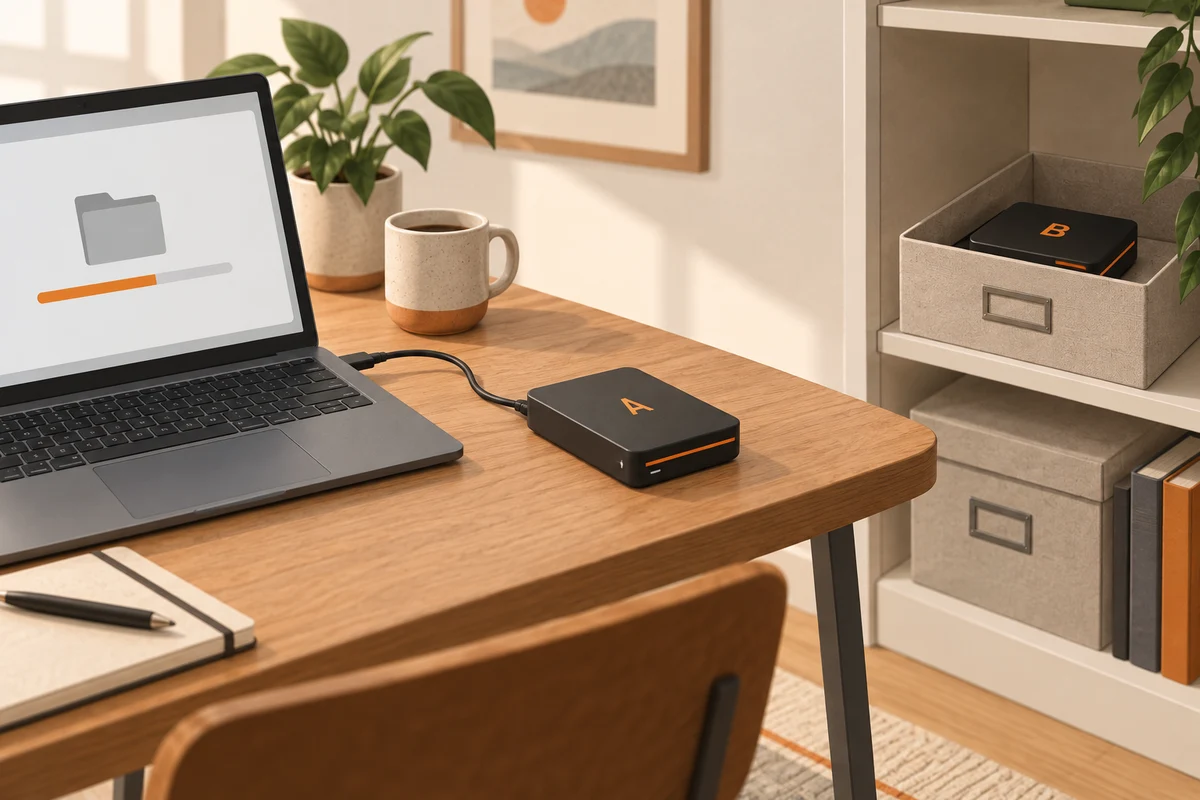
A pair of backup drives can reduce dependence on one device and one location. The arrangement becomes useful when the drives take turns: one receives the current backup while the other remains disconnected, preferably away from the computer. Two drives permanently attached to the same desk share more risks than their separate cases suggest.
Give each drive a simple physical label, such as A and B. Match that label to the name used by the backup application. Do not rely solely on a drive letter, which may change when another device is connected. A small record of the most recent successful backup prevents the older drive from becoming an accidental mystery archive.
Make the changeover uneventful
Before disconnecting the current drive, confirm that its backup has finished. Close any restore windows or files opened from it, then eject it normally. Connect the other drive and check that the application recognises the intended destination. Some programs support multiple destinations within one plan; others require separate jobs. Follow the application's supported arrangement rather than improvising with renamed folders.
The first run on each drive may need to copy the full selection. Leave enough time and free space. Later runs can behave differently depending on whether the software uses incremental backups, full copies or snapshots. Check the result rather than assuming that a short run means nothing happened or that a long run proves success.
Never erase the older drive just to make the new routine look tidy. First establish that the current backup is complete and recoverable. An old copy may contain the only surviving version of a file whose deletion was noticed late.
Choose a rhythm that matches the loss
A weekly exchange may suit slowly changing household records. Daily work may need more frequent protection, perhaps through another automatic backup between exchanges. There is no universal interval: ask how much new material could be recreated and how often the off-site drive can realistically be collected.
If a drive travels, protect it from impact and consider encryption. Keep its recovery credentials separately and accessible without the main computer. Write down who can retrieve the other drive if you are unavailable. Rotation works best as a small repeatable habit, with a visible last-backup date and occasional file restores, rather than a complicated calendar that nobody follows.
What to record on each drive
Label the physical drives A and B, and use the same labels in your backup notes. Record the last successful backup date, not simply the date you plugged the drive in. If the software keeps its own catalogue, check that it recognises each destination correctly when the drives alternate. Two identical enclosures are easy to confuse when you are in a hurry.
Plan the awkward week as well as the ordinary one. If drive B is unavailable when the next rotation is due, keep the latest verified copy on A rather than erasing it to restart a neat schedule. Resume the rotation when the second destination returns, then check both histories. The rotation exists to preserve recovery options; its labels and calendar should serve that purpose rather than become rules that accidentally destroy the only recent copy.
When one drive fills, decide whether older versions may be removed under your retention policy or whether the destination needs replacing. Do not prune both drives at the same time just because they have similar names. Keep one verified recovery route available while changing the other.