Windows & everyday use
Making file extensions visible and useful
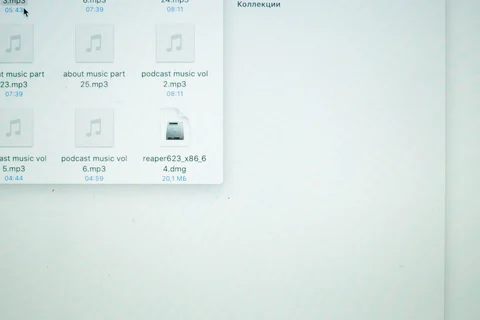
Visible extensions help identify files, but do not establish whether their contents are trustworthy.
Read article ↗TERABYTE / 34 ARTICLES
Settings, files and the small routines of daily work.
Visible extensions help identify files, but do not establish whether their contents are trustworthy.
Read article ↗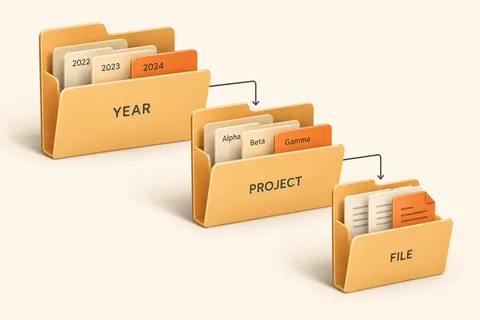
Build a filing structure around how you will look for material later, rather than around more folders.
Read article ↗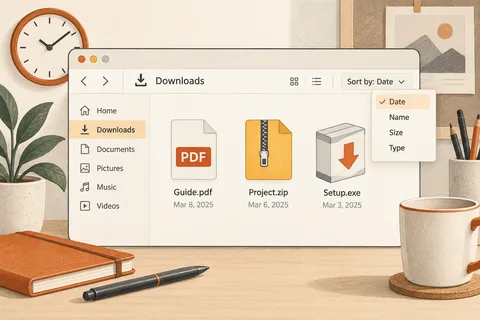
Treat Downloads as an arrival point and give important documents a deliberate permanent location.
Read article ↗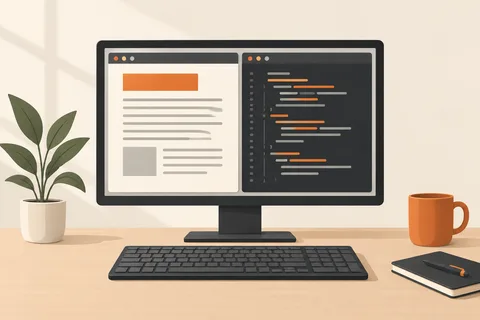
Windows do not need equal space; let the task determine the split.
Read article ↗
Multiple desktops organise open windows by task; they do not create separate accounts or extra memory.
Read article ↗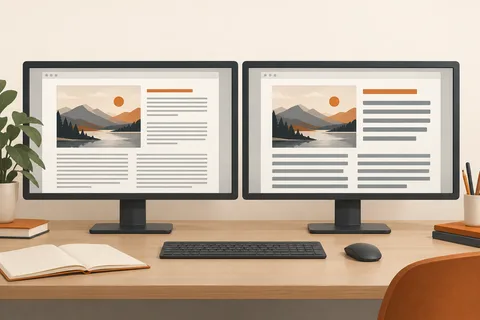
Resolution, scaling and application zoom address different reasons for text being too small.
Read article ↗
A warmer screen may suit your preference, but turn the adjustment off when judging colour.
Read article ↗
A few shortcuts become familiar faster when each replaces a repeated task.
Read article ↗
Clipboard history reduces repeated copying, but sensitive text and the destination still need attention.
Read article ↗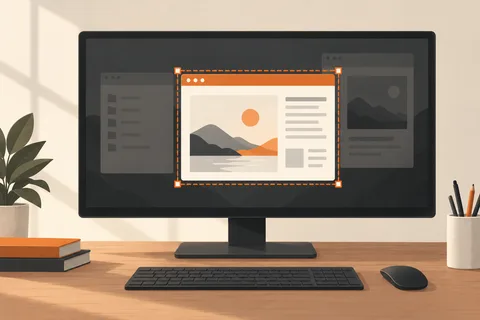
A useful screenshot preserves the relevant message while leaving unrelated personal information out.
Read article ↗
Check the saved PDF for page count, breaks and the content it actually contains.
Read article ↗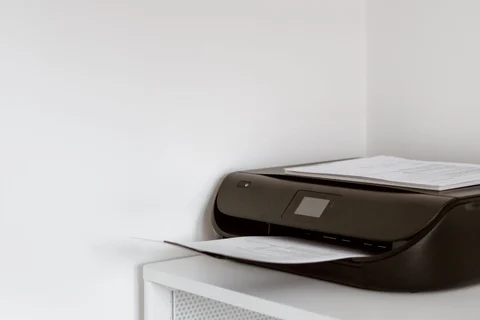
Repeated clicks on Print can enlarge a blocked queue. Inspect the existing job first.
Read article ↗