Beyond the last copied sentence
You copy an address, then a reference number, and realise you need the address again. Clipboard history can remove that small detour. In Windows, open it with Windows and V and enable it there if it is not already active. Ordinary pasting and choosing an older history item are different ways of working.
Try the feature with harmless text first. Copy two short sentences, open an empty document and deliberately choose the older entry. Notice where it is inserted. The active input field still matters. Selecting the correct text does not prevent it from being pasted into the wrong conversation or the wrong form.
Keep reuse deliberate
Pinning an entry can be convenient for frequently needed, non-sensitive snippets. The clipboard is not a permanent substitute for a maintained template collection, however. If an address, price or phrase becomes outdated, a pinned entry will not reliably remind you to update it. Keep material requiring ongoing maintenance somewhere designed for that purpose.
Passwords, access codes and confidential personal details should not become a convenient collection for later reuse. After copying such material, inspect the history and remove relevant entries when needed. On shared equipment, separate user accounts and locking the session when leaving the desk are particularly important. Convenience should not depend on leaving another person's session open.
Synchronisation is a separate choice
Under suitable conditions, Windows can synchronise clipboard material between devices. That is an additional feature, not simply another name for local history. Read the choices in Clipboard settings and decide whether copied material should leave the current device. Repeatedly pasting within one document does not require cross-device transfer.
If something does not appear in history, that does not necessarily mean a fault. Supported formats and sizes have limits, and some applications handle copied material differently. Use the original file or an appropriate export for larger content. A clipboard entry should never be the sole surviving version of important information.
Before submitting a form, read pasted values in context. Similar reference numbers and addresses are easy to confuse in a history list. You still gain time by avoiding repeated searches while taking a moment to inspect the result. That final check matters especially during a series of similar tasks, where a fast paste could otherwise repeat the same unnoticed mistake across several records.
Keep several copied items distinguishable
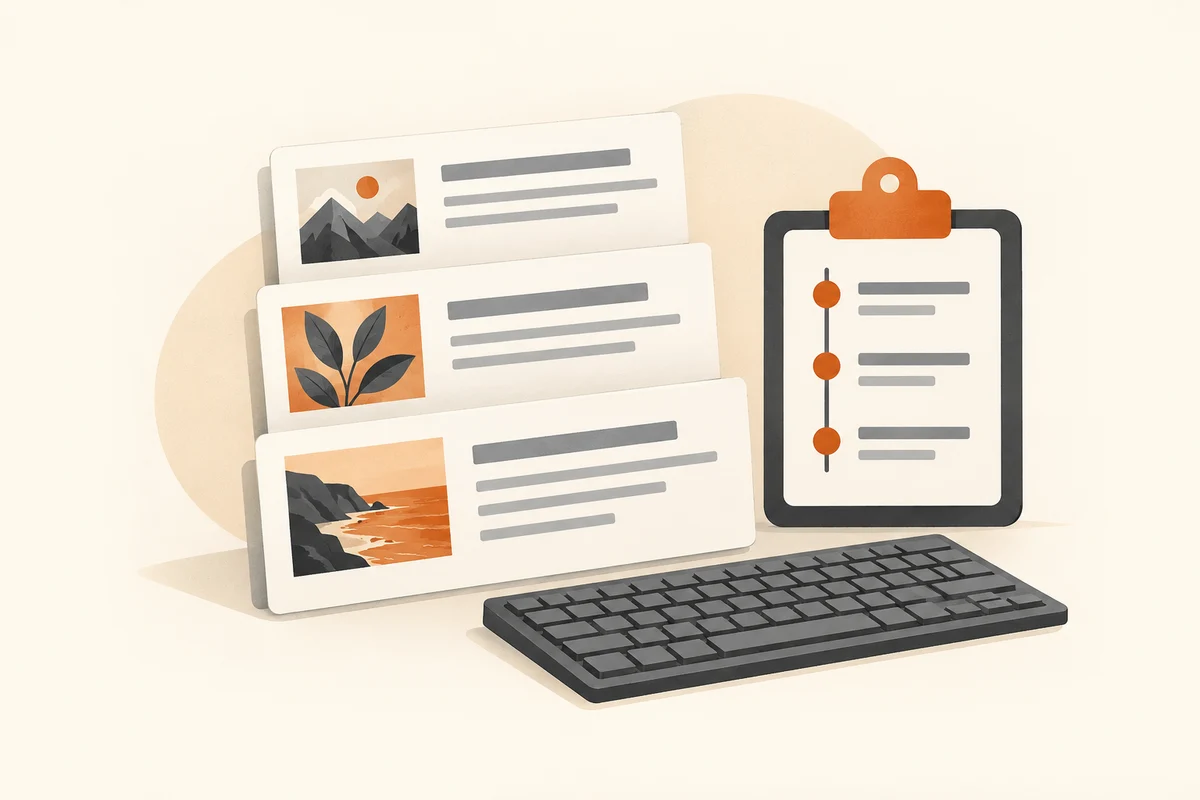
While preparing a message, you might copy an order number, an address and a reusable sentence in succession. Open history and select the appropriate item before pasting. Inspect the destination field: similar number sequences are easy to confuse, and an outdated address may sit beside the current one. History makes selection easier; it does not establish that the selected information is correct or still current. That final check remains part of preparing the message.
Formatting also depends on the destination application. A paragraph copied from a website may bring links or unwanted styling. Where available, pasting as plain text can be useful. Check paragraph breaks, special characters and numbers afterwards. In a spreadsheet, establish whether values entered separate cells or all landed together. Repeating a paste without inspecting the first result can create duplicate material rather than solve the formatting problem.
A pinned item can suit frequently used, harmless text. Old telephone numbers or standard replies should not remain there indefinitely, however. Remove them when the underlying information changes. If another person briefly uses your computer, clipboard history remains part of your session; a separate account is more appropriate for real separation. With sensitive material, retaining less is often simpler than trying to remember every item that may need removal later. Treat the history as temporary assistance, not as the authoritative place to store information.