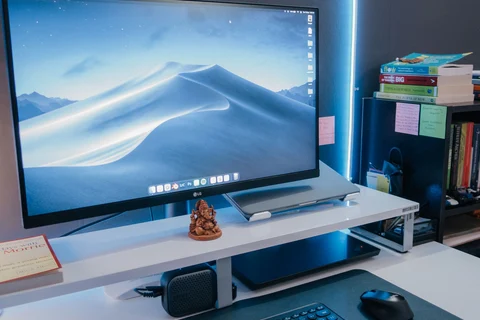
At the desk
Choosing monitor size and viewing distance together
Match the screen to viewing distance, desk depth and the windows you actually keep open.
Read article ↗TERABYTE / 22 ARTICLES
Choosing screens, input devices and accessories.
Match the screen to viewing distance, desk depth and the windows you actually keep open.
Read article ↗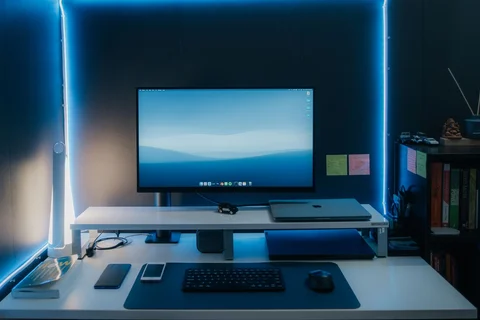
Native resolution and scaling should deliver readable text before they become a contest of pixel counts.
Read article ↗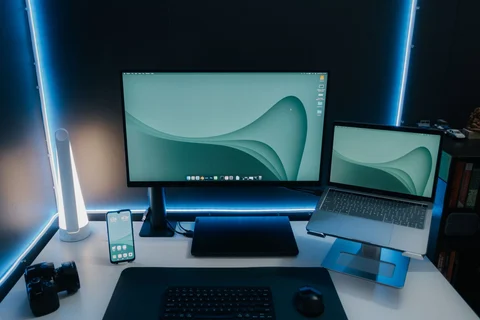
Verify the active refresh rate over the actual cable rather than relying on the monitor's advertised maximum.
Read article ↗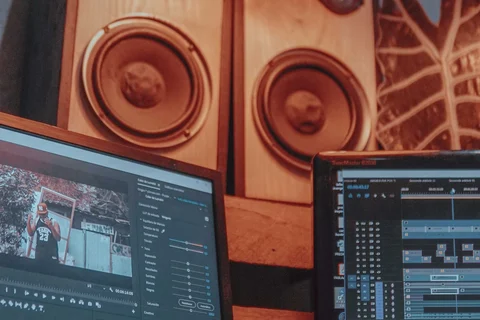
Plan the second screen around a specific task, then verify outputs, arrangement and application behaviour.
Read article ↗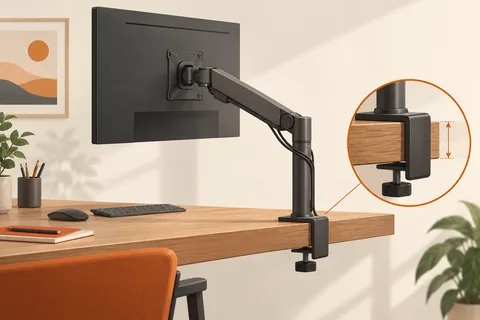
Match the display, mounting pattern, load range and desk construction before choosing an arm.
Read article ↗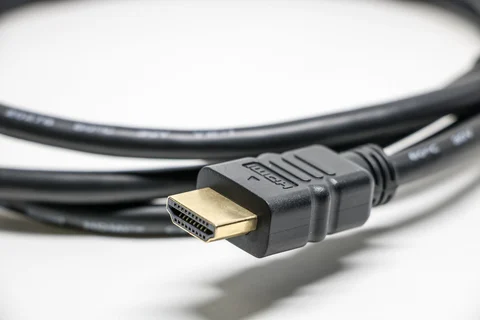
Choose a cable for the required resolution, refresh rate and direction of the connection.
Read article ↗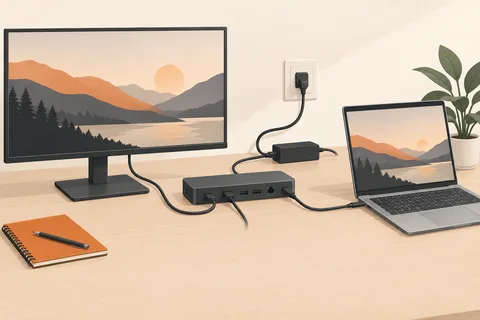
Separate the dock's input rating from the power it can deliver to the laptop while other devices are connected.
Read article ↗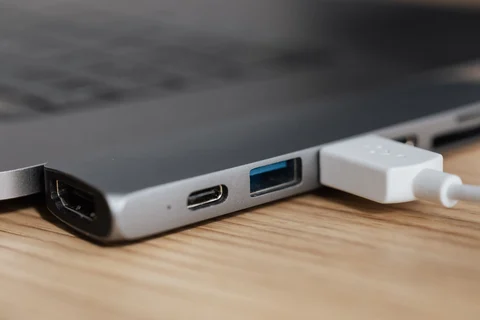
Extra sockets share an upstream connection and, depending on the hub, a power budget.
Read article ↗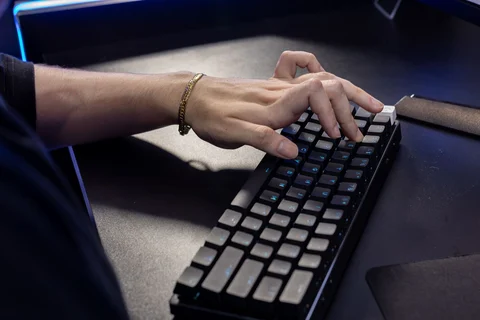
Switch feel is only part of the typing experience; the complete keyboard also determines sound and comfort.
Read article ↗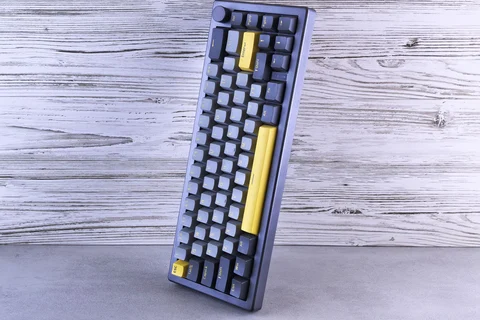
A smaller keyboard saves space only if its missing keys remain easy to reach through a layout you can use.
Read article ↗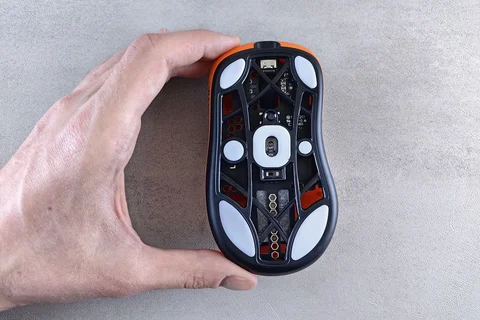
Test how the mouse sits in your hand during ordinary movement instead of choosing by size labels alone.
Read article ↗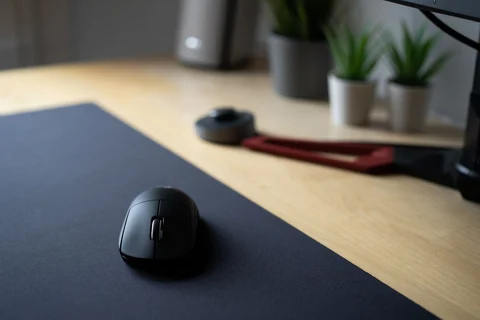
A plain sheet of paper can separate a tracking problem from a connection problem.
Read article ↗