Write down both ends
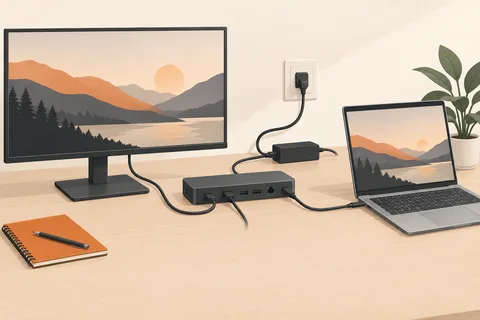
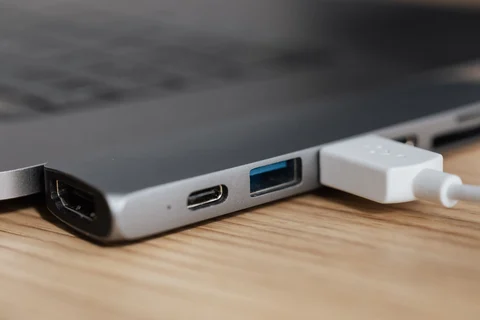
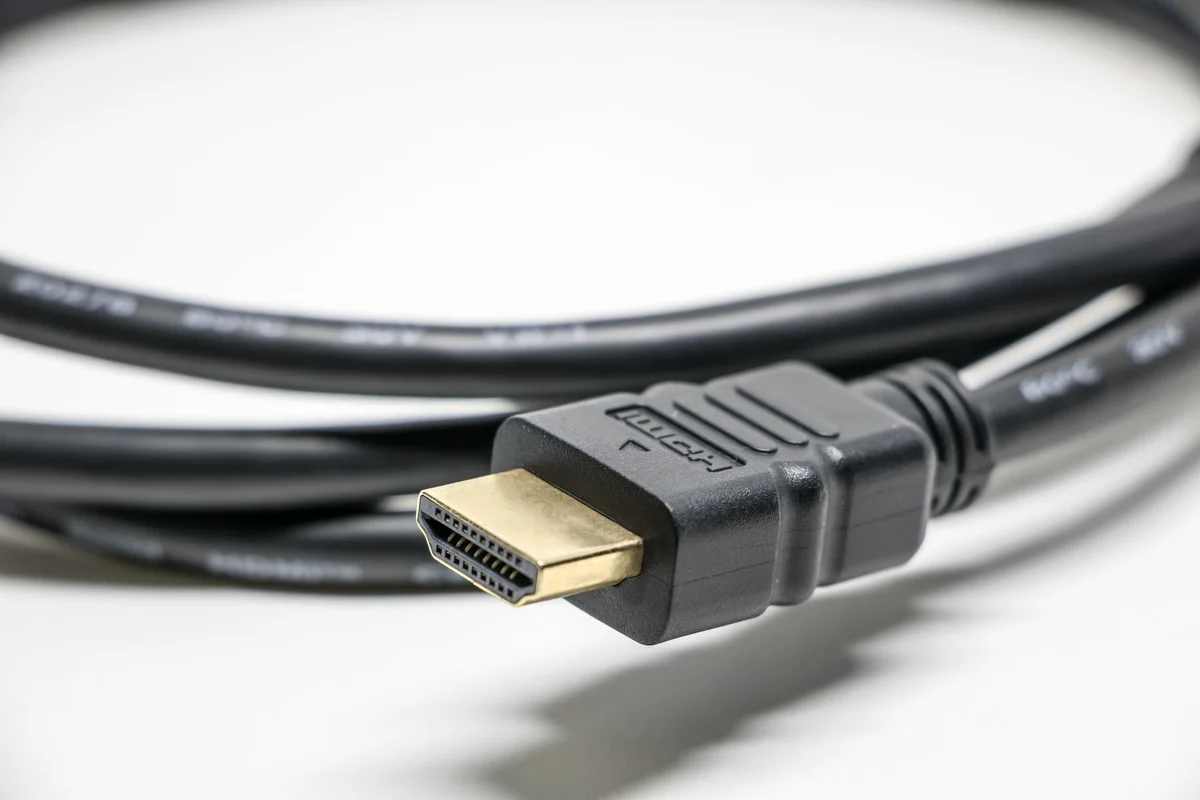
Before ordering a display cable, identify the computer's output and the monitor's input. Include any dock in between. A connector name is only the beginning: the supported signal capabilities determine whether the intended resolution and refresh rate are available. Check the manuals for the exact ports rather than assuming that every socket of a familiar shape performs alike.
Adapters may work in a particular direction. A product intended to send a computer's DisplayPort output to an HDMI monitor is not automatically suitable for the reverse route. Read the source and destination description carefully. If conversion requires an active adapter, a passive shape change will not substitute for it.
Buy for the intended mode
Record the display mode you want and look for an explicit supported specification. Avoid paying for vague claims about premium picture quality without a relevant capability statement. A digital connection that already carries the required signal correctly does not gain extra detail simply because its cable has a decorative finish.
Choose a practical length. Too short a cable pulls on sockets and restricts adjustment; excessive length creates routing problems and may complicate demanding connections. Check the product's documented capability at the chosen length. A cable family can include versions with different limitations, so the longest option should not inherit assumptions from the shortest.
Isolate faults without buying a pile
If the picture drops out, begin with the selected monitor input and firmly seated connections. Test a known suitable direct cable when a dock or adapter is involved. Change one element at a time and repeat the same display mode. This helps distinguish a cable limitation from a computer setting or accessory problem.
Keep the successful cable identifiable, especially when several similar leads are stored together. Do not force a locking connector out without releasing its mechanism. Route cables with enough slack for a moving monitor arm or desk, and avoid trapping them under furniture. The most useful cable is the one that reliably supports the required mode and survives the way the workstation is actually adjusted.