Count simultaneous devices
A USB hub is useful when ports are scarce or awkward to reach. List what will remain connected together before choosing one. A keyboard and mouse create a different requirement from several drives, a webcam and charging devices. The number of sockets alone does not describe whether the hub suits that combination.
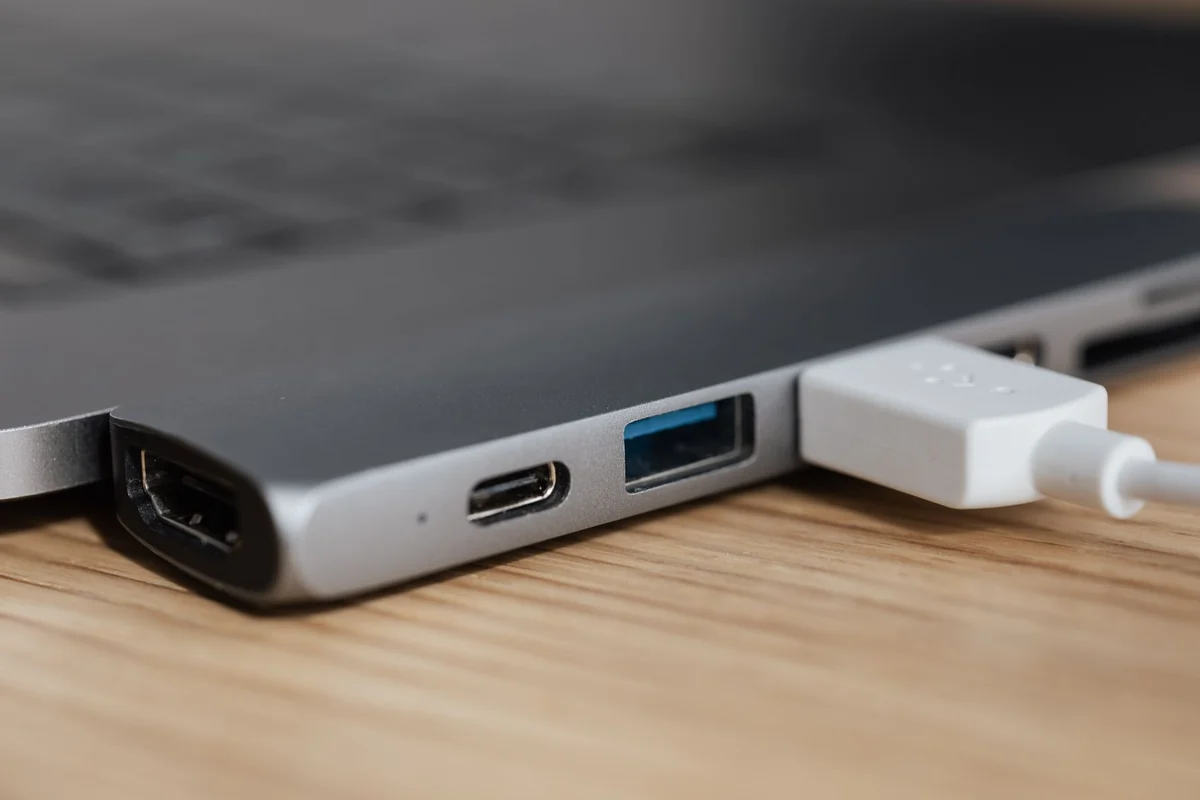
Check the upstream connection to the computer and the capabilities of the individual ports. Some products mix different data speeds or include sockets intended mainly for charging. A USB-C shape does not guarantee display output. Read the port-by-port description and avoid assuming that every opening offers the same function.
Power has to come from somewhere
A bus-powered hub draws power through the computer connection, while a self-powered model uses its own supply. External power can be useful for certain collections of devices, but it does not make every attached product compatible. Check the hub's supported power arrangement and the requirements of the devices. Use the specified adapter rather than a vaguely similar replacement.
If a drive disconnects when another device is attached, simplify the setup. Test the drive directly and then on the hub with fewer devices. Power is one possible cause, but cables, firmware and device faults can also be involved. Do not treat a symptom as proof until the comparison narrows it down.
Bandwidth is shared
Several fast devices can compete over the same upstream link. A transfer measurement with one drive does not establish the result while another drive and a camera are active. Test the combination that matters to your work. For a demanding device, a direct port may be a better arrangement than attaching everything through a convenient hub.
Place the hub where its cable is not strained and removable devices can be handled without moving the computer. Keep a little space between bulky plugs. If the hub includes a power button, understand whether it disconnects data as well as power before using it with storage. Follow the operating system's safe-removal procedure when required; a physical switch is not a substitute for finishing pending writes.
Run a comparison that reflects simultaneous use
Use a known file on the first drive and transfer it with other demanding devices inactive. Repeat the operation while the normal camera application and the second device are in use. Note dropouts and disconnections as well as transfer duration. Work with copies of noncritical files so that an interrupted experiment cannot endanger the only useful version of a document.
The result does not need to be identical in every arrangement. A hub can be entirely adequate for a mouse, keyboard and occasional transfer while being inconvenient for several busy drives. That is a question of intended use. If a replacement is needed, choose it against the tested combination rather than simply buying more sockets.
Avoid unnecessary chains of hubs when a simpler connection serves the same purpose. Every additional stage increases the number of things to investigate during a fault. If a chain is unavoidable, document the successful arrangement and change only one part at a time later. Keep the correct power adapter and host cable identifiable. That makes the convenient expansion understandable again after a desk move, rather than leaving a collection of similar cables with no record of which combination was verified.