Try movement, not a colour name
Mechanical switches are often described as linear, tactile or clicky. Those categories describe different aspects of the key movement and feedback, but the colour names used by one manufacturer are not a universal specification. Read the actual switch description. A colour familiar from one range may mean something different in another.
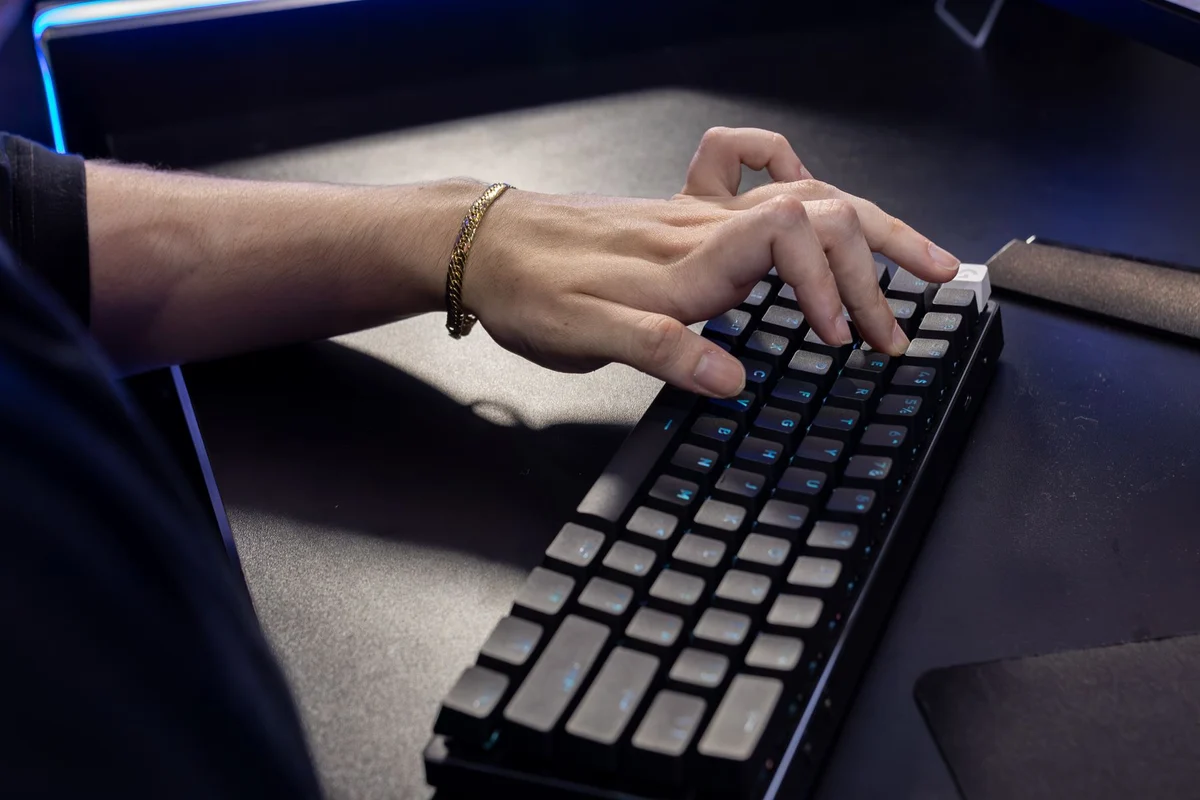
If possible, type complete sentences rather than pressing a sample switch twice. Notice whether you accidentally trigger keys, whether repeated presses feel tiring and whether the release behaviour suits your typing. A small switch tester can introduce the feel, but it does not reproduce the entire keyboard's mounting, keycaps and case.
Listen in the intended room
A switch advertised as quiet does not make the whole keyboard silent. Keycaps, stabilisers, the case and the desk surface contribute to the sound. A recording also depends on microphone placement and processing. Use it as a clue, not as a reliable prediction of volume beside your own microphone during a call.
Consider other people sharing the room and the tasks performed there. A pronounced click may be enjoyable alone and distracting during a meeting. A softer desk surface can change resonance, but it does not turn every loud switch into a quiet one. Choose around the actual environment instead of treating sound as a decorative feature.
Check replacement claims
Hot-swappable keyboards allow certain switches to be changed without soldering, but compatibility still matters. Check the supported switch type, pin arrangement and the manufacturer's procedure. Do not assume that every mechanical switch fits every socket. Optical and magnetic designs can introduce different requirements from conventional mechanical contact switches.
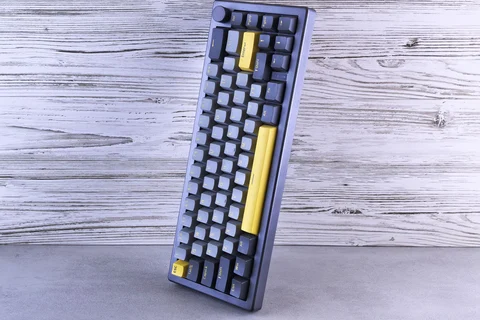
Keep layout and key availability in the decision. A pleasant switch cannot compensate for frequently used keys hidden behind awkward combinations. Likewise, a keyboard that requires unavailable configuration software may limit useful adjustments. Try the complete workflow, including shortcuts and repeated navigation. The right switch is the one that works comfortably within the whole keyboard, not the one whose label promises the most specialised experience.