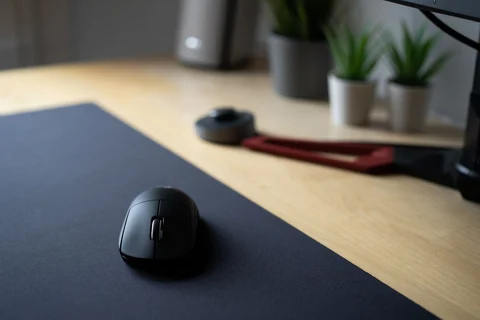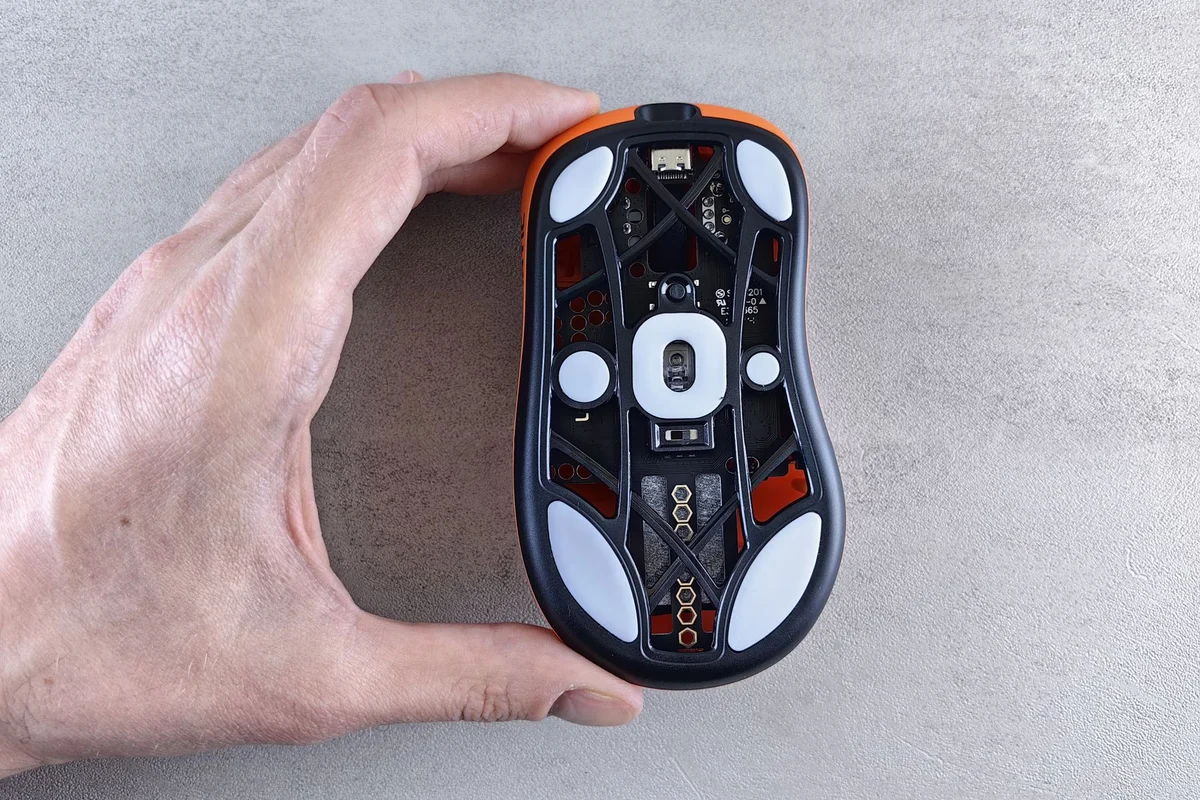
Start with the way you actually hold it
Hands and grip habits vary, so a mouse described as comfortable does not guarantee a good fit for everyone. Rest your hand naturally on the device and move it through the tasks you normally perform. Notice whether your fingers reach the buttons without stretching and whether the shape encourages an awkward wrist position. A brief static hold is less informative than actual pointing and dragging.
Try the wheel and side buttons as well as the main clicks. A button that looks conveniently placed can be difficult to use without shifting your grip. Consider whether accidental presses occur during ordinary movement. If you do not use extra buttons, their presence need not become a purchase priority.
Adjust the setup before judging the shape
Pointer speed affects how far the hand must move. Experiment with a comfortable setting using familiar tasks, such as selecting text or working through a spreadsheet. Extremely fast movement can make precise selection difficult, while a very slow setting may require more desk travel than the available space allows. Keep enough room beside the keyboard for the intended motion.
The desk surface and cable can change the feel. Test on the surface you plan to use, and route a wired mouse so the cable does not drag over an edge. Wireless models remove that particular resistance but introduce battery and connection considerations. Neither connection type determines comfort by itself.
Give the fit a realistic trial
Where a suitable return arrangement exists, use the mouse across several normal sessions. Record specific difficulties rather than relying on the first impression of softness or weight. A shape that feels unusual may simply be unfamiliar, but persistent discomfort is not something to ignore or work through merely to justify a purchase.
Consider the rest of the workstation if discomfort continues, and seek appropriate professional advice for ongoing pain rather than expecting a product label to diagnose it. A mouse is one part of the arrangement. Keyboard position, available space and the pattern of work also matter. Choose the device that supports ordinary tasks without repeated grip adjustments, and keep the setup flexible enough to change when your needs do.