Make space for the stand as well as the panel
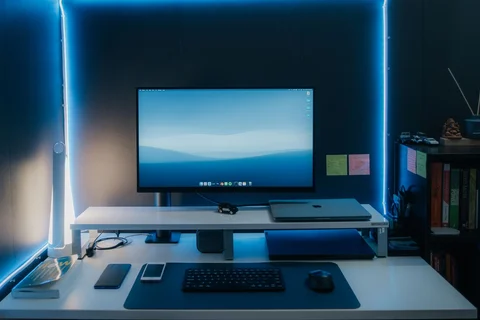
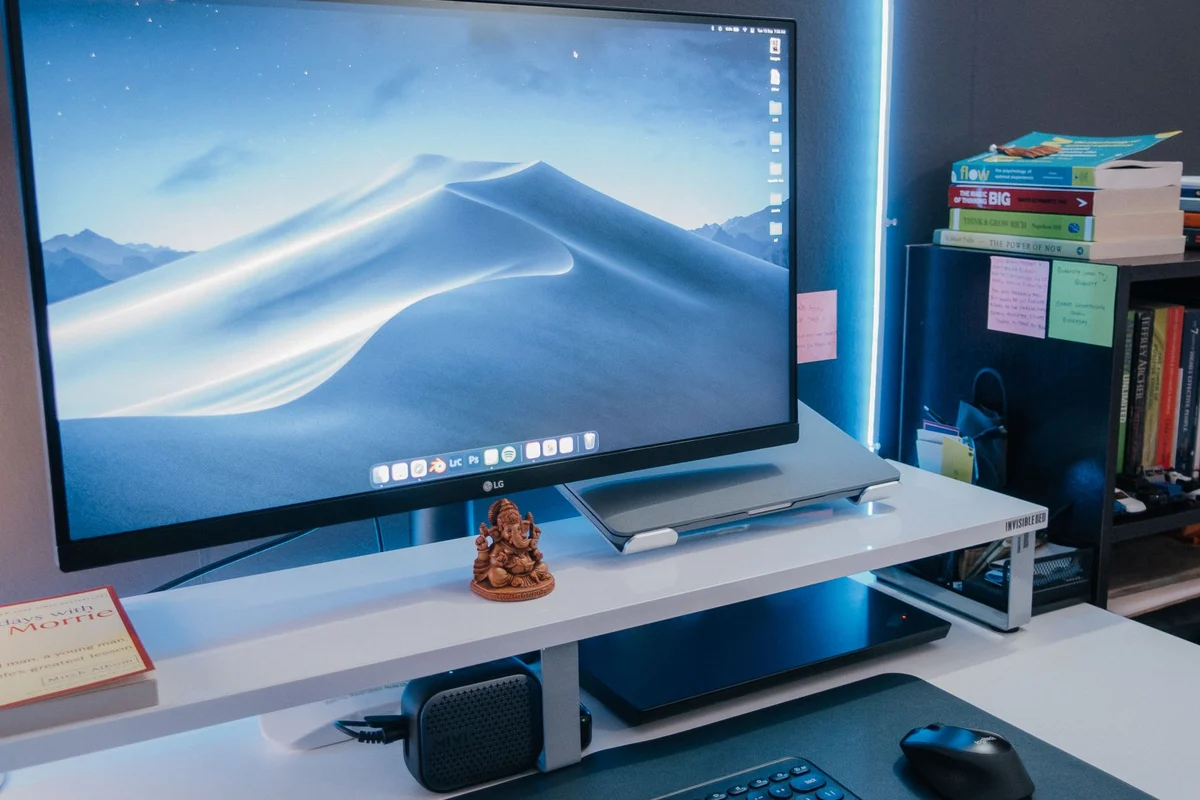
The diagonal measurement does not describe a monitor's complete footprint. The stand may extend well in front of the screen, leaving less room for a keyboard, notebook or drawing tablet. Compare the full dimensions with the usable depth of the desk. A large display pushed close to your face because its stand fills the surface is a different experience from the same display placed farther back.
Use a cardboard outline to represent the screen and mark the stand footprint separately. Sit in your normal position and consider the outer edges. If important controls would sit far to the side, think about whether you would constantly turn to reach them visually. A wider panel can be useful without needing every window to occupy its full width.
Size and resolution work together
The same resolution spread across different physical sizes produces different pixel density. That affects the apparent size and sharpness of content, alongside viewing distance and scaling. A larger diagonal does not automatically create more usable workspace. Test a document at a comfortable scale rather than comparing two monitors showing unrelated demonstration pictures.
For spreadsheets or editing, open the kind of project you use. Can the relevant columns or panels remain visible without making text too small? For writing, a huge full-width line may be less pleasant than a narrower document window with reference material beside it. Let the layout of real work determine how much screen area is useful.
Keep adjustments in the budget
Check height adjustment, tilt and the space available beneath the display. If the included stand cannot achieve a suitable position, a compatible arm may be another cost. Confirm mounting support and monitor weight before assuming any arm will work. A larger panel also needs enough clearance to move without hitting a wall or shelf.
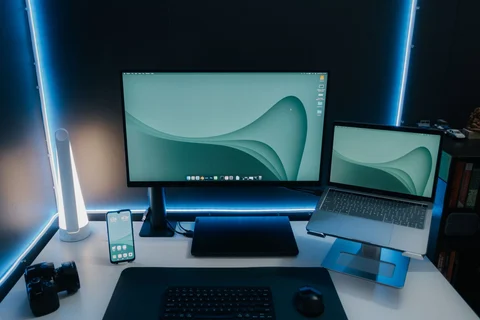
If you already use a laptop screen, compare a single larger monitor with two smaller work areas. The best arrangement may be the one that keeps the primary task centred and reference material nearby. More area is only useful when it reduces awkward window switching rather than creating a distracting spread of unrelated content. Buy for the daily arrangement, including the furniture around it.