
At the desk
Helping a webcam with better light
Move the light and the camera before deciding that the webcam needs replacing.
Read article ↗TERABYTE / 22 ARTICLES
Choosing screens, input devices and accessories.
Move the light and the camera before deciding that the webcam needs replacing.
Read article ↗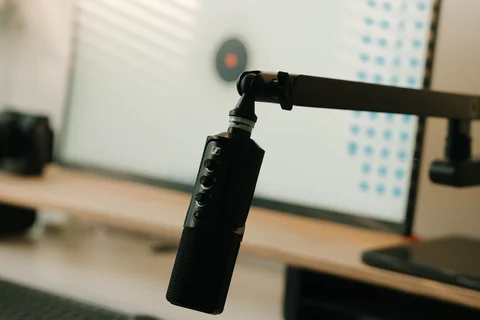
A microphone nearer the voice often helps more than turning up its gain from the far end of the desk.
Read article ↗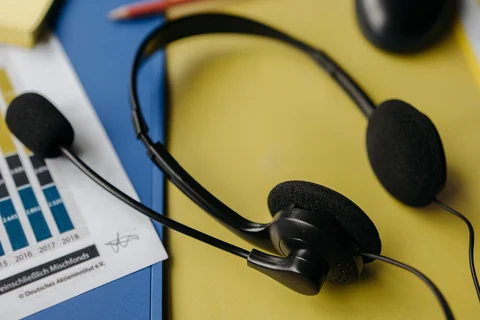
Comfort, microphone position and the connection used for calls matter more than a long feature list.
Read article ↗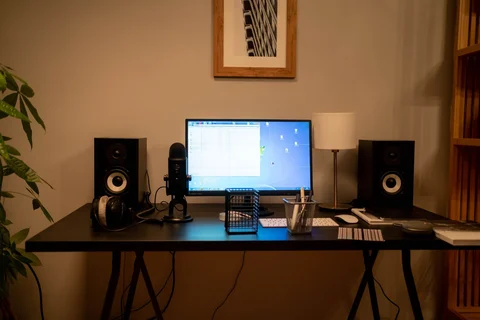
Make space for a balanced pair and reachable controls before adding more bass.
Read article ↗
Estimate the pages you really print and include consumables, maintenance and the features that affect everyday use.
Read article ↗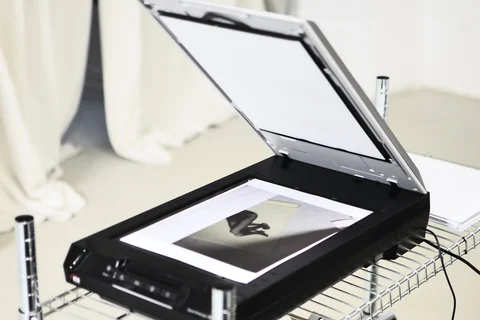
A readable archive depends on complete pages, sensible settings and a check after scanning, not just a high resolution number.
Read article ↗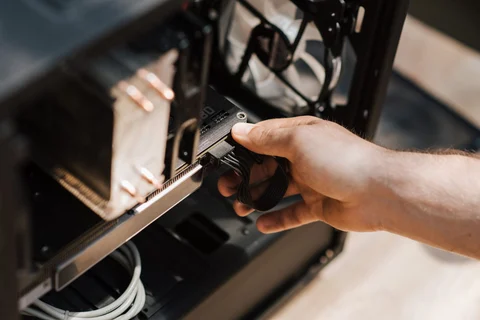
An orderly cable route should still allow the monitor, chair and laptop to move normally.
Read article ↗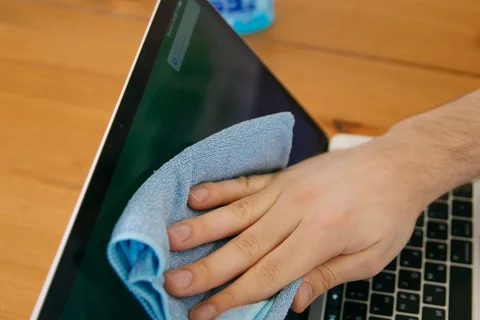
Use the screen maker’s instructions and a clean cloth before reaching for stronger cleaning products.
Read article ↗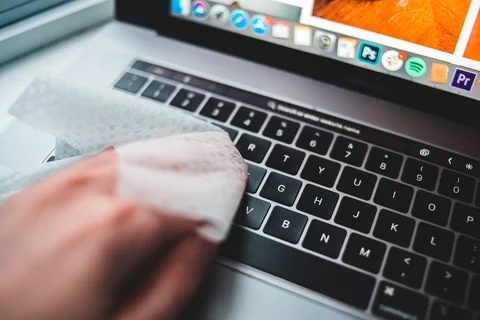
Remove loose debris gently, and do not assume every keyboard is designed for keycap removal.
Read article ↗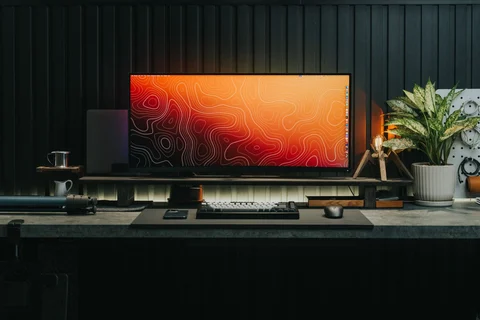
Use the dark screen to find reflections, then adjust the light source instead of only increasing screen brightness.
Read article ↗