Find the instructions for the surface you have
Computer displays do not all have the same surface treatment. A cleaning method permitted for one product may be unsuitable for another, especially with specialised coatings. Check the model's care instructions rather than treating the panel as ordinary window glass. Household glass cleaner, abrasive products and strong solvents are poor default choices when the coating is unknown.
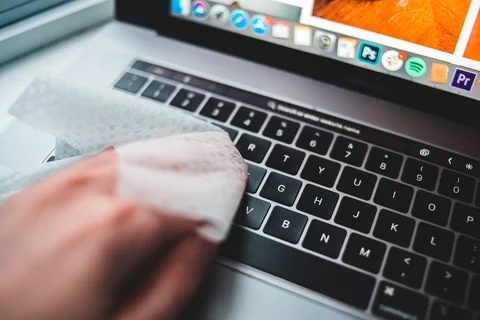
Shut down the device, disconnect power as instructed and let the screen cool. A dark screen also makes fingerprints and dust easier to see. Use a clean, soft, lint-free cloth reserved for this purpose. A cloth that has been lying among tools or used on a kitchen worktop may carry particles that scratch the surface.
Begin dry and use very little moisture
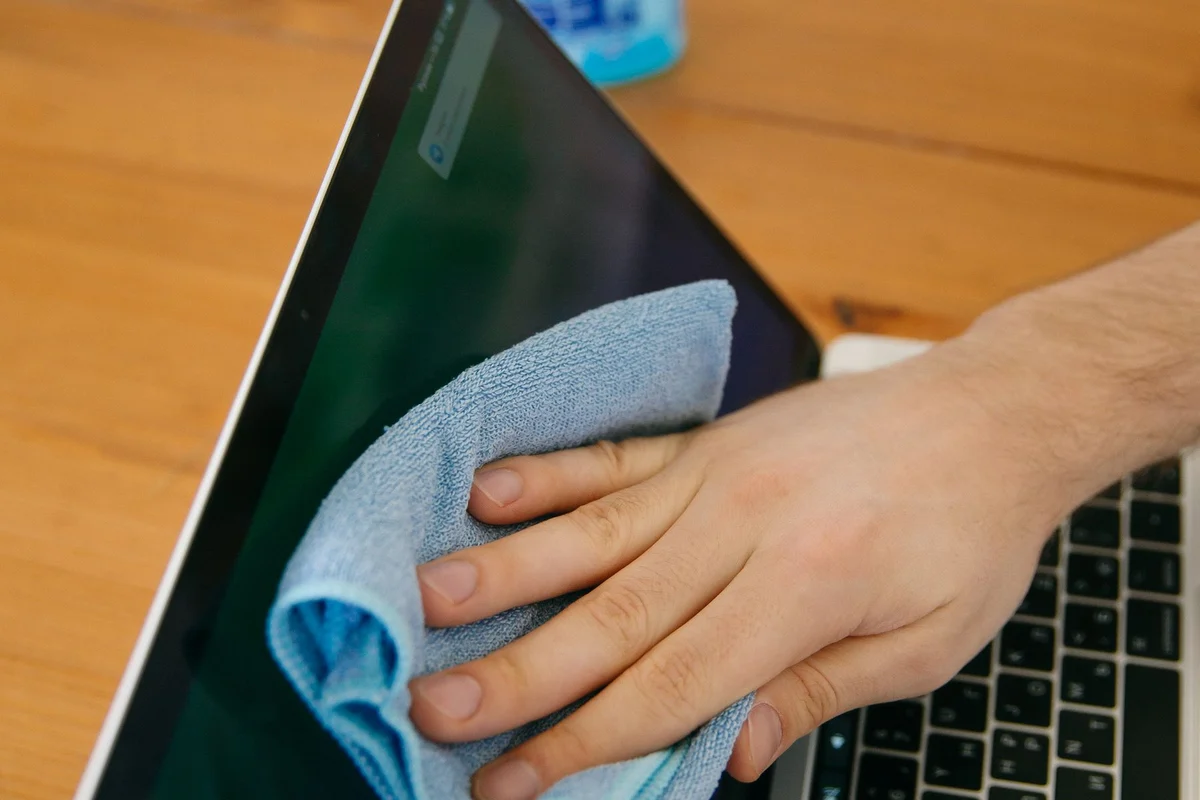
Remove loose dust gently without pressing hard. For a remaining mark, follow the manufacturer's permitted method. Dell's monitor guidance, for example, specifies a soft clean cloth lightly dampened with water. Apply moisture to the cloth rather than spraying the display. The cloth should not drip, and liquid should not collect along the bezel or enter openings.
Work gently and support the screen so it does not tip or twist. Do not dig at a stubborn spot with a fingernail or press harder because it has not vanished immediately. Inspect the cloth and use a clean area before another pass. If the mark may be damage to the coating rather than dirt, stop before repeated rubbing makes it worse.
Let the result settle before repeating
Allow the surface to dry before reconnecting and using the device. Look from more than one angle under ordinary room light. A wet streak can appear alarming and then disappear as the last moisture evaporates; repeated wiping while impatient can create more work. If residue remains, revisit the approved cleaning method rather than escalating through random household products.
Keep liquids away from the desk edge and store the cloth somewhere clean between uses. Cleaning a small fingerprint when it appears is easier than scrubbing accumulated residue later. If you share the device and need disinfection rather than simple dust removal, consult the exact product's guidance for approved agents and surfaces. A substance allowed on the keyboard or case is not automatically allowed on the display panel.