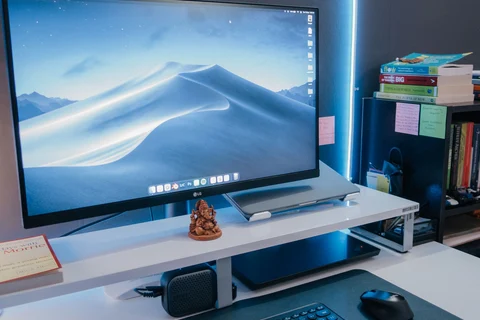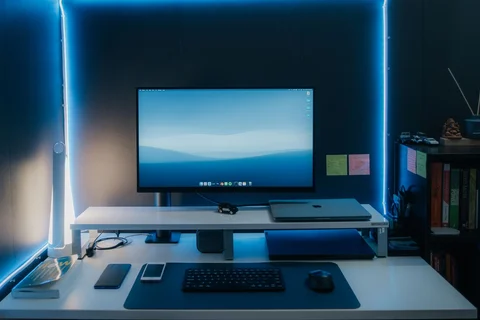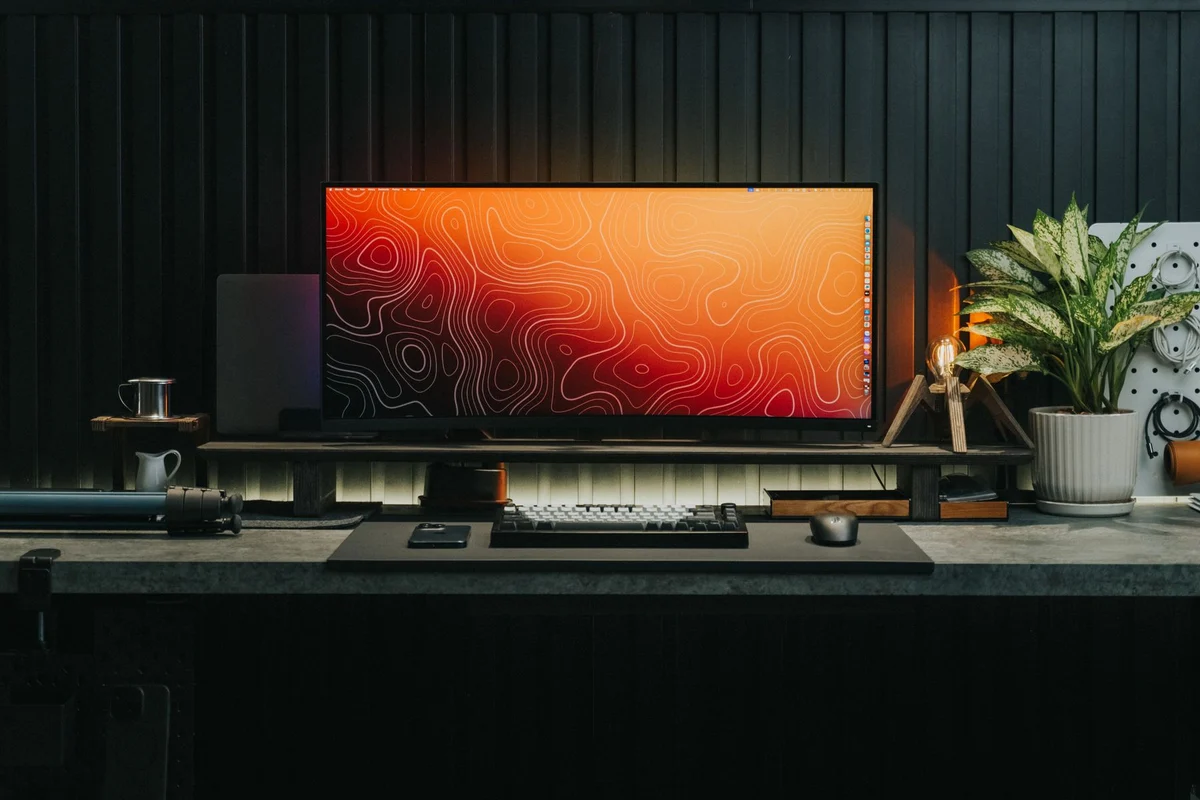
Find what the screen is reflecting
Turn the display off briefly and look from your usual sitting position. A window, bare bulb or bright desk lamp may appear clearly in the dark surface. That gives you a location to work on. Move or shade the light source, adjust the screen angle within a comfortable range, or reconsider the desk position. Increasing display brightness can make some reflections less obvious, but it does not remove their source.
Check the arrangement at different times of day. A window that is harmless in the morning may produce a strong reflection later. Adjustable blinds or curtains let you respond without abandoning daylight entirely. Avoid placing the screen where solving a reflection requires sitting twisted or looking away from the keyboard for long periods.
Light the paper without lighting the panel
If you read printed documents beside the computer, direct a task lamp towards the paper. Keep its bright source out of your direct view and out of the screen reflection. Place it so your writing hand does not create a heavy shadow over the area you use. A lamp with an adjustable head gives more options than one whose beam is fixed towards the monitor.
Use enough background light that the display is not an isolated bright rectangle in an otherwise dark room. Adjust screen brightness to the surroundings and the content you are reading, rather than leaving it at its maximum setting all day. The aim is a workable balance, not a universal brightness percentage that applies to every panel and room.
Judge the whole desk while working
Spend a short period doing the actual task after each change. Read a page, look at the keyboard and return to the screen. Notice whether you keep shading your eyes with a hand, leaning to avoid a reflection or moving the paper repeatedly. These small compensations can show that the light is in the wrong place even when the desk looks attractive from across the room.
Keep the lamp stable and route its cable without creating a trip or snag. Follow its clearance and ventilation instructions, particularly near curtains or shelves. If you share the desk, leave the adjustments accessible so the next person can adapt the position. A useful lighting arrangement can change with the daylight and the task instead of depending on one carefully staged angle.