Prepare the paper before the software
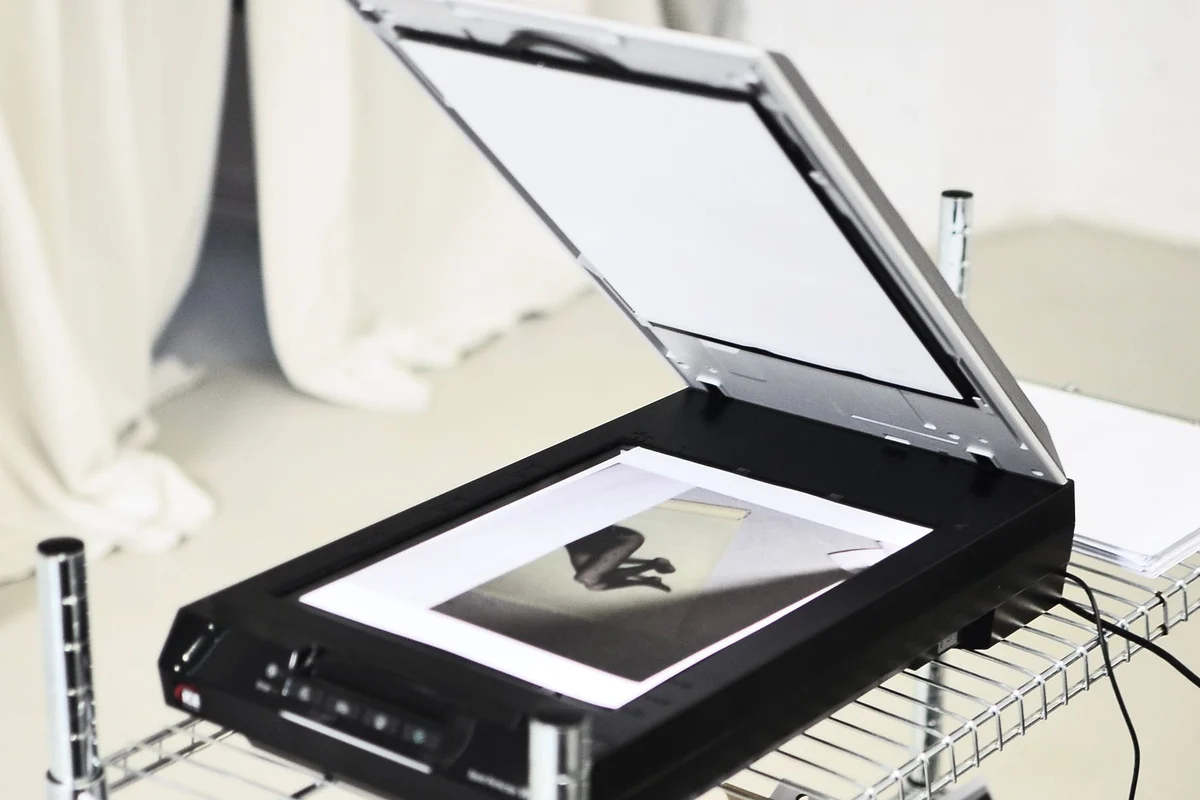
Before feeding a stack into a scanner, remove staples and clips, unfold corners and check for attached notes. Put pages in the order you want to keep. Look at both sides: an apparently blank reverse may contain a signature, reference number or faint annotation. Fragile, torn or unusually small originals may need the flatbed rather than the automatic feeder, depending on the scanner's supported media.
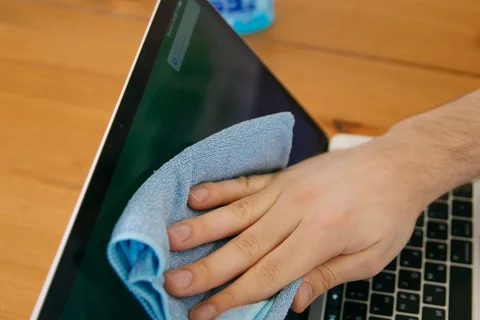
Clean the glass according to the manual if streaks or repeated marks appear. A narrow feeder scanning strip can create a line on every page even when the main flatbed looks clean. Do not keep rescanning the whole batch until you have checked whether the mark comes from the paper or the scanner.
Choose settings around the information
For ordinary text documents, around 300 dpi is a useful starting point; Epson lists 200–300 dpi for OCR and searchable PDFs in its guidance. Small print, faint marks or material intended for enlargement may need a different approach. Try one representative page and inspect it at a comfortable reading size before committing to the entire pile. Maximum resolution can create large files without making an already clear page easier to use.
Choose colour when colour itself carries information, such as coloured annotations or highlighted sections that must remain distinguishable. Greyscale can suit many ordinary pages. A strict black-and-white mode may remove pale writing or turn background marks into harsh shapes. Judge the result from the actual document rather than applying one setting to every source.
Automatic cropping and blank-page removal can save work, but check their decisions. A small note near an edge or a nearly empty signed page can be meaningful. For important records, retaining an extra blank page is usually easier to correct later than reconstructing a page that was never saved.
Treat OCR as a searchable layer, not a transcription guarantee
Optical character recognition can make a PDF searchable and let you copy text. It can also confuse similar characters, columns and handwriting. Search for a distinctive word to confirm that the text layer exists, then compare names, dates and reference numbers with the image. Do not use unverified recognised text as the sole source for a payment reference or another consequential detail.
Keep the page image when the appearance of the original matters. A plain text export may lose stamps, layout and handwritten additions. If you need editable text, save it as an additional working file rather than silently replacing the scan that shows what was on the paper.
Check the batch as a document
Open the saved file outside the scanning application. Confirm the first and last pages, total page count, orientation and order. Browse every page thumbnail and enlarge any that looks unusual. With double-sided scanning, check that fronts and backs have been paired in the intended sequence. A file that opens successfully can still be incomplete or shuffled.
Use a filename that helps later retrieval, such as a date, sender and subject, without putting unnecessary sensitive details into a widely visible folder name. Group related pages into a document when they belong together, and avoid one giant file containing unrelated paperwork merely because it was scanned in one session.
For a recurring task, save a named scanning preset after the trial succeeds, but keep its scope clear. A preset for ordinary black text is not the default for faded receipts or photographs. Put a short note in the archive describing any unusual processing, such as colour removal or manual page rotation. That helps explain the result later without requiring you to remember which setting was active during a busy scanning session.
Save a backup before disposing of any original. Whether paper can be discarded depends on the document's purpose and applicable retention requirements; a scan is not automatically a legal substitute. Keep originals where required or where their physical features matter. The scanning workflow should make the information easier to retrieve while preserving the evidence you actually need.