Start with the monitor without its stand
Find the display's weight without the original stand and its mounting specification. Screen diagonal alone is not enough to choose an arm. Check the arm's supported load range, including any minimum needed for a spring mechanism to balance properly. A monitor that is too light can be unsuitable as well as one that is too heavy.
Read the mounting-pattern requirements and inspect the area around the holes. A recessed mounting point or curved rear enclosure may need manufacturer-approved spacers or an adapter. Use the specified screw size and length. Longer screws are not automatically safer; they can damage the display if they extend beyond the permitted depth.
The desk is part of the mount
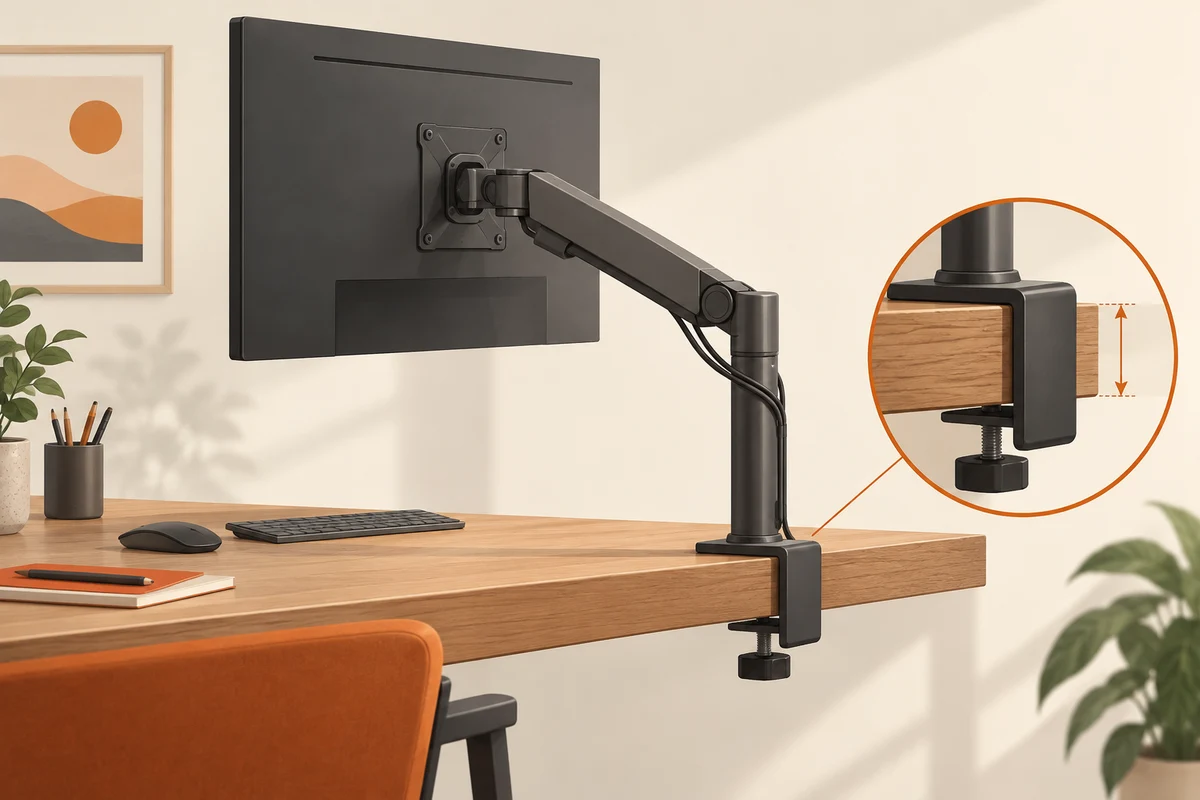
Check whether the arm uses a clamp, a through-desk fitting or another arrangement. Compare its requirements with the desk's thickness, edge shape and construction. A thin, hollow or glass surface may require a different solution or may be unsuitable. Do not assume that any edge capable of accepting the clamp can safely support the load.
Inspect the space underneath before choosing a position. A frame, drawer or cable tray can prevent the clamp from sitting correctly. Follow both the arm and desk manufacturer's guidance. If reinforcement is recommended, use a suitable approved arrangement rather than a small improvised object that concentrates pressure on the surface.
Think through the movement
Draw the desired screen position and the route between sitting and standing settings if the desk adjusts. The arm may need room behind the desk to fold. Against a wall, that clearance can determine whether the monitor reaches the intended position. For a very deep or curved display, check explicit compatibility rather than relying only on weight.
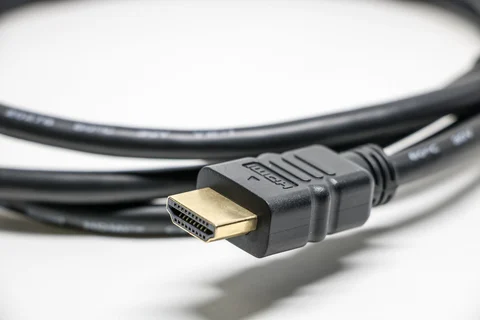
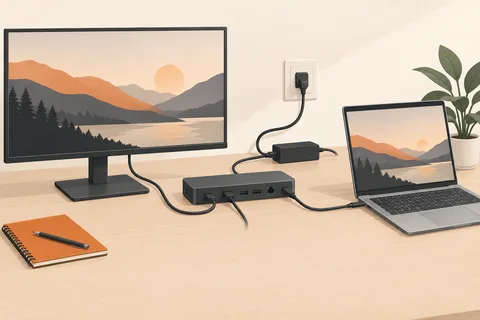
Leave enough cable slack for the full permitted movement without allowing cables to snag. Cable clips should guide the lead, not pull it tight. If a connector becomes the stop that limits movement, the routing needs to change. Test adjustment slowly with the computer and monitor safely supported.
Set tension according to the instructions
Follow the assembly sequence and tension adjustment procedure, keeping hands clear of moving parts as instructed. Do not remove a display from a tensioned mechanism without reading the removal procedure. Once installed, confirm that the screen holds position and that the clamp remains properly seated.
Recheck the mount after initial use and whenever the screen or desk arrangement changes. A different monitor can require a new load setting or exceed the arm's limits. Keep the original stand and installation parts if you may move the display later. An arm is useful when its adjustment and mounting are both suited to the actual workstation.
Plan a sit-stand desk as a moving system
At a height-adjustable desk, test the lowest and highest positions allowed in normal use. A cable that is comfortably slack while seated can become tight when the desktop rises. The arm's own movement adds another route, so check the combined range rather than testing the desk and arm separately. Power, display and USB cables can have different paths and each needs attention.
Position the arm base where the clamp can sit correctly and the monitor can reach the intended location. Then inspect what happens when the arm folds back. It may need room between the desk and wall, or its joints may approach a shelf. Mark these limits before fitting the screen, using the installation method described by the manufacturer. Do not discover the obstruction by pushing a mounted display into it.
For two screens, decide whether they will move together or need independent adjustment. A dual arm can simplify one arrangement but constrain another. Compare the actual travel and load limits for each position. Two panels with different weight or depth should not be assumed to balance identically. Check each monitor separately, even when their diagonals match.
Keep removal information with the mount
Save the installation and removal instructions, spare approved fasteners and original monitor stands. A spring mechanism may need a particular procedure when the load is removed. If the desk is moved or sold later, this information prevents a hurried dismantling based on memory. Label spacers and screws by the display they were used with; a screw suitable for one monitor may be too long for its replacement.
After rearrangement, repeat the cable and clearance check. The arm's rated capacity has not changed, but the furniture and cable paths may have. A sound mount is an ongoing relationship between the display, mechanism and supporting surface, not just a successful first assembly.