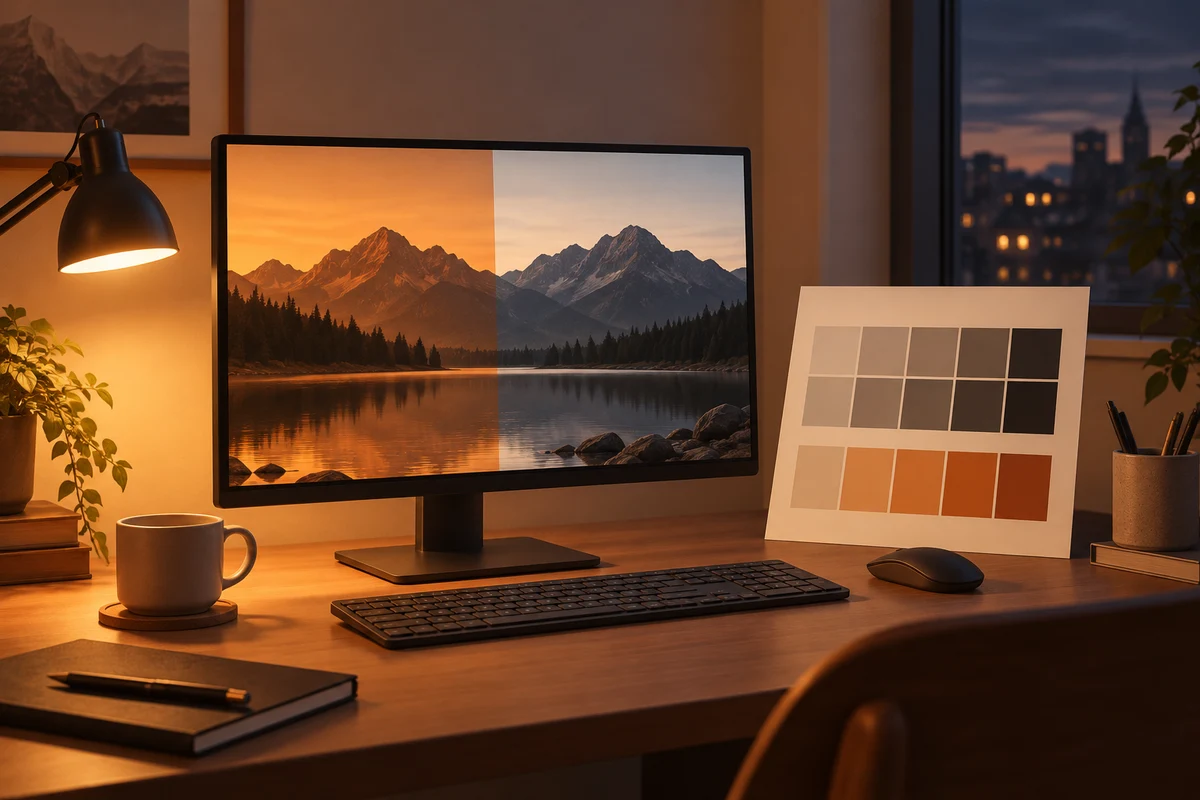
When white suddenly looks creamy
A document looks more yellow in the evening than it did in the afternoon, although nobody changed its colours. Windows Night light, or a similar monitor feature, may be responsible. It changes the screen's colour presentation rather than recolouring the document itself. That distinction matters when editing photographs or assessing the colour of a product.
Open Display settings and check Night light and any schedule attached to it. Compare the same white area with the feature on and off. Avoid changing brightness, colour profiles and monitor presets during that comparison. Otherwise, it becomes difficult to tell which control produced the difference you noticed.
Adjust brightness separately
A warmer tint is not an automatic brightness adjustment. An excessively bright display remains bright when its presentation becomes yellowish. Set brightness for the surroundings and consider reflections on the screen. External monitors often require their own menu controls rather than the Windows brightness slider.
Decide whether and when you want the feature according to the task. A fixed schedule can be convenient when you mostly read text. If you choose photographs in the evening, know when the automatic change takes place. This is a display preference; it does not establish a guarantee of better health or better sleep.
Judge colours in a known state
Turn warming modes off before colour correction and inspect the monitor's own menu too. Several active filters can combine their effects. A screenshot may also fail to show the precise colour impression you see through a filtered display. When asking someone about a colour problem, describe the active display settings as well as sending the image.
Product colours seen in a browser already depend on photography, lighting and the display. Night light adds another change to that chain. Avoid making a precise colour match using a screen set strongly warm for evening reading. Where the decision matters, an appropriate physical sample is more informative than an assumed match on a screen.
If the appearance changes unexpectedly, inspect the schedule before suspecting hardware failure. It can help to note which settings you use for text and which for image work. You do not need an elaborate collection of profiles. You need an intentional, understandable display state so that a comfort preference does not quietly influence a colour decision you intended to make objectively.