What will you remember later?
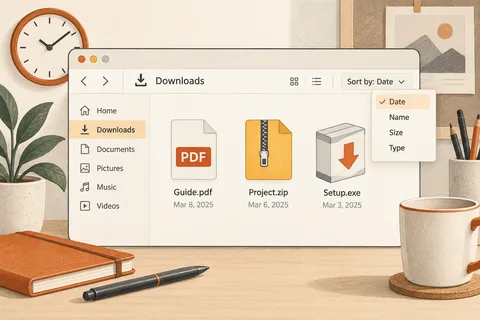
When saving a file, its context is still fresh. Three months later, you are more likely to remember a project, an order or a period than the day the download arrived. Build the folder structure around those clues. A folder called New miscellaneous answers none of those questions and soon becomes another unsorted Downloads folder.
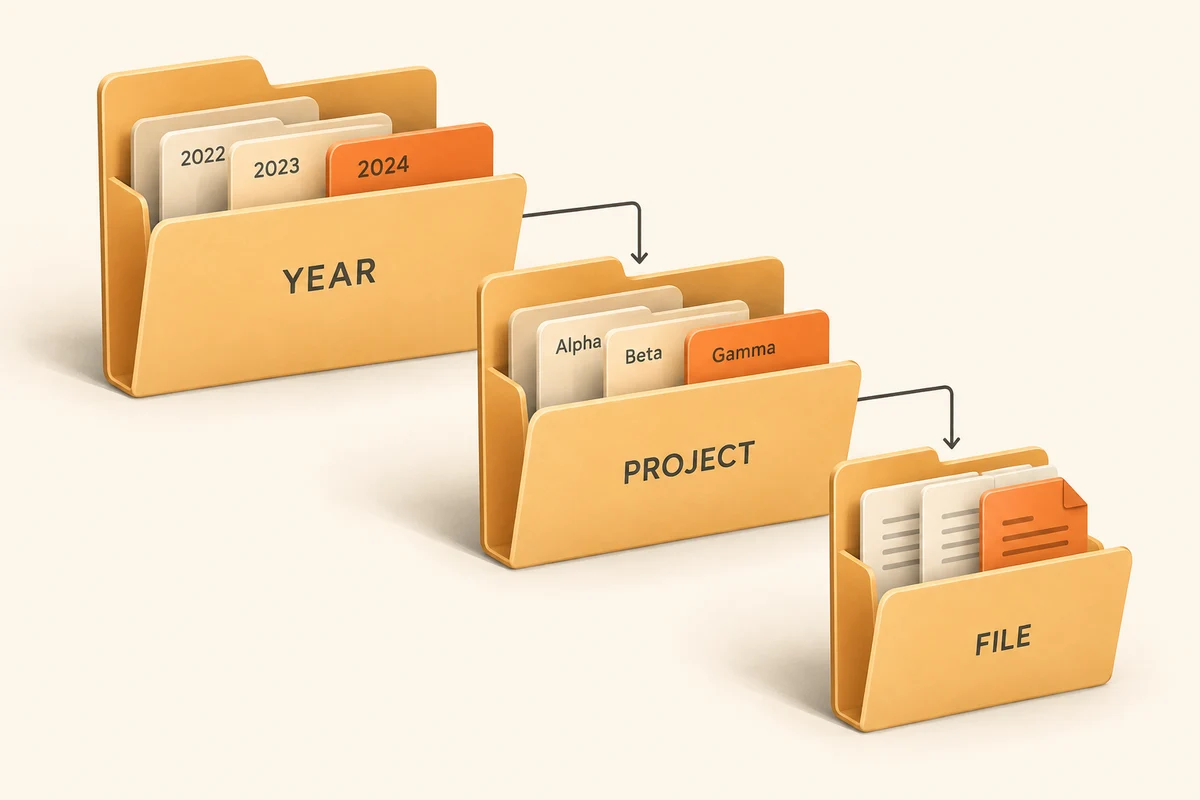
Choose one main organising principle for a limited collection. Personal paperwork might be grouped by subject; completed projects might be grouped by project name. Avoid placing the same documents into parallel trees by date, sender and format. Every later edit would then raise the question of which copy is current.
Names that make sense on their own
A name such as Flat-paperwork says more than Folder 3. For recurring periods, starting with a year-month date can make alphabetical sorting useful. Apply that pattern where time is genuinely how you search. A project does not automatically need a date prefix when its name is the thing you will remember.
Keep the hierarchy shallow enough that you can reach the destination while saving. If every file requires opening six levels, the filing system will probably be bypassed. Two or three meaningful decisions are enough for many small collections. Add another level when an existing folder becomes difficult to browse, rather than building an elaborate empty structure in anticipation.
Try one manageable collection
Test the new arrangement with a single completed project before moving the entire archive. Afterwards, open several files and check whether applications or shortcuts still expect their old locations. Some programs manage projects through internal paths, and their folders should not be separated without understanding those relationships.
For shared storage, other people's understanding matters too. Agree on a few terms and a place for finished work. A status such as Approved should have a defined meaning. If everyone interprets final differently, tidy folder names will not resolve the confusion. Versions can be handled in filenames or by a document service, but should not emerge accidentally through scattered extra copies.
Keep a temporary inbox for material that still needs sorting. Empty it at a predictable moment, perhaps when a task is finished. A successful filing system does not require every folder to have a perfect name immediately. It needs new files to reach a reliable location and later readers to understand why they were put there. That is easier to maintain than a structure designed mainly to look impressive when empty.
When a private collection becomes a shared project
A personal filing system can rely on abbreviations understood by one person. Those shortcuts become obstacles when someone else takes over. Test the arrangement with a real handover: another person should be able to find the approved print file without asking. A folder called Final is not very useful beside Final_new and Really_final. Separate editable work from approved deliverables and agree who records approval. The distinction matters more than an elaborate sequence of numbered folders.
Dates help when they refer to a clearly defined event. The date of an event differs from the day its documents were downloaded. Decide which belongs in the filename and apply that choice consistently. For ongoing work, a short version number may be more useful than several dates. Avoid silently replacing a copy already distributed when it matters to establish exactly what recipients received. Save the replacement as a distinguishable revision.
Try a major reorganisation on a copy of a small project first. Linked images, playlists and applications with saved paths may depend on the existing structure. A tidier arrangement is no improvement if the project can no longer locate its components. Where appropriate, use the application’s own management tools instead of moving its entire collection in File Explorer. The revised system should remain understandable when recovered from a backup, without relying on someone remembering what an unexplained abbreviation once meant.