More than a slot that fits
An SD card fitting into a reader establishes the physical connection, not the speed of the whole transfer. The card, reader, cable and computer port all contribute. A fast card can work through a slower path without delivering the rate printed on its packaging.
Separate the card's capacity family, bus interface and speed-class marks. They answer different questions. Speed classes concern minimum sustained performance under specified conditions, especially for recording. The reader's supported interface determines which transfer modes are available. A large advertised maximum is not a promise for every file-copy task.
Look up the exact reader model and the card type you own. If you need a faster bus mode, both sides must support it. A microSD-to-SD size adapter does not by itself upgrade the card's electronics. Likewise, a reader connected to an older or shared USB path may be limited elsewhere.
Test the job you actually do
For occasional documents, convenience may matter more than peak speed. For a large photography session, copy time and dependable contact become more noticeable. Try a representative folder rather than one unusually large file. Thousands of small files can behave differently from a single video.
Keep the original card contents while checking the copy. Open several photographs, inspect video playback and confirm that the expected folders arrived. Do not format the card immediately because the copy dialog closed. Establish a second verified copy if the material is important before preparing the card for reuse.
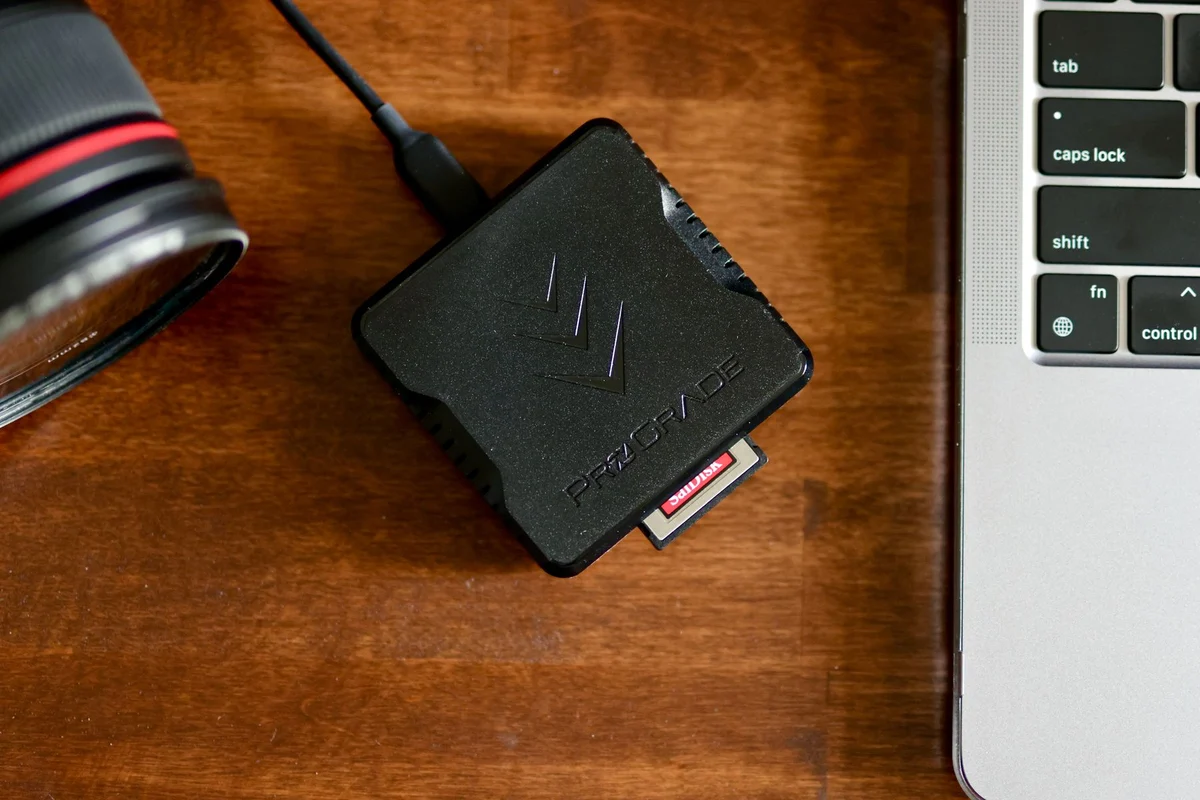
If transfers disconnect or stall, inspect the connection and try a known-good port before blaming the card. Avoid bending a reader that protrudes from a laptop while carrying the computer. A short cable can reduce mechanical strain, provided it supports the required connection.
Store cards in a case and keep contacts clean without aggressive treatment. A reader is a bridge, not an archive: leaving the only copy on a small removable card makes the convenience of transfer irrelevant when that card goes missing.