A way to start again
A recovery USB can be useful when Windows no longer starts normally. It provides a route into recovery tools or, depending on how it was created, a way to reinstall the system. That does not make it a copy of your documents. Personal files need a separate backup that can be reached after the recovery work.
Read the instructions for the particular recovery method you intend to use. A Windows recovery drive, ordinary installation media and a manufacturer's recovery image are not interchangeable names for exactly the same thing. Their contents, hardware support and resulting installation can differ. Label the stick with the computer or purpose it belongs to.
Prepare it before the problem
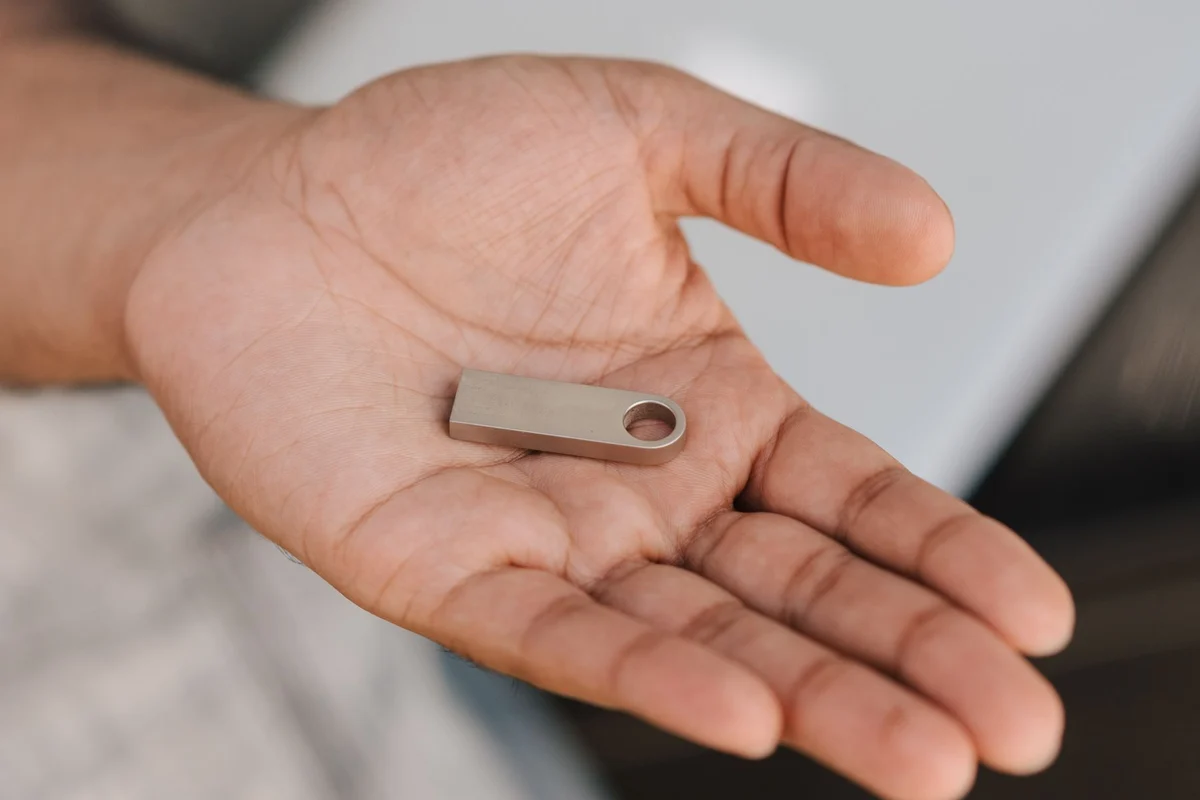
Use an empty USB drive with the required capacity. Creating recovery media can erase the selected device, so check its identity carefully and unplug unrelated removable storage if that makes the choice clearer. Do not place the only copy of your backup on the stick you are about to prepare.
Once the creation process finishes, inspect the computer manufacturer's instructions for opening the boot menu. Starting the recovery environment is a useful check; actually choosing a reinstall or reset is not necessary for this check. Stop before any action that changes the internal drive. Keep a note of the key or menu used to start from USB.
An encrypted system may require a recovery key during repair or restoration. Store that information separately from the affected computer. A note that says the key is somewhere in Documents will not help if that installation cannot be unlocked. On a work-managed device, involve the organisation's support team instead of changing recovery settings yourself.
Store a route, not just an object
Keep the stick in a labelled sleeve rather than loose among everyday flash drives. Record when it was made and review it after a major system change, following Microsoft's current guidance. A stick prepared for one machine should not be treated as a universal repair kit for every computer in the household.
Alongside it, note where personal backups live and how to restore them. A recovery operation may remove applications, settings and files, depending on the option chosen. The practical preparation is therefore twofold: a way to get the computer running, and an independent way to retrieve what made that computer yours.
Make the label useful when the PC will not start
Include the computer model, creation date and type of recovery media on a small label or accompanying note. A Windows installation stick, a manufacturer recovery drive and a backup application’s rescue stick can have different purposes even when they look identical in a drawer. Keep them apart from ordinary transfer sticks that someone might format to make room for photographs.
Store a short description of the boot-menu key or supported startup procedure with the media. Do not put private recovery keys visibly on the same label. If you use encryption, store the required key separately but make sure you can retrieve it without the failed computer. A recovery stick and an inaccessible key still leave a gap.
After a major hardware change, revisit the media instructions and check whether a newly created recovery drive is recommended. The goal is not to rebuild it every week, but to avoid assuming that an old unlabelled stick still corresponds to the machine in front of you.