Measure the available space, not the furniture label
A desk advertised for a desktop computer may still have a compartment unsuitable for the case you choose. Measure width, height and depth directly. Include doors, hinges and shelves that reduce the usable opening. The computer has to pass through the opening as well as fit inside the final space.
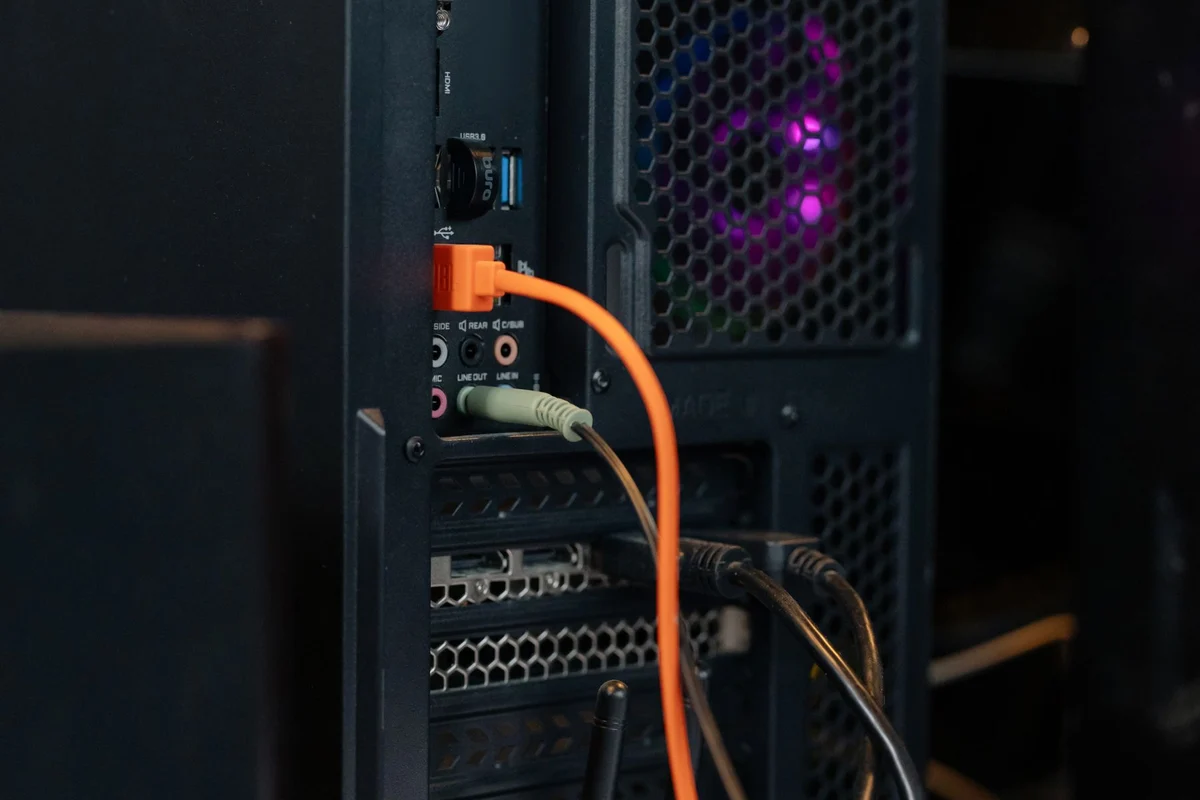
Then add room for cables and ventilation according to the manufacturer's guidance. The depth printed in a specification usually describes the enclosure, not the curve of a display cable or power lead behind it. A case pushed tightly against a wall can make ports inaccessible and obstruct airflow. Leave practical access for connecting a temporary drive or reaching the power switch.
Think about the working position
A tower on the floor may free desk space while collecting dust around a low intake or becoming difficult to reach. A case on the desk occupies surface area and may place fan noise closer to the user. Neither position is universally correct. Look at the actual intake locations and the tasks that require access to the front panel.
If the case has a side window or removable panel, check whether there is room to open it for maintenance. A computer wedged between furniture may fit perfectly until a drive needs replacing. Consider the weight as well as the dimensions if it will sit on a shelf or adjustable desk. Follow the furniture's supported load and mounting requirements.
Make a physical outline
Use a cardboard outline or an empty box matching the proposed dimensions. Put it in the intended position and attach a few existing cables to estimate the working space behind it. This simple exercise reveals conflicts with chair movement, drawers and monitor stands that a specification comparison can miss.
For a compact system mounted behind a display, measure the complete depth after the bracket and cables are added. Check access to the power button and ventilation. Keep the dimensions in the purchase notes so another case can be compared consistently. The right size is the one that remains usable and serviceable in its real location, not merely the smallest volume shown in a shop filter.