Capacity, channels and module combinations
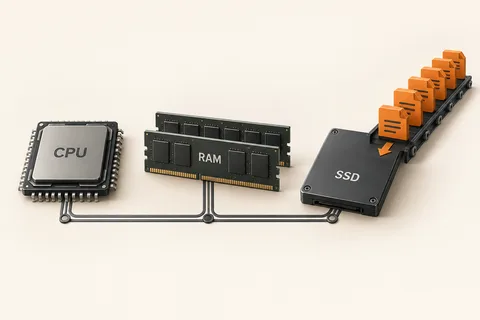
Two memory configurations can provide the same total capacity while offering different bandwidth arrangements. Memory channels describe paths between the memory controller and modules; capacity describes how much data can be held. The practical effect depends on the platform and workload. Do not assume that doubling the number of modules doubles application speed.
Read the motherboard or computer manual for the supported slot arrangement. On a board with four slots, the recommended pair may not be the two closest to the processor. Slot names and placement vary, so copying another computer's layout can leave a system in a less suitable configuration. Use the diagram for the exact board.
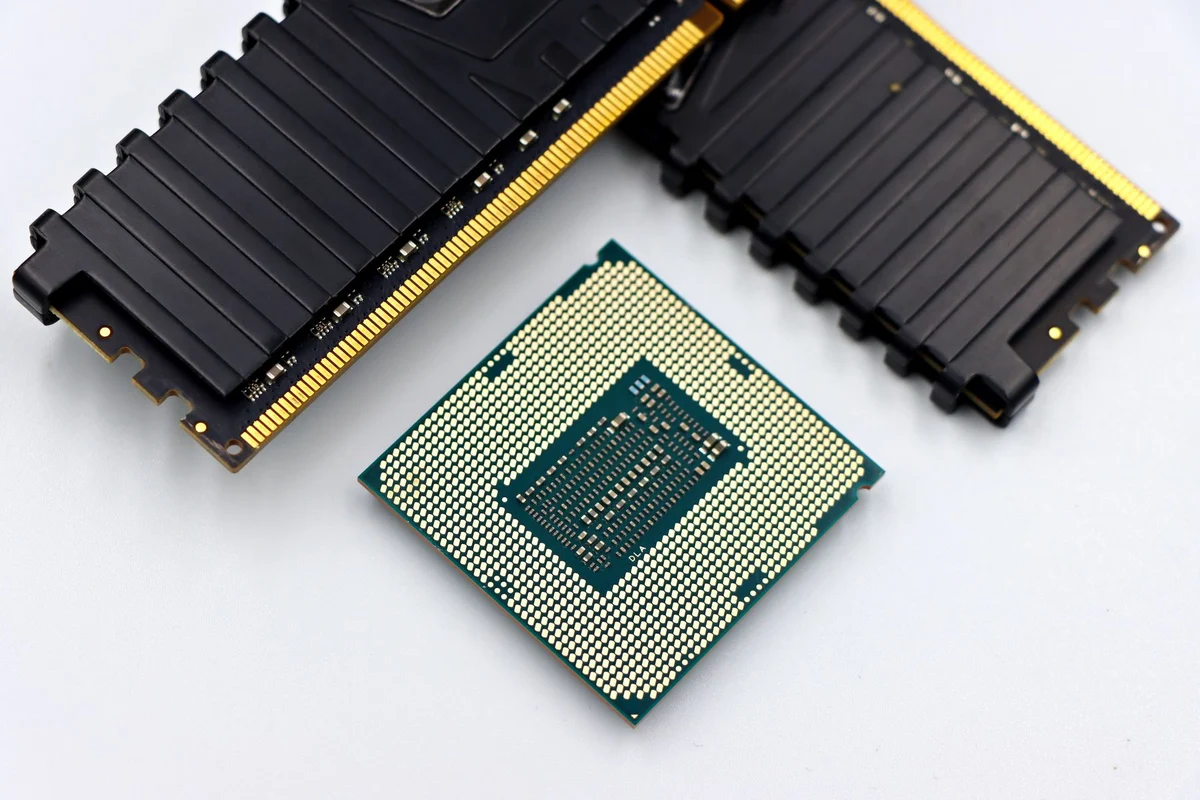
Modules also differ in generation, speed, timings and organisation. A matched kit supported for the platform reduces uncertainty compared with assembling unrelated modules because their capacities happen to match. Some systems can operate mixed arrangements with different regions using different modes, but that behaviour is platform-specific. It should not be assumed from a general rule about two sticks.
Integrated graphics may be sensitive to available memory bandwidth because it can share system memory. Other applications may show a smaller difference. Use measurements from the relevant workload to decide whether a configuration change is worthwhile. A computer that already has enough bandwidth for its ordinary tasks may benefit more from capacity or another component, depending on the actual limitation.
Verify what was installed
After a change, confirm that the system recognises the expected capacity and configuration. Use the manufacturer's diagnostic tools or suitable system information, then run a memory test and ordinary work. A boot screen alone does not prove stability. If errors appear, return to a supported arrangement before experimenting with faster settings.
For a laptop, first establish whether its memory is removable and which combinations are supported. Soldered memory can make desktop-style advice irrelevant. When buying a new machine, compare the complete memory specification rather than a single capacity figure. A clear configuration description is more useful than a vague promise of maximum performance, especially when the memory cannot later be changed.
Capacity and bandwidth can lead to different choices
Imagine a computer that runs out of working memory when several large projects are open. Its immediate problem is capacity. A faster or differently arranged kit with the same insufficient total may not solve the pauses. By contrast, another machine may have enough capacity while a particular integrated-graphics workload responds to bandwidth. These are different reasons to consider a change, even if both discussions involve RAM.
Record the current module sizes, slots and the task that motivates the upgrade. Ask whether the proposed arrangement changes capacity, channel use or both. Avoid attributing every improvement to channels when the new kit also doubles the available memory. A fair comparison keeps those differences visible instead of treating one result as proof of a universal rule.
When buying a machine with fixed memory, seek the full configuration and a measurement relevant to the task. There may be no later opportunity to rearrange modules. For an expandable desktop, keep the manual's preferred population order with the purchase notes. A future addition should preserve a supported arrangement rather than simply fill the nearest empty socket.