Supporting the laptop and positioning the screen
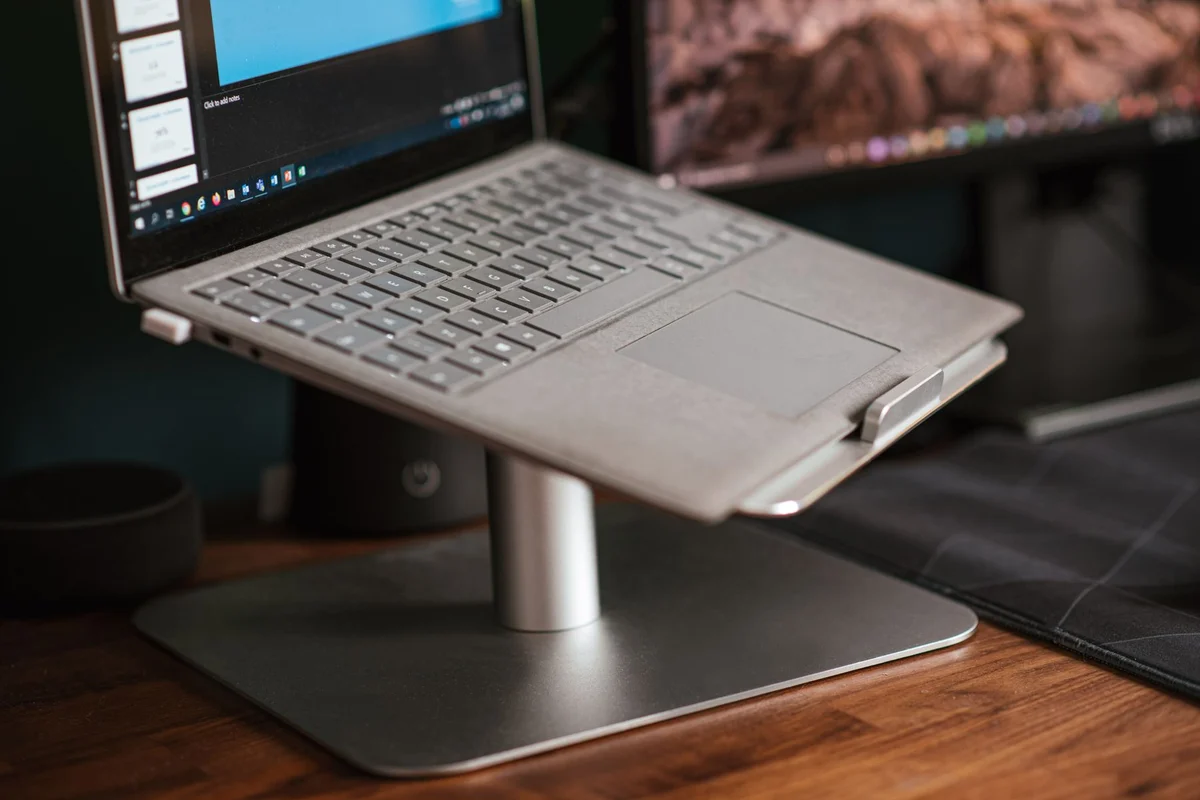
A laptop stand can raise the display and free space beneath the computer, but its supports must suit the machine. Look underneath the laptop before choosing one. Identify ventilation openings, feet and the areas intended to bear its weight. A broad padded platform may look secure while covering an intake. A narrow support can be unsuitable if it presses on a fragile panel.
Check the stand's supported dimensions and load, then consider the angle you intend to use. The front lip should retain the computer without obstructing the keyboard, ports or lid movement. Do not rely on a slippery surface and a steep angle. Try the arrangement on the actual desk, where a soft mat or uneven edge can affect stability.
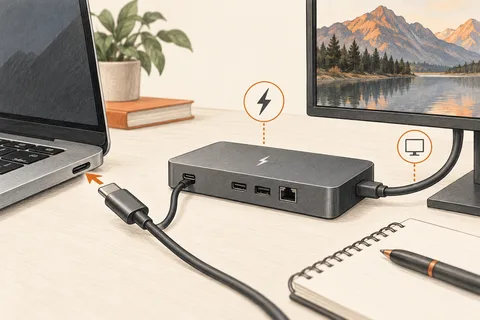
Raising the screen also raises the built-in keyboard. That can make typing awkward even when the display position improves. An external keyboard and mouse allow the screen and hands to be positioned separately. Include their space and connections in the setup rather than buying the stand as an isolated accessory.
A stand should not be treated as a cure for overheating. Compare the laptop's behaviour under the same workload before and after the change. A blocked vent, accumulated dust or a cooling fault still needs attention. If a powered cooling stand has fans, check its USB power needs and whether the extra sound is acceptable. The presence of fans does not guarantee a useful improvement for every underside layout.
Keep everyday access simple
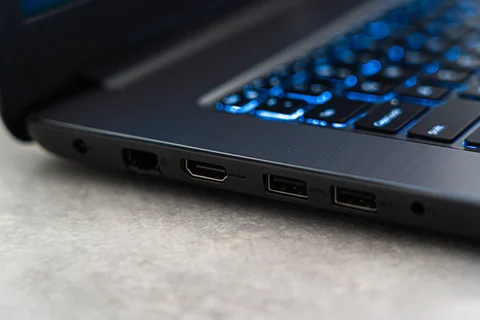
Route the charging cable so that moving the stand does not pull on the socket. Leave enough slack to adjust the angle and open the lid. Frequently used ports should remain reachable without lifting the computer each time. A tidy photograph is less important than being able to connect a backup drive without disturbing the entire arrangement.
For a folding travel stand, practise opening and locking it before placing the laptop on it. Inspect hinges and contact pads occasionally, especially if it lives in a crowded bag. If the stand makes the computer wobble during typing or hides warning lights you rely on, change the arrangement. The useful result is a stable screen position with unobstructed ventilation, not simply a higher machine.