Give each socket a job
A computer can have several USB sockets that look familiar while offering different capabilities. Start by listing the devices you want to attach: a keyboard, external SSD, phone, webcam or dock. Each has different demands. A keyboard does not need the same data connection as a fast drive, while a charging device raises a separate power question.
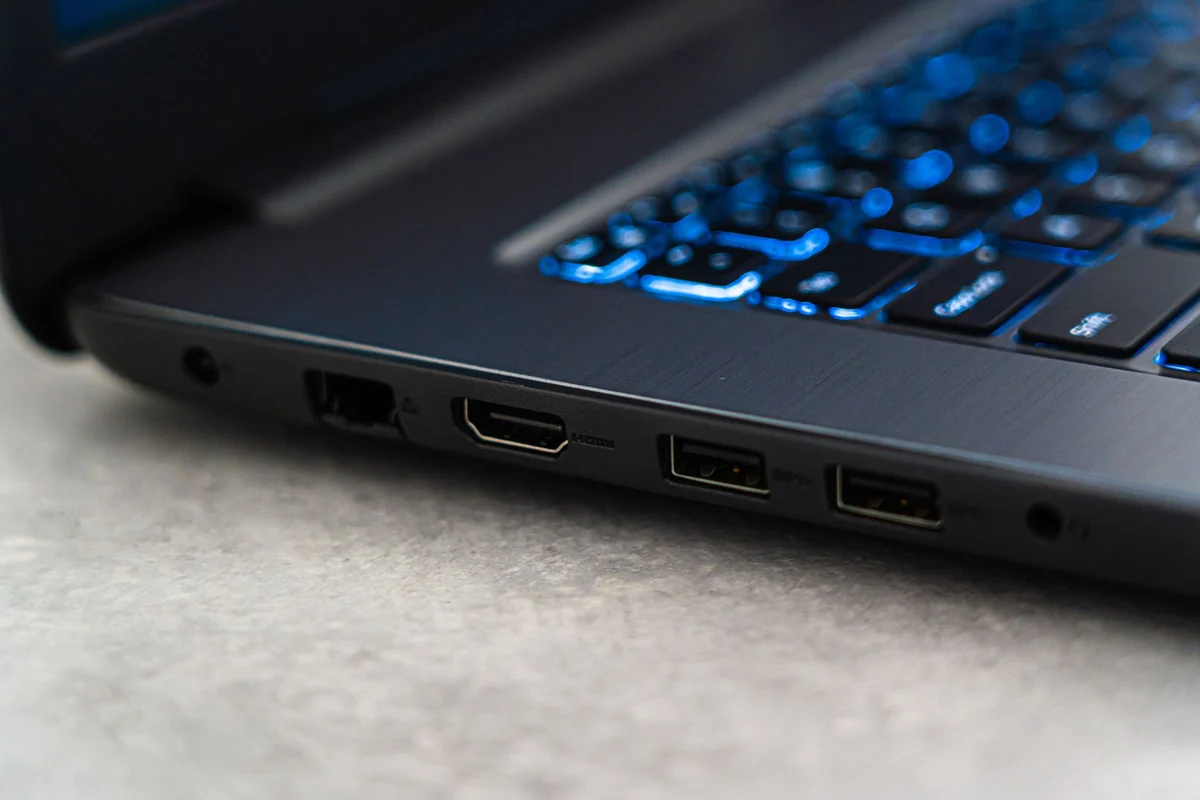
Connector shape identifies how a plug fits, not every feature behind it. USB-A and USB-C are physical formats, and a USB-C connection may support different combinations of data, charging and video. Read the computer's port diagram and specifications. Colour and small symbols can provide clues, but they are not a reliable substitute for documented capabilities on an unfamiliar machine.
Follow the complete chain
A drive connects through its enclosure, cable, port and possibly a hub. The connection cannot exceed the relevant limitations of that chain. Replacing only the cable may help if the cable is the constraint, but it cannot add a capability absent from the computer's port. Check each component before interpreting a disappointing transfer rate as a faulty drive.
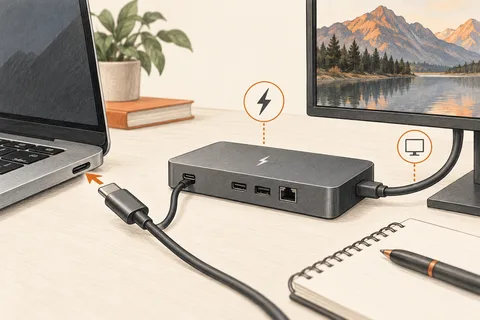
Adapters also need a specific purpose. A simple shape adapter may allow a peripheral to connect without adding video output or extra charging power. For displays, verify that the computer and adapter support the intended video route. For charging, check the required power arrangement. Avoid descriptions that promise universal compatibility without identifying the actual functions.
Label a working arrangement
Once you have confirmed which port suits a device, make the arrangement easy to repeat. Keep a known fast data cable with the external drive and a suitable video cable with the dock. Two visually identical cables can have different specifications, so a small label can prevent repeated troubleshooting.
Leave at least one convenient socket available for occasional use if the desk layout allows it. A hub can improve access, but its connected devices still share an upstream connection and power budget. Test simultaneous use when that matters, such as a webcam during a backup. A port inventory becomes useful when it describes real combinations, not merely how many openings appear along the case.