Identify what is actually inside
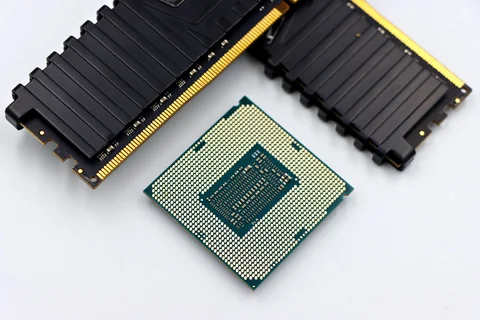
A used desktop listing should name the processor, memory, storage and graphics hardware rather than merely describe the machine as fast. Ask for the exact model and configuration. Business desktops often share an exterior across several generations, and a photograph of the case does not establish the components inside it. Compare the installed specification with the seller's claims.
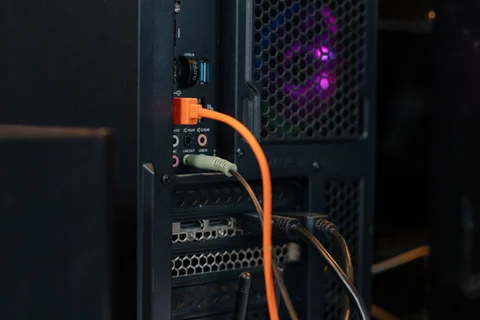
Check whether the computer supports the operating system and applications you plan to use. A low price loses its appeal if a necessary supported environment cannot run on the hardware. Also investigate the power supply and case format. A compact office desktop may be a sensible ready-made system while offering little room for a large graphics card or generic replacement supply.
Inspect with ordinary tasks
If a demonstration is possible, observe startup and run a normal application rather than relying on an idle desktop. Listen for unusual mechanical noise and check the ports you will use. Confirm that the monitor receives a stable signal through the intended output. A successful five-minute demonstration is not a guarantee, but it can reveal obvious discrepancies.
Ask about storage condition and any included diagnostic results. A drive-health report is useful evidence, not a promise of future reliability. Plan for a separate backup immediately. If the listing includes a small or old drive, calculate the cost of a suitable replacement and any migration work before deciding that the overall package is inexpensive.
Look beyond the tower price
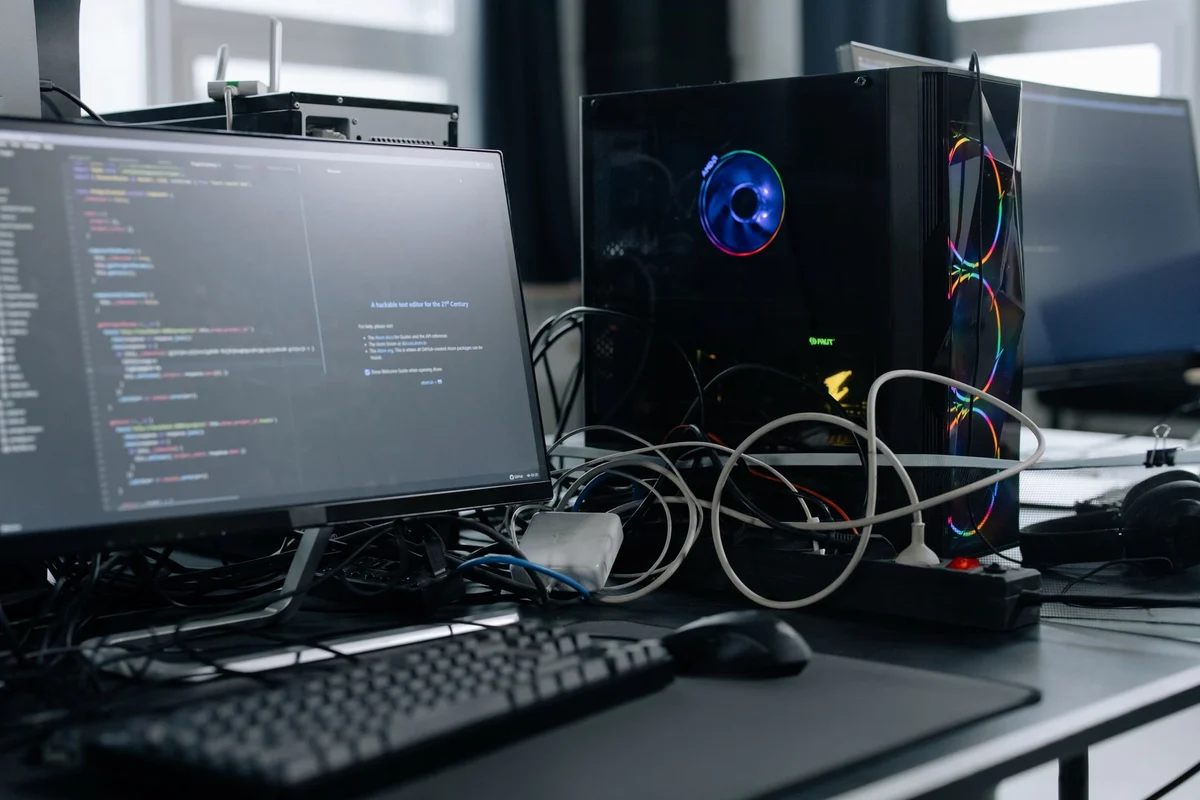
Add the cost of a monitor, keyboard, wireless connectivity and any missing cables. Check the keyboard layout and display connections if accessories are bundled. An old monitor requiring an adapter can complicate a supposedly simple setup. Compare the complete usable workstation with alternatives, including refurbished systems with clearer testing and return terms.
After purchase, establish a clean supported software installation before storing sensitive information. A machine still enrolled in a former organisation's management system needs the seller to resolve ownership and release it. Do not attempt to bypass those controls. Keep the purchase record and original listing until the computer has been verified under your normal workload, with a backup already in place.