Measure in three directions
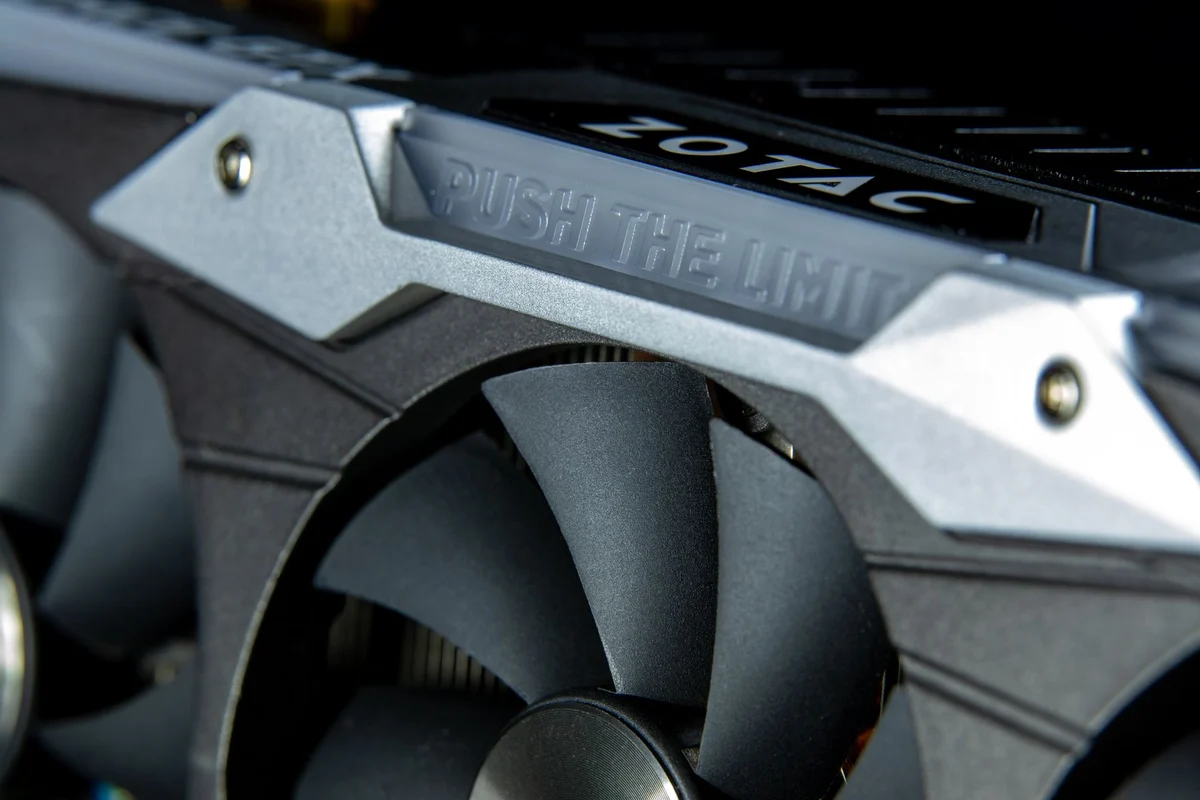
A graphics card's length is only one of its fit measurements. Thickness determines how many expansion positions it occupies, while height and power connectors affect clearance to the side panel. Compare the exact card variant with the case specification. Cards using the same graphics processor can have very different coolers and dimensions.
Measure the space with the intended radiator, fans and drive cages installed. A case's maximum card length may assume that a particular obstruction is absent. Likewise, a thick card can cover a slot needed for another device. A simple sketch of the completed build is more useful than checking each part against an empty case in isolation.
Leave room for the connections
Power connectors need the clearance and cable routing specified by their manufacturers. Do not rely on forcing the side panel closed against a plug or sharp cable bend. Confirm that the power supply provides the appropriate approved connections and that the card's installation requirements can be met without improvised adapters.
Also inspect the display connections. If the existing monitor requires an adapter, include it in the plan and verify the intended resolution and refresh rate. A physically successful card installation does not establish that an old monitor connection will work as expected. For compact cases, check whether a riser cable is required and whether the case documents compatibility with the intended arrangement.
Support and cooling complete the fit
Large cards may need a support bracket or another manufacturer-approved support method. Follow the card and case guidance rather than wedging an object beneath the cooler. The support must not interfere with fans or place pressure on a fragile part. Consider how the card will be protected if the computer is transported later.
After installation, inspect the airflow route and nearby cables before powering on. Confirm that nothing can touch a fan and that the card is properly seated and secured. Test the system with the side panel in its normal position; an open-case result does not describe the finished computer. If cooling becomes inadequate, solving the layout is preferable to treating a closed panel as optional equipment.
Check a build with a front radiator
Suppose the case specification lists enough card length, but a cooling radiator will occupy the front mounting position. Find out whether the published clearance already includes that radiator and its fans. If it does not, use the completed arrangement to assess space. Subtracting a guessed thickness from a headline figure is less reliable than the manufacturer's dimensional drawing or a direct measurement of the intended parts.
Then inspect the side-panel clearance around the power connector. A card may slide into its slot while leaving no acceptable route for the cable. Do not count the ability to close the panel under pressure as a successful fit. If an approved angled connection is being considered, verify compatibility rather than adding another unconfirmed adapter to the plan.
Finally, consider the adjacent device that is easiest to forget: a small wireless or capture card, an internal cable or a bottom fan. Photograph or sketch its position. The proposed graphics card should fit the complete computer, including the parts that were already working well, not only an otherwise empty enclosure.