Start with the complete configuration
A power supply should be chosen for the whole computer, not just the graphics card or the largest number on a shop page. List the processor, graphics card, drives, fans and other powered devices. Read the component manufacturers' recommendations, paying attention to the conditions behind them. A recommendation for a graphics card usually assumes a surrounding system and should not be interpreted as the card's own continuous consumption.
Include a realistic margin for the workload and any planned upgrade, but name that upgrade. Buying an enormous supply for an unspecified future computer may provide little benefit. Conversely, selecting a unit that only just fits an optimistic estimate leaves little flexibility. A reputable configurator can help organise the calculation, but its output should be checked against the actual parts and their documentation.
Connections are part of capacity
Enough wattage does not guarantee the right connectors. Check the motherboard, CPU power connections and graphics card requirements. Confirm the number of connectors and any instructions about using separate cables. A connector that resembles another is not necessarily interchangeable, and improvised adapters can create additional constraints. Follow the component and power-supply manufacturers' approved connection arrangements.
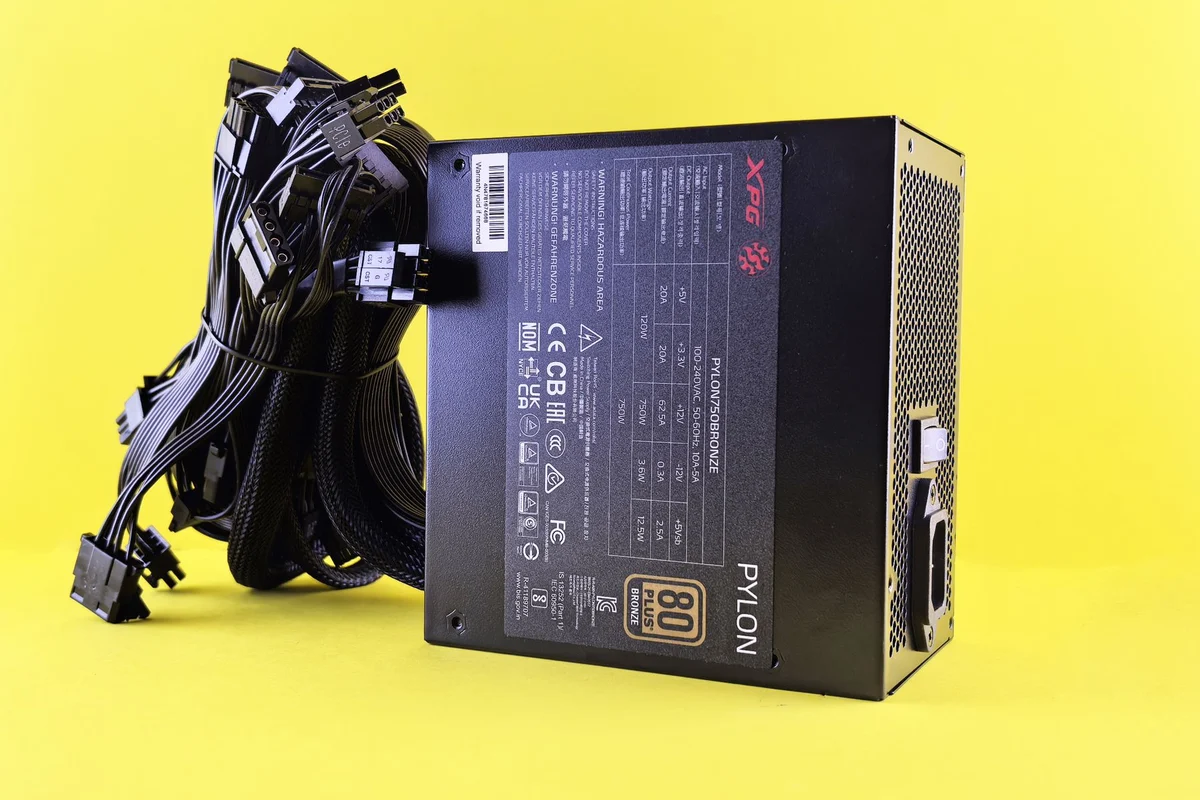
Modular cables need particular care. Cables from another power supply may fit the sockets but use a different pin arrangement. Do not reuse them merely because they look tidy or share a brand name. Use the cables supplied with the unit or replacements explicitly approved for that exact model. Keep unused cables labelled with the supply they belong to.
Fit and airflow are separate checks
Measure the power-supply space in the case, including room for attached cables and bends. A unit can meet the nominal form factor yet leave too little working space beside a drive cage. Check how the intake will receive air and whether the case has a removable filter. Follow the case manufacturer's orientation guidance rather than copying a photograph of another build.
Efficiency certification describes a specific aspect of performance; it does not alone establish build quality, noise, connector suitability or protection behaviour. Read the complete specification and warranty information. For a quiet workstation, look for information about fan operation under a load similar to yours, rather than assuming a higher efficiency label means silence.
Replacing a supply is not internal repair
Shut down and disconnect the computer before replacing the complete unit, following the system's service procedure. Never open the power-supply enclosure to investigate a fault. Internal components can retain hazardous energy, and ordinary computer maintenance does not require access to them. A damaged or suspect supply belongs with qualified service or appropriate replacement arrangements.
After installation, inspect all connections before restoring power. Ensure plugs are fully seated according to their instructions and cables are not trapped against sharp edges or fans. Keep a record of the chosen unit and cable set. If the system shuts down under load, do not automatically buy a larger supply: investigate the fault and compatibility first, because wattage is only one possible explanation.
Check a proposed graphics upgrade on paper
Suppose a working desktop is about to receive a larger graphics card. Before changing the supply, record the present unit's exact model, available approved cables and physical space. Compare these with the new card's requirements. If the connector arrangement is unsuitable, the fact that the total wattage appears adequate does not settle the problem. If the supply is suitable, an upgrade is not automatically necessary simply because the card is newer.
Now include the installation consequences. Will a longer replacement supply obstruct the drive cage or leave too little room for cable bends? Does the case allow its intake to remain clear? This paper check prevents buying a unit that solves one requirement while creating another. Keep the original cable set separate throughout the work, even if the replacement comes from the same manufacturer.