A thermal interface is not a maintenance ritual
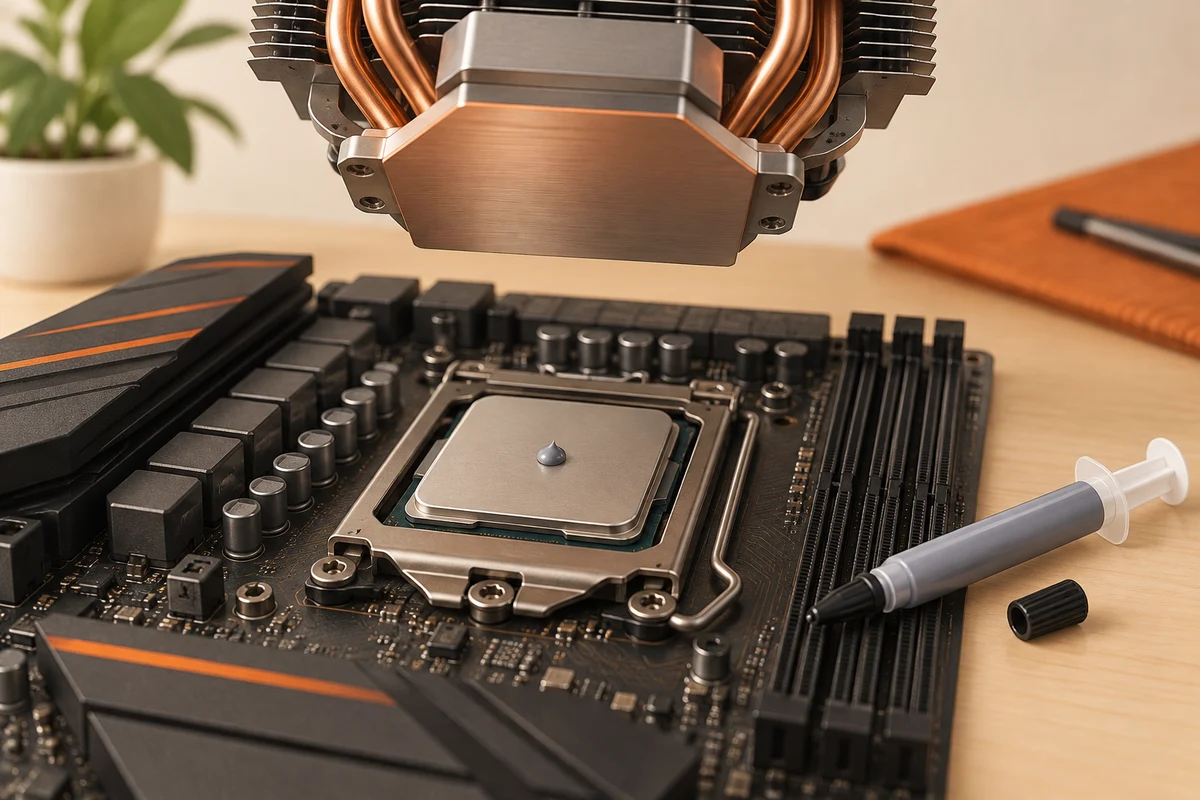
Thermal paste fills small gaps between a processor's heat spreader and the cooler's contact surface. It belongs to the cooler installation, not to a routine schedule of opening every computer each year. A temperature change can have several causes, including dust, fan behaviour and room conditions. Investigate those before assuming the interface material needs replacement.
If a cooler is removed, follow the cooler and processor manufacturer's instructions for cleaning and applying fresh material. Some coolers arrive with material already applied. Adding an extra layer to that preparation is not automatically helpful. Read the instructions for the exact combination rather than copying a universal quantity from an unrelated build.
Preparation matters more than an elaborate pattern
Disconnect power and follow the computer's service procedure. Have the appropriate cleaning material and a lint-free cloth ready before lifting the cooler. Avoid scraping surfaces with unsuitable tools or allowing liquid and debris to reach surrounding components. If the cooler seems stuck, consult the recommended removal method; pulling sharply can damage parts or their mounting.
Apply the specified material and amount, then mount the cooler in the documented sequence. The pressure and mounting arrangement are part of the thermal connection. Do not compensate for a poorly seated cooler with more paste. Materials marketed as liquid metal introduce different compatibility and electrical risks and should not be treated as an ordinary substitute for conventional paste.
Verify the installation as a system
Before restarting, confirm that the cooler is secured and its fan or pump connections are correct. Check for tools or loose packaging left inside the case. After startup, observe temperature and fan behaviour at rest and under a repeatable workload. If temperatures rise abnormally or the system warns about cooling, stop and inspect the installation rather than continuing a stress test.
Keep the old temperature observations for comparison, but account for room conditions and workload. A small difference does not prove that a more expensive compound was responsible. The most meaningful result is a correctly mounted cooler that handles the intended work reliably. If the computer still overheats, continue investigating airflow, mounting and component operation instead of repeatedly changing paste without a diagnosis.
Know when a cooler job is larger than a paste change
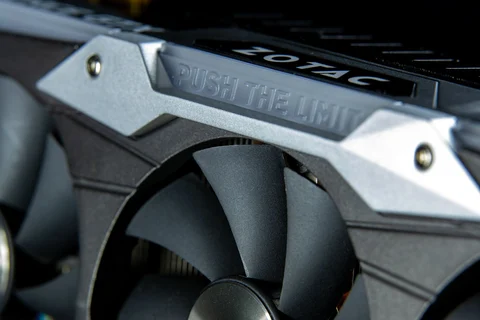
On a desktop, a cooler may contact one processor surface. In a laptop or graphics assembly, a shared cooling structure can contact several components using different materials. A visible patch of paste does not tell you the required material or thickness at every other contact point. Read the complete model-specific procedure before disturbing that assembly.
Photograph the documented arrangement during a permitted service operation and keep track of parts in their original locations. If a pad tears or an unidentified material moves, pause and identify the specified replacement. Guessing can leave a neighbouring component with poor contact even when the processor temperature appears improved. This is a reason to use an appropriate repair service when the instructions or parts are unavailable.
After reassembly, assess the system's ordinary workload rather than one isolated temperature. A shared cooler serves more than the easiest sensor to read. New warnings, unexpected fan behaviour or instability should not be dismissed because one processor reading looks lower. The purpose of the work is correct thermal contact throughout the intended assembly, not a single attractive number in a monitoring window.