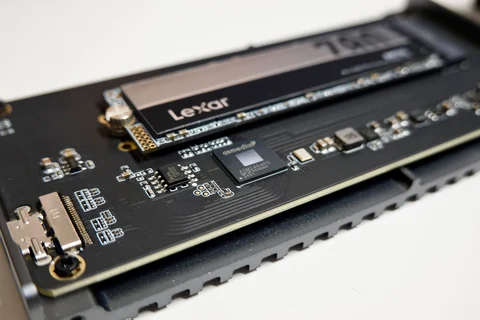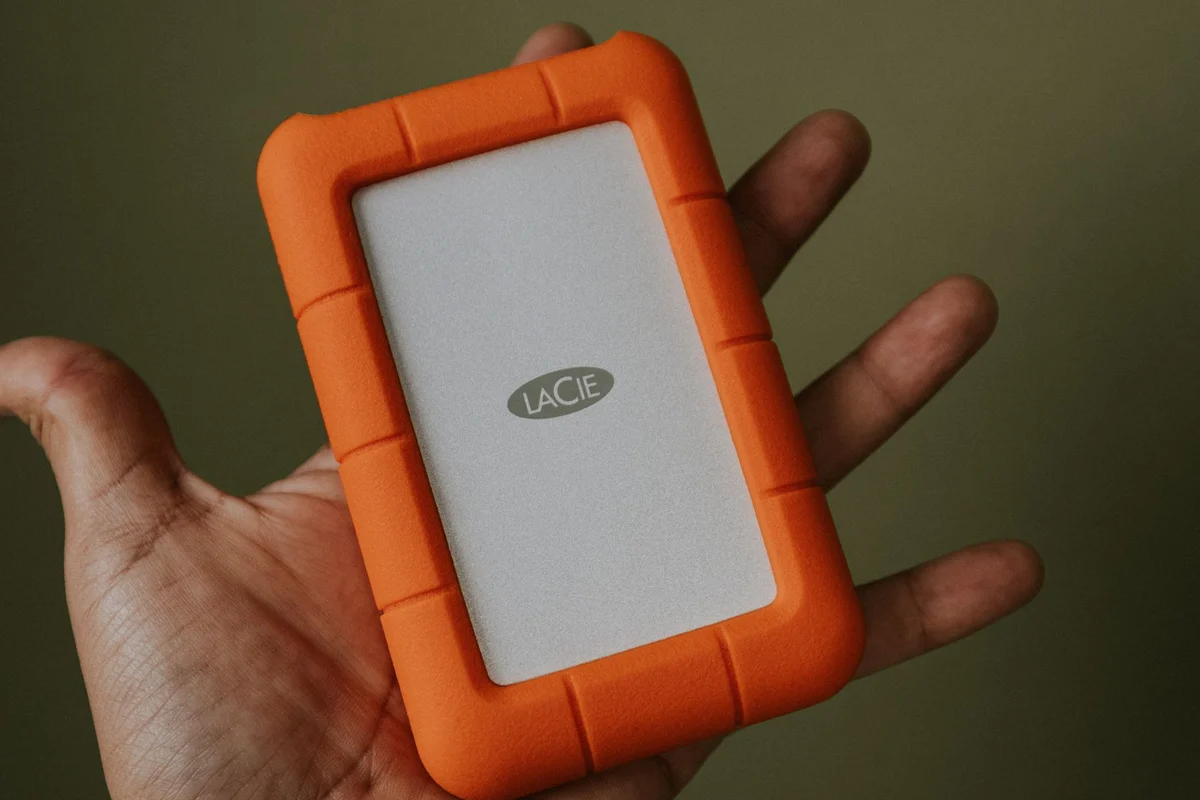
Measure what is already there
“Is one terabyte enough?” has no useful universal answer. Begin with the storage view on your current computer. Note the space occupied by applications, personal files and large collections. A machine for text documents has a different pattern from one holding several video projects. Even two people with the same number of photographs can have very different requirements if one also keeps RAW originals.
Count files that are actually stored locally. A visible cloud folder may contain placeholders rather than complete downloads. If the new computer is supposed to hold everything offline, include those files in the estimate too. Check the storage used at the service and distinguish your own files from shared material you merely have permission to view.
Put a number on growth
Look at a finished month or a representative project. How many gigabytes arrived? Which files will stay, and which are temporary? A rough calculation using your own work is more useful than a fixed recommendation for an imaginary average user. Someone editing video may need room for source clips, project files and finished exports at the same time, even if only the final result remains afterwards.
The operating system and applications also need working space for updates and temporary data. Avoid choosing a drive that will be almost full on the day you move in. One percentage rule cannot describe every workload: a few extra gigabytes can be consequential on a small system drive, while a large archive has different needs.
Why the displayed capacity can look smaller
Drive manufacturers commonly express capacity using decimal units. Some operating-system displays calculate capacity differently, despite using similar-looking labels. File-system structures and recovery partitions can also occupy space. A lower number on screen does not automatically mean part of the drive is missing. Compare the units and the total device size before treating the difference as a fault.
Keep working capacity separate from backup capacity. A backup retaining earlier versions can need more room than the current collection of files. A backup drive the same size as an already crowded working drive leaves little room for history. On the other hand, every downloaded installer does not necessarily need to remain in every backup if it can be obtained again from a dependable source.
Finish with three figures: today's local requirement, expected growth and the space needed for copies. If the desired arrangement exceeds the budget, decide deliberately which infrequently used files can move to separate storage. Moving them creates room, but it does not create a backup. Important files on that second drive still need another copy somewhere else.