Stop adding work to the drive
A disk that disappears halfway through copying, produces new read errors or suddenly takes minutes to open a small folder deserves a different response from an ordinary slow computer. Stop downloading to it. Do not install recovery software on the affected disk, defragment it or begin a full surface test just to obtain a reassuring number. These activities can consume the time and working capacity still available.
First decide what would be lost. If a verified backup contains everything important, replacing the drive and restoring from that backup is usually a more manageable task than extracting the last usable hour from the old hardware. If the only copy of an irreplaceable collection is on the suspect drive, the decision is more delicate. Professional recovery may be the appropriate next step, particularly after a drop, liquid damage or abnormal mechanical sounds.
Separate a connection problem from a recovery attempt
An external disk can disconnect because of its cable, USB socket or inadequate power. With the computer shut down and the drive disconnected, check the visible connections. A known working compatible cable and a direct port can help isolate an external connection fault. Do not keep moving a running mechanical disk or repeatedly reconnect it in the hope that a different attempt will fix physical damage.
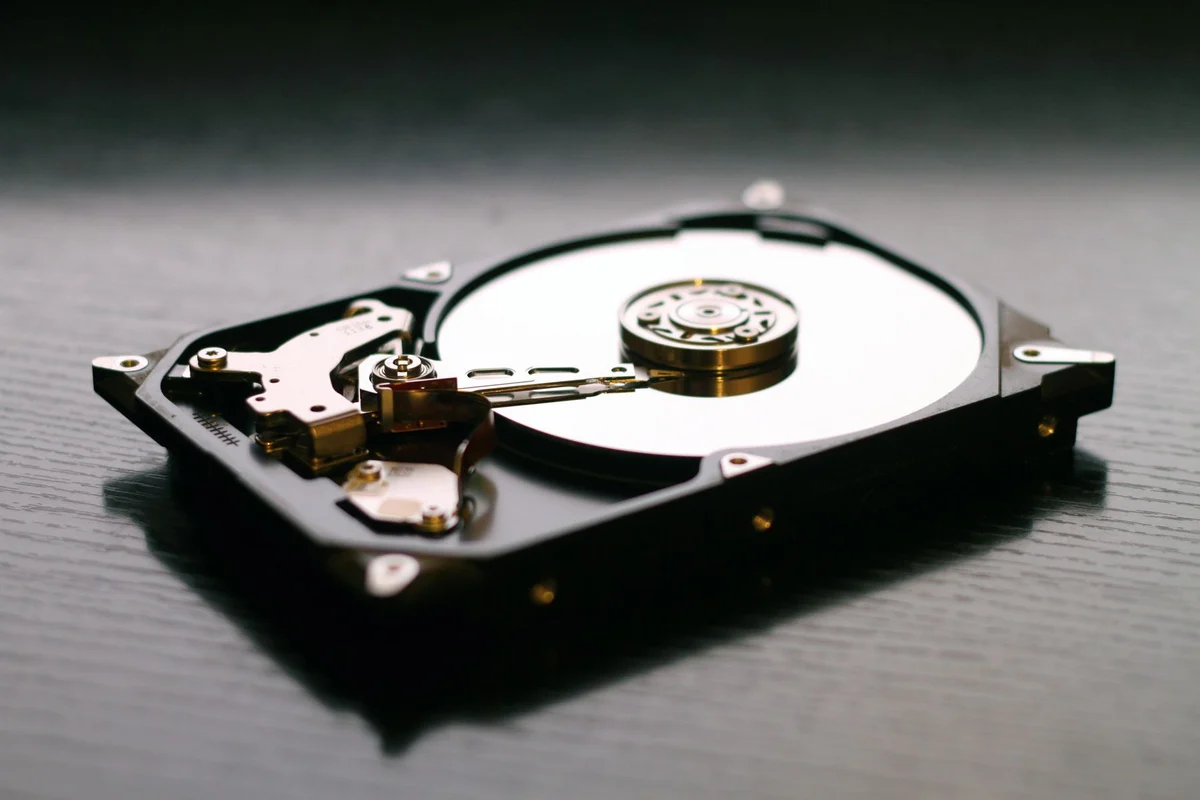
Sounds need context. Quiet operating clicks are not automatically evidence of failure, whereas a new, loud, repetitive sound accompanied by unreadable files is a reason to stop. Do not open the sealed drive, put it in a freezer or strike it. None of these actions provides a controlled way to protect the contents.
Copy according to value, not folder order
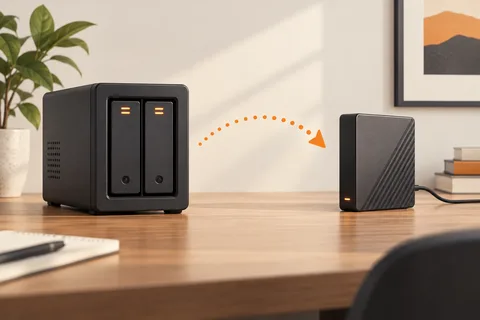
Where the drive remains readable and ordinary copying is an acceptable risk, copy the smallest irreplaceable files first to a separate healthy device. A family document folder may matter more than a huge collection of downloadable installers. Keep a note of failed files instead of restarting the same whole-folder transfer repeatedly. Open the recovered copies from their new location before assuming they survived intact.
Avoid commands that repair, initialise or format the source before the data question is settled. A tool may make a filesystem look tidier while changing information needed for recovery. A disk that works again after a cable change still needs a current backup and observation. Successful access today does not establish why yesterday's failure happened.