The second disk answers a different question
Imagine a shared folder holding household photographs. With a suitable mirrored arrangement, the storage system may continue serving those photographs after one disk fails. Now imagine someone deletes the wrong folder. The storage system accepts that deletion as a normal change. The second disk helps maintain the current state, including the mistake. It does not automatically provide yesterday's folder.
This is the distinction between availability and recovery. RAID arrangements organise several drives in different ways. Some provide tolerance for a particular number of drive failures; others concentrate on capacity or performance and provide no such protection. The number of drives alone tells you little. You need to know the exact arrangement, the usable capacity and what happens after a failure.
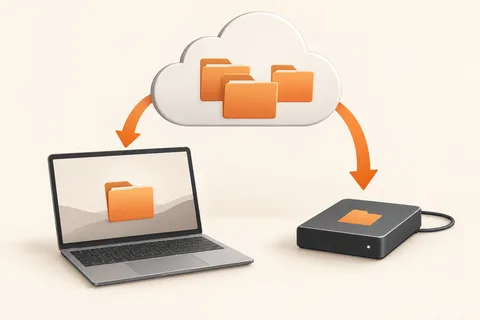
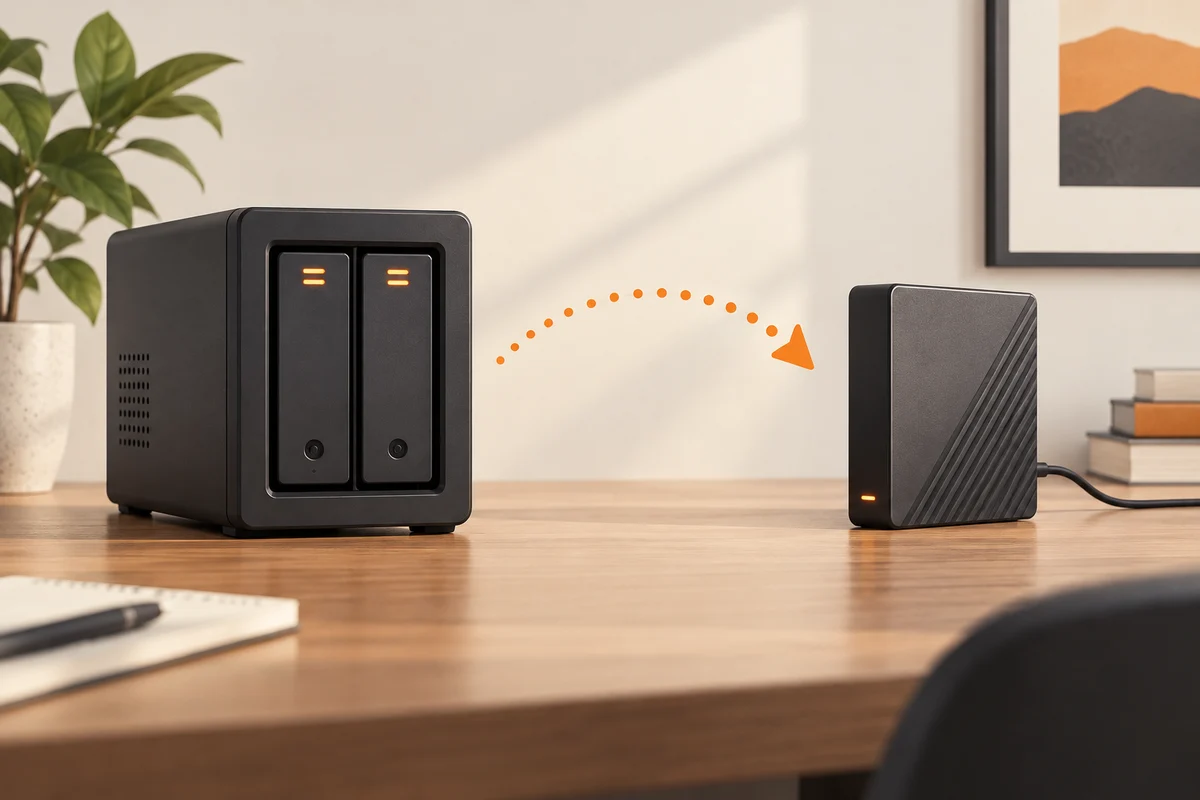
A backup answers a separate question: where can an earlier, usable copy be recovered when the working data is no longer suitable? That can include accidental edits, deletion, malicious changes or loss of the whole enclosure. Two drives in the same box share more risks than two devices kept separately. Fire, theft and a serious electrical fault do not politely affect only the disk you planned to replace.
Read the failure procedure before it becomes urgent
If your NAS reports a degraded storage pool, identify the failed member using the manufacturer's procedure. Do not pull a drive based only on a guess about bay order. Check the remaining backup first, confirm the replacement requirements and understand whether the model supports changing a disk while running. These details belong to the specific product rather than to a generic instruction about RAID.
Rebuilding also deserves time and attention. The system must reconstruct information using the surviving devices, and performance or resilience may be reduced during the process. An arrangement designed to tolerate one failure should not be treated as though another failure during rebuilding would be harmless. Avoid unnecessary changes while the system is recovering.
Keep an independent recovery route
Snapshots and version history can add useful recovery points, but ask where they are stored and who can delete them. A snapshot that exists only inside the same lost enclosure is unavailable with it. Send backups to another destination and periodically restore a small selection into a separate folder. Include something recently changed and something old enough to test retention. Once those files open correctly, you have evidence about recovery rather than merely a reassuring count of installed disks.
Ask what happens if the whole box disappears
Take the NAS out of the imagined recovery plan for a moment. If it were stolen tonight, could you locate the backup, unlock it and recover a recent document on another computer? This question exposes dependencies that a disk-failure test does not cover. The backup catalogue, encryption key or only copy of the recovery instructions may otherwise be stored inside the very system you are trying to replace.
Keep a modest recovery note outside that enclosure. State the backup destination, the required software and where authorised users can obtain credentials. Test one file through that route. You do not need to simulate a disaster by disconnecting a working array; you need evidence that the independent copy can be used independently.
If the second destination is another network device, review its access rights too. An account that can erase both the live share and every backup has a wider failure reach than one limited to ordinary working files. Choose the supported protection and retention features for your equipment, and document which risks remain shared. Two boxes are useful only when their relationship actually adds a recoverable copy.