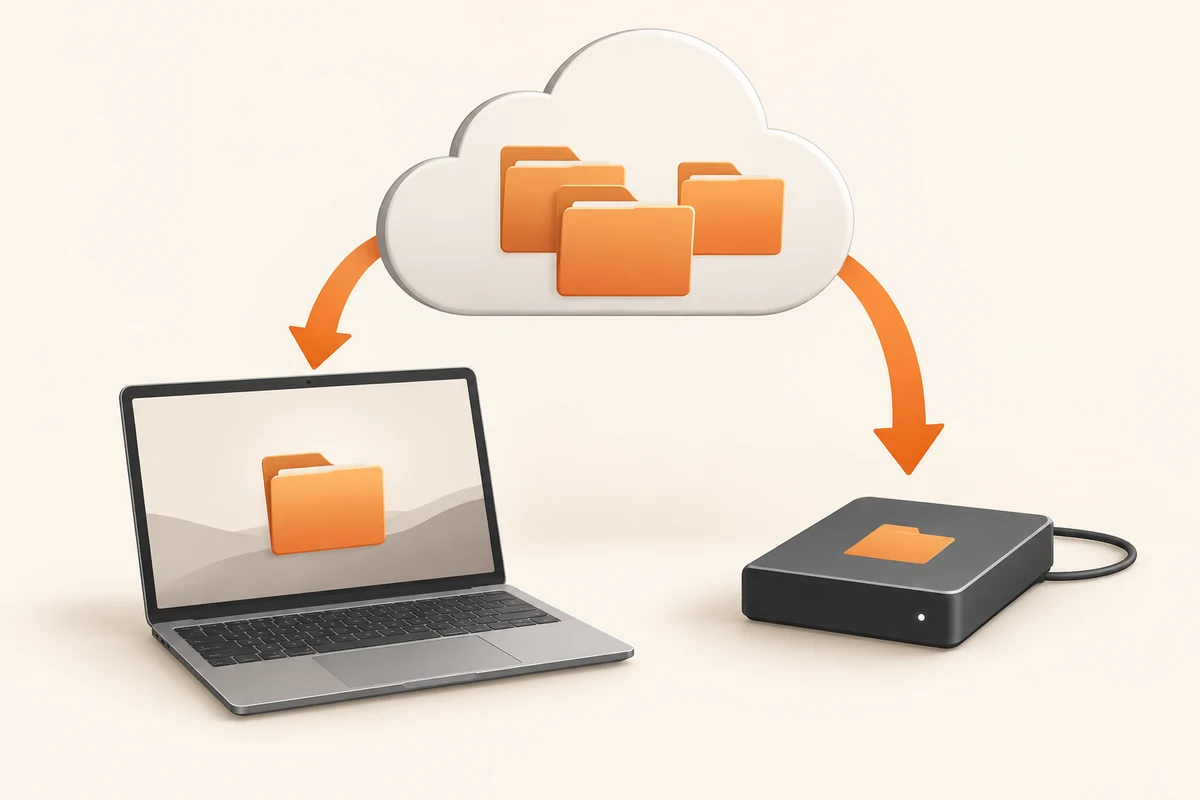
Make room for the download and the unpacked copy
Leaving a cloud service is easier while the account still works normally. Start before cancelling a subscription, losing access to a school account or replacing the only phone that can approve sign-in. Confirm that your recovery details work and that you have somewhere to store the export. A large archive may need space for both the downloaded package and its extracted contents at the same time.
Inventory the kinds of data involved. Ordinary documents are only part of some accounts: photographs, notes, shared folders and application-specific projects may require different export routes. A file shared with you is not necessarily yours to export indefinitely. For material you are authorised to keep, obtain an independent copy while access is available and retain the permission context where relevant.
Use a small export to learn the format
Try one representative folder before requesting everything. In OneDrive, downloading several selected items can produce a ZIP archive. Google's account export offers product and archive choices. Neither route means you should assume that every service-specific feature survives as an ordinary editable file. A native online document may be converted; comments, links or revision history may behave differently from the working version you see in the browser.
Extract the trial download into a new folder outside the cloud service's sync area. Open a document with the application you expect to use later. Check a photograph at full size, a video beyond its opening seconds and a project with linked resources. This small experiment can expose a format problem before you spend hours transferring an entire account.
Keep an inventory of the batches
For a large collection, use clearly named batches and record what each contains. Keep the export notification or a short text note with the date, selected products and any exclusions. If the export has several archive parts, download every part before considering it complete. Do not confuse a browser's successful download notification with proof that the requested selection was complete.
After extraction, compare important folders against the online originals. Counts and sizes are useful clues, though format conversion can change them. Investigate unexplained omissions instead of trying to force an exact total. Copy the verified export to another independent location before removing the online source.
Only then decide what happens to the account. Cancelling payment, deleting stored files and deleting the account itself are different actions with different consequences. Read the service's current description of each action. Keep the local export organised enough that six months later you can find an actual document, not merely a collection of numbered archive files.
Check the material that sits around the files
A folder of exported photographs may include sidecar files or a separate metadata document. Keep these alongside the images until you understand their purpose. They may hold information that was displayed inside the service but not embedded in the downloaded image itself. Renaming everything immediately can break the visible relationship between an image and its companion file.
Similarly, a downloaded document can contain links back to the account you intend to close. Open a representative set while disconnected from that account, or on a device that has never signed into it. This does not prove that every file is self-contained, but it can reveal an obvious dependency hidden by your usual signed-in session. For an important project, inspect linked attachments individually.
If the export is an archive for future reference, retain a readable copy as well as the editable format where useful. A PDF can preserve the appearance of a finished document while the source file retains editing possibilities. Do not treat the PDF as a replacement for a spreadsheet whose formulas you will need. The point is to preserve the functions that matter to you, not to multiply formats without a reason.