Keep a master and send a deliberate copy
A large video, photo collection or design project can be awkward to send, but reducing it blindly creates a second problem: the recipient may receive something unsuitable for the task. Ask what they need to do with it. Watching a short film on a phone is different from editing its original footage. A smaller viewing export can suit the first task while the original files remain necessary for the second.
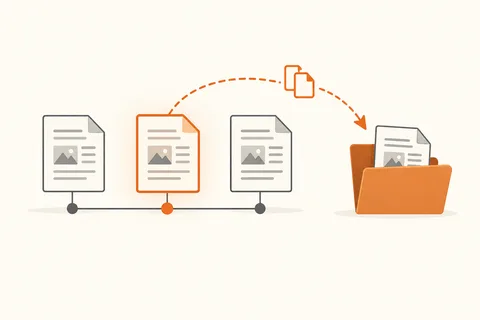
Keep the master in its established folder and prepare a separate delivery folder. Give the delivered version a name that distinguishes it from the editable original. If a project depends on linked images, audio or other resources, use the application's supported packaging or collection function where available. A project file alone may contain instructions and references rather than all the media needed to open it elsewhere.
Compression is useful for grouping files, but already compressed photographs and videos may shrink very little in a ZIP archive. Do not spend hours repeating the same compression in expectation of a dramatic reduction. A different export quality can reduce media size, but that changes the delivered content. Retain the original and make that trade-off deliberately.
A link needs the right permissions
A cloud link can avoid email attachment limits. Check whether it allows viewing or editing and whether access is restricted to named people or available to anyone holding the link. Choose the narrowest access that still lets the intended recipient do the job. Test the link from a separate session or ask the recipient to confirm access; opening it while signed in as its owner proves very little.
If the service offers expiry dates or passwords, use them where appropriate and explain the deadline clearly. Avoid changing the destination folder while the transfer is underway. Someone downloading a multi-part collection needs to know which files belong together and whether a newer version has replaced an earlier one.
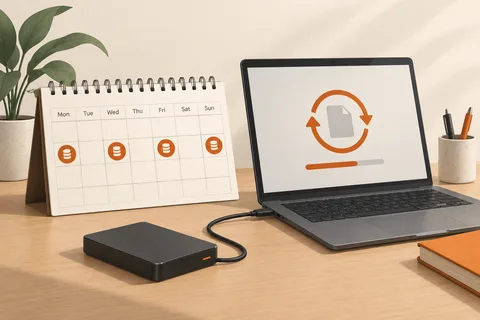
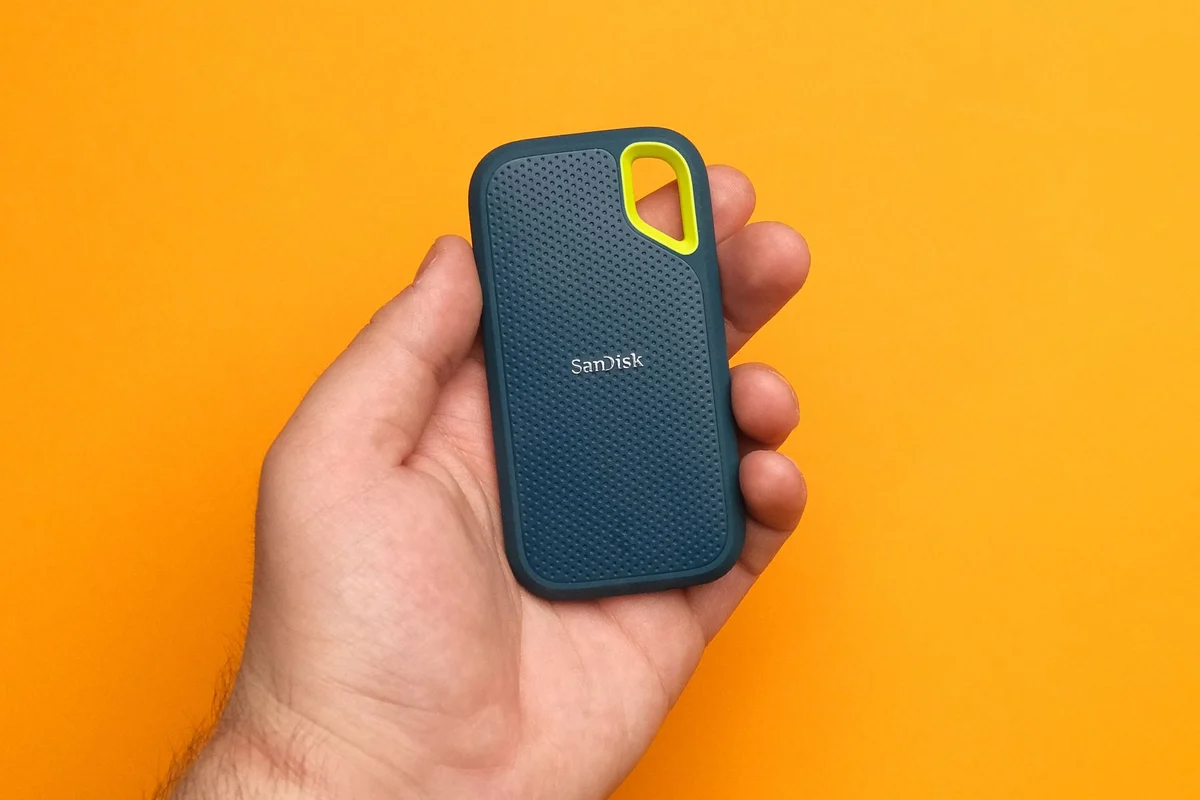
For very large transfers, check the recipient's available storage and likely download time. Physical delivery on a suitable drive can be simpler when both parties can meet, provided the data is protected as required. Whatever route you choose, ask for confirmation that the files open correctly, not just that a download completed. Keep the original and its backup after delivery. A shared link is a delivery route, not evidence that someone else has become responsible for your only copy.