Make the accessory discoverable
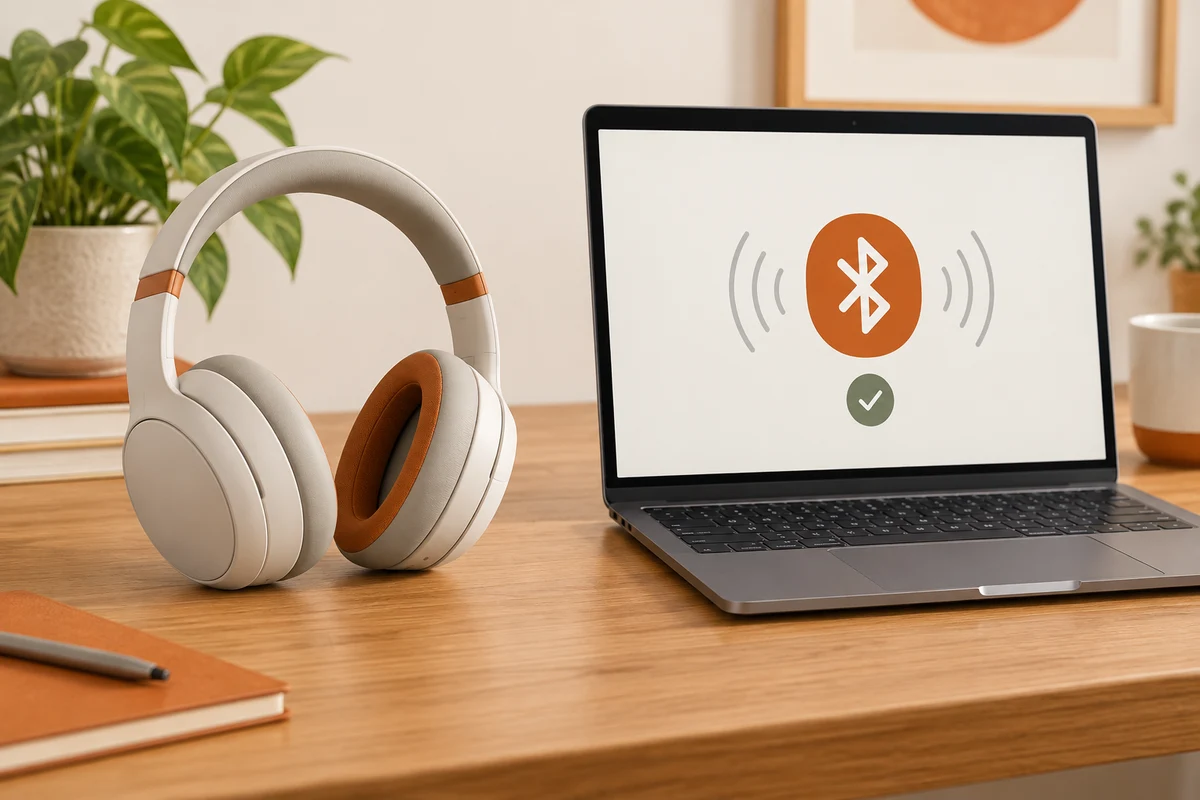
A powered-on mouse or headset is not necessarily ready for a new pairing. Many accessories first reconnect to the last computer or phone they used. Others require a particular button sequence to enter pairing mode. Check the accessory's instructions and look for the stated indicator rather than guessing what a flashing light means.
Open Bluetooth settings on the Windows computer and search for a new device. Before selecting a name, check that it belongs to your accessory. Several similar devices can appear in a shared room. If a confirmation code is displayed, it should match on the devices involved. Do not approve an unfamiliar request merely because it arrived while you were setting something up.
When nothing appears
Check the battery charge and reduce the distance first. If necessary, disconnect the accessory from its previous device when automatic reconnection prevents a new pairing. This is different from erasing every saved relationship. Many headsets remember several devices without supporting an unlimited number of simultaneous active connections.
If Bluetooth is missing entirely from the computer, check its specification and Device Manager. Not every desktop includes a wireless adapter. For a USB adapter, identify the model and the proper driver source. Avoid installing an arbitrary driver bundle from a search advertisement simply because it mentions Bluetooth. Organisation-managed computers may also restrict accessories; those restrictions belong with the relevant support team.
Test the function after pairing
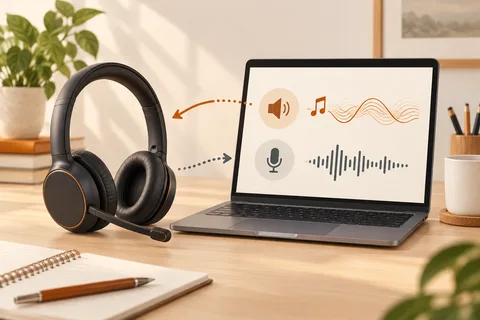
Once connected, try the task the accessory is meant to perform. Type a short line on a keyboard or check the selected output for a headset. A paired audio device may not be the current output device. In that situation, inspecting sound settings is more useful than pairing it again.
If a previously working accessory will no longer connect, removing that particular saved entry and pairing again can be a reasonable step. Have another input method available before doing this with a Bluetooth keyboard or mouse. Otherwise, you could remove the very device needed to finish the setup.
Give similar accessories recognisable names where the system allows it. A distinct name for the mouse at the work computer makes future choices less ambiguous. Pairing establishes a remembered relationship between devices; it is more than a one-time check that a nearby radio is switched on.