Wi-Fi does not always mean unlimited data
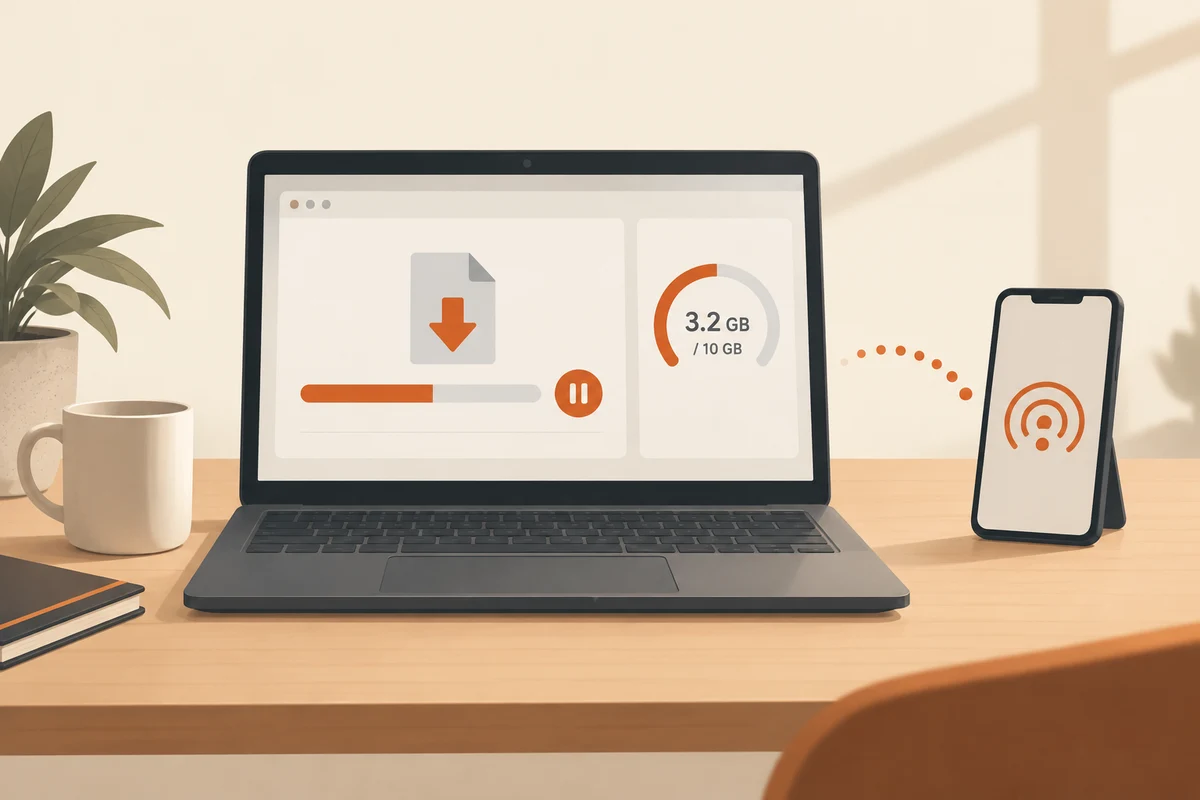
A laptop connected to a phone over Wi-Fi can be consuming the phone's mobile allowance. To the laptop it is a wireless network; the limits and charges belong to the phone plan. This is a useful situation in which to mark the connection as metered deliberately.
Windows can restrict some background activity on a metered connection. Treat it as a way to reduce consumption, not a guarantee that all transfers stop. Applications respond differently and some transfers can continue. Keep an eye on the mobile provider's usage information or the phone's data view as well.
Apply it to the correct network
Open the properties of the connection actually in use and check its name before changing the setting. Someone switching between home Wi-Fi and a phone hotspot usually does not want to treat both networks the same forever. Ethernet can also be marked as metered where appropriate; using a cable says nothing about how the connection is billed.
Before a longer session on a limited allowance, pause planned large downloads and inspect synchronisation applications. A cloud folder containing newly added videos can transfer more than the browser work you intended to do. Download the documents needed for a trip beforehand over the connection meant for that purpose.
Remember the deferred work
Reduced background activity can leave updates or synchronisation waiting. Once back on an unlimited connection, check that important work resumes. A forgotten restrictive setting is not a good way to avoid maintaining the computer indefinitely.
If an application still transfers substantial data, inspect its own controls. Video meetings, media playback and large attachments do not become small merely because the network is marked as metered. When the allowance is nearly exhausted, changing the task may help more: turn off an unnecessary video feed or postpone a large upload.
An organisation may control this setting on a managed computer. Do not try to override those decisions with unrelated system changes. Ask which connection is intended for travel. A limited plan is easiest to manage when the device setting, the applications' behaviour and the actual billing information are considered together.