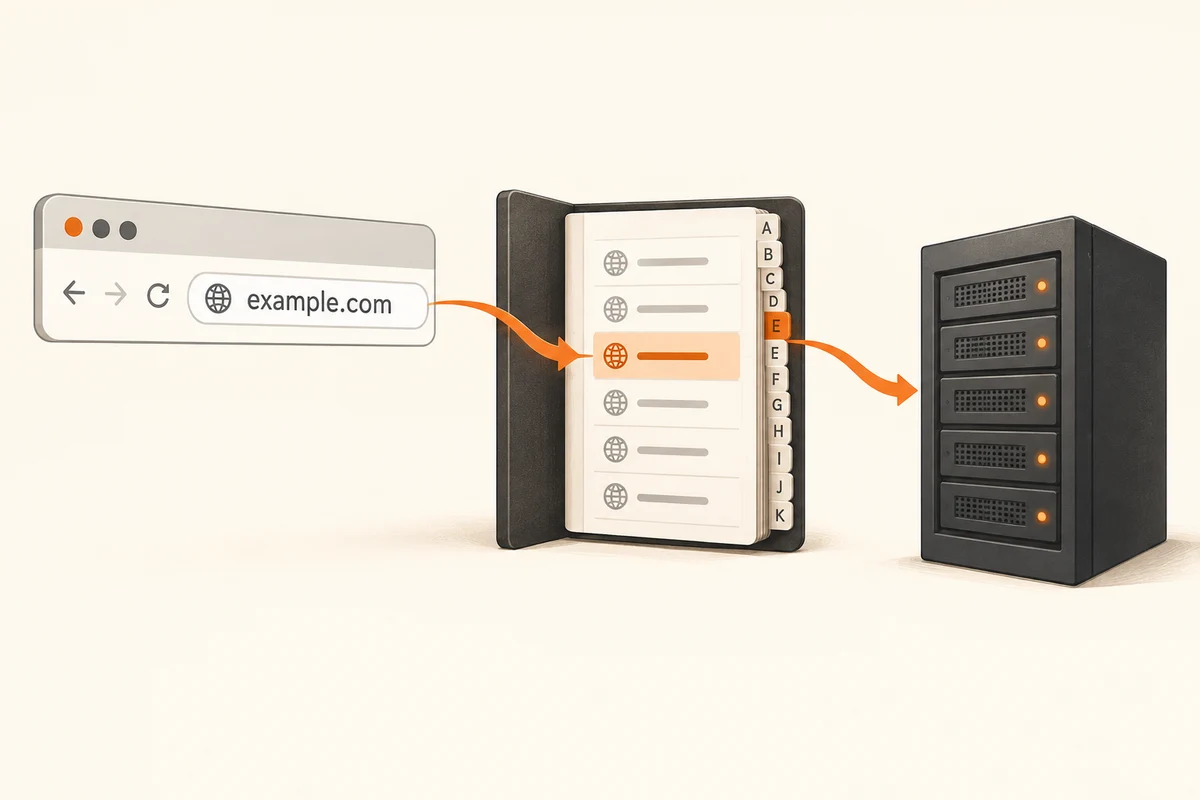
A name is not yet a connection
You enter a web address and the browser cannot find the page. Several different failures can produce that broad symptom. DNS is the part of the process that associates a name with an appropriate network address. The computer needs that information to know where to send a request. If the lookup fails, an otherwise working internet connection may still be unable to reach the intended site.
Replacing a site's name with an IP address is not a universally reliable comparison. Modern servers can host several websites at one address, and encrypted connections expect the correct name. A failure after such a substitution does not automatically prove the internet connection is broken.
Describe the extent of the problem
First establish whether one website or several unrelated destinations are affected. Does the same address work on another device on the same network? Does it work through another connection? Those comparisons narrow the search without changing settings immediately. Notice whether a browser is displaying a cached page rather than loading fresh content.
Record the exact message. A name-resolution error, a certificate warning and a timeout are different clues. Do not bypass a certificate warning merely to see whether the page then appears. The type of warning is itself useful evidence.
Avoid changing DNS on speculation
Another DNS service can help with particular problems, but it does not repair weak Wi-Fi or an unavailable internet line. On managed computers, internal names and security functions can depend on the prescribed settings. Record existing values and understand a proposed change before replacing them. The network operator is the appropriate contact when those requirements are unclear.
Browsers and VPN applications can also apply their own name-resolution settings. If only one browser is affected, inspect its configuration and extensions before resetting the entire router. Recently installed software or a change of connection can provide a useful timing clue.
For a support request, the affected address, exact error, time and results of comparisons between devices and connections are often enough to begin. Passwords or complete personal logs are normally unnecessary. The aim is not to collect as many technical terms as possible, but to identify the point where the route to the website stops working.