Not every fluctuation is the same interference
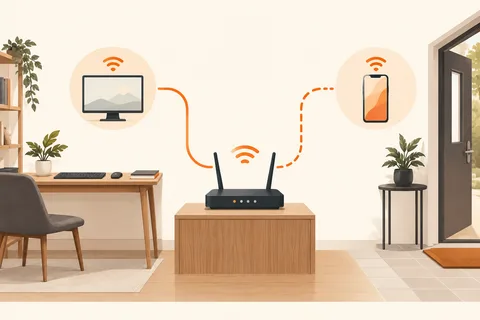
Wi-Fi works in the morning but becomes unreliable in the evening, or it falters only at one desk. Those patterns are more useful than a general assumption that the router is too weak. Wireless networks share their surroundings with other networks and devices, while the internet connection or client computer may also limit performance.
Separate those areas first. If a wired comparison behaves normally under similar conditions, the radio path is a plausible next focus. If both connections are affected, keep the investigation broader. A poor wireless test alone does not identify a particular interfering device in the room.
Record time and surroundings
Write down where the problem occurs and which devices are being used simultaneously. Various wireless devices and other sources can affect the 2.4 GHz band. A repeating relationship is a reason for a controlled comparison. Turn off one optional device you own or increase its separation; do not interfere with other people's networks.
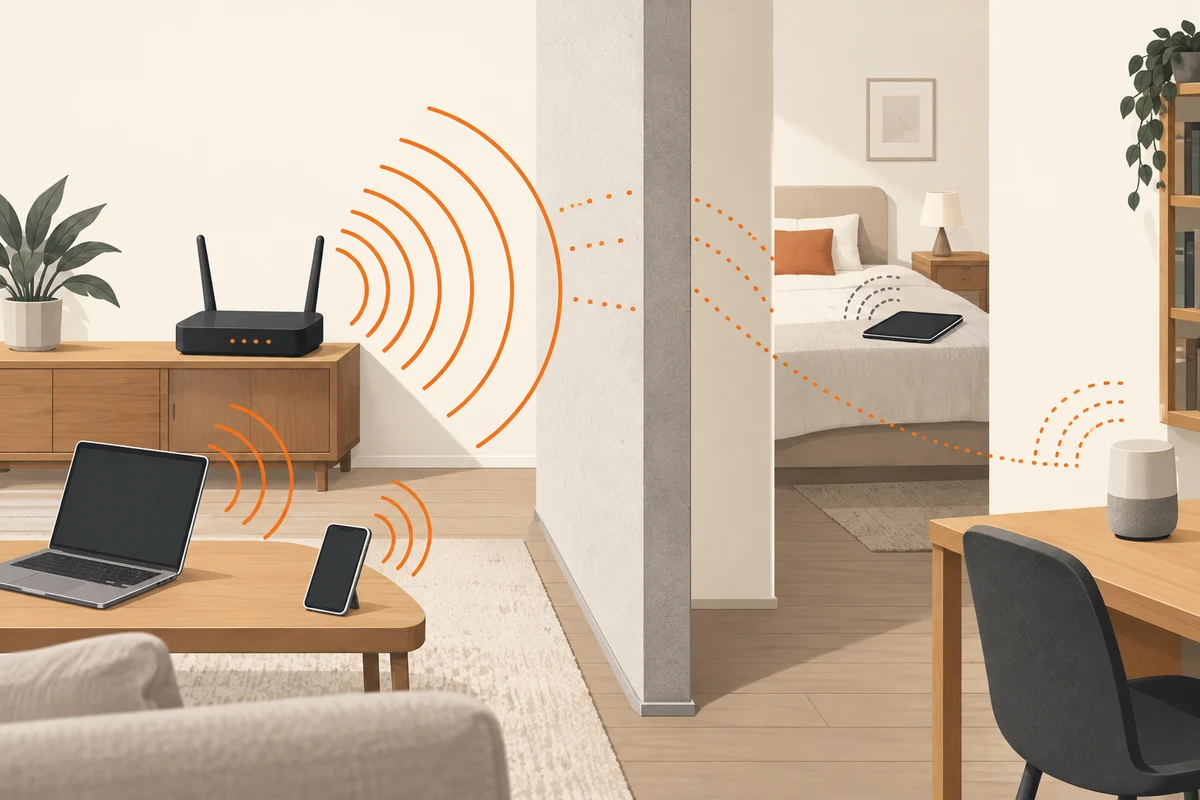
Inspect the positions of router and receiver. Large metal surfaces and nearby electronics can change the situation. Even moving the receiving device on a desk can provide a useful comparison. Record a lack of improvement too. Nearby equipment is not automatically responsible merely because it is the first thing available to switch off.
Keep the experiment log small
A short record of location, time, connected band and observed behaviour is enough for a difficult workspace. Repeat the same brief call or transfer after one change. Instead of merely writing better, record whether the earlier interruption still occurred. A large change in download rate may matter less to a stuttering voice connection than the disappearance of brief dropouts.
Retain the starting configuration too. If a manual radio setting helps for one evening but performs worse the next day, you should be able to restore the original choice without guessing. A neighbouring network can change channels, so an apparently final solution may not remain favourable indefinitely. Judge the setting through the activity it was meant to improve rather than the immediate satisfaction of having changed something.
Channel selection is not a number lottery
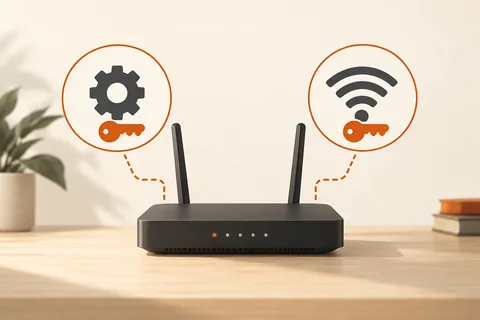
Routers often offer automatic channel selection and information about the radio environment. Read those displays and the manufacturer's guidance first. A channel that appears quiet may be used differently at another time. Permitted and available channels vary by region and band. Do not copy an arbitrary fixed channel from an unrelated guide without considering that context.
For a manual comparison, record the original value and change only that setting. Observe several representative periods afterwards. A brief improvement immediately after restarting can have other explanations. Avoid changing channel, width, location and driver together and then crediting one of them for the result.
If a workspace remains difficult, Ethernet or an appropriately connected access point may be the better answer. Troubleshooting need not become an endless search for the perfect radio channel. An understandable arrangement with a few well-placed devices is easier to operate than numerous special settings whose original purpose is eventually forgotten. The useful result is reliable work at the intended location, together with enough evidence to explain what improved it.