Joining the network or changing its settings?
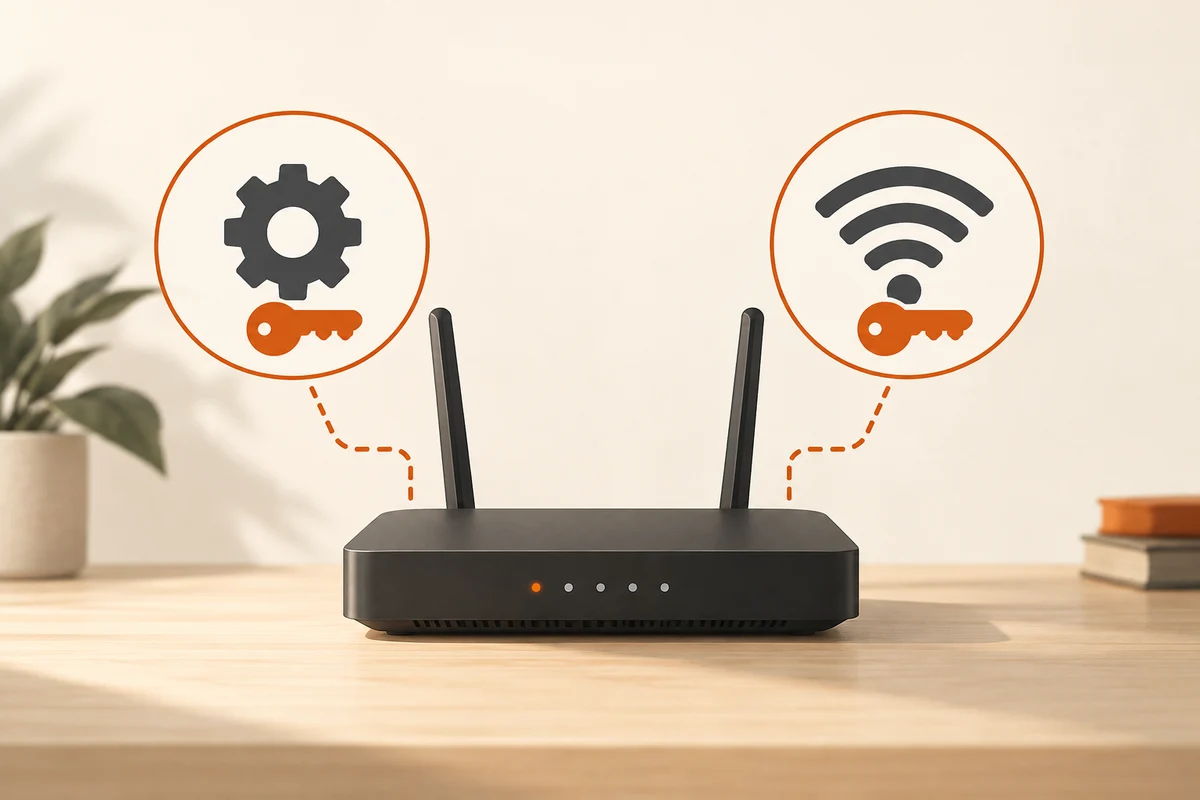
A phone asks for a password when joining Wi-Fi. Later, the router's management page also requests a password. These prompts may require different credentials. The wireless key allows connection to the radio network, while the administration password protects router settings. Separating those purposes prevents accidentally giving visitors more access than intended.
Some devices show their original credentials on a label. Read the labels carefully and consult the exact model's instructions. A changed password may no longer match the sticker. Do not publicly share a photograph of the entire label just to show a model number; it may expose additional access information.
Plan changes with a way back
Before changing credentials, establish reliable access to router management and a safe place to retain the new details. A password manager can help. Give administration its own strong password rather than reusing the wireless password shared with others. A convenient shared value blurs the difference between the two permissions.
Changing the wireless key may require reconnecting existing devices. Remember printers, televisions and equipment that is rarely configured. Avoid making the change during an active call. A short inventory prevents a forgotten printer from appearing inexplicably offline later, after the password change has slipped out of mind.
Visitors do not need administration
An appropriately configured guest network is often a better arrangement for visitors. Share its credentials while keeping administrative access separate. A QR code is also an access credential and should point to the correct network. Check which connection it actually provides before printing or sending it.
If the administration password is forgotten, follow the manufacturer's official recovery procedure. A factory reset may remove the entire configuration; it is not merely a password change. Establish which connection details and settings will be needed afterwards before taking that step. Provider-managed equipment may require help from that provider.
After changing anything, test the intended sign-in and label the password-manager entries by purpose. Router administration and Home Wi-Fi are clearer than two identically named entries. Good credential management begins with knowing what each secret controls, rather than accumulating numerous different strings without an understandable relationship to the equipment. That clarity is particularly valuable when somebody needs access months after the original setup.