One socket, several questions
A laptop charges through USB-C, yet a monitor stays dark when connected with the same cable. Both observations can be correct. USB-C initially describes the shape of the connector. It does not, by itself, promise a particular data connection, charging arrangement or display output. Asking whether a laptop has USB-C is too vague when planning a desk with a screen and a dock.
Write down the jobs instead. Will that port connect an external SSD, charge the computer or carry a picture to a monitor? Keeping those questions separate prevents a physically compatible plug from being mistaken for a guarantee that the entire setup will work. Each job can depend on a different part of the specification.
Check the actual model variant
Find the port diagram in the manual for your exact model. A manufacturer can offer different connections within one laptop family. Two USB-C sockets on a single machine may also have different abilities. The description attached to each socket is more useful than a general claim on a product landing page.
For an external SSD, look for the supported data rate. For charging, find an explicit statement that the port accepts power for the laptop. For a monitor, check that a suitable display output, such as DisplayPort over USB-C, is documented. A symbol can provide a clue, but an unclear icon should not replace the written specification.
The cable is part of the connection
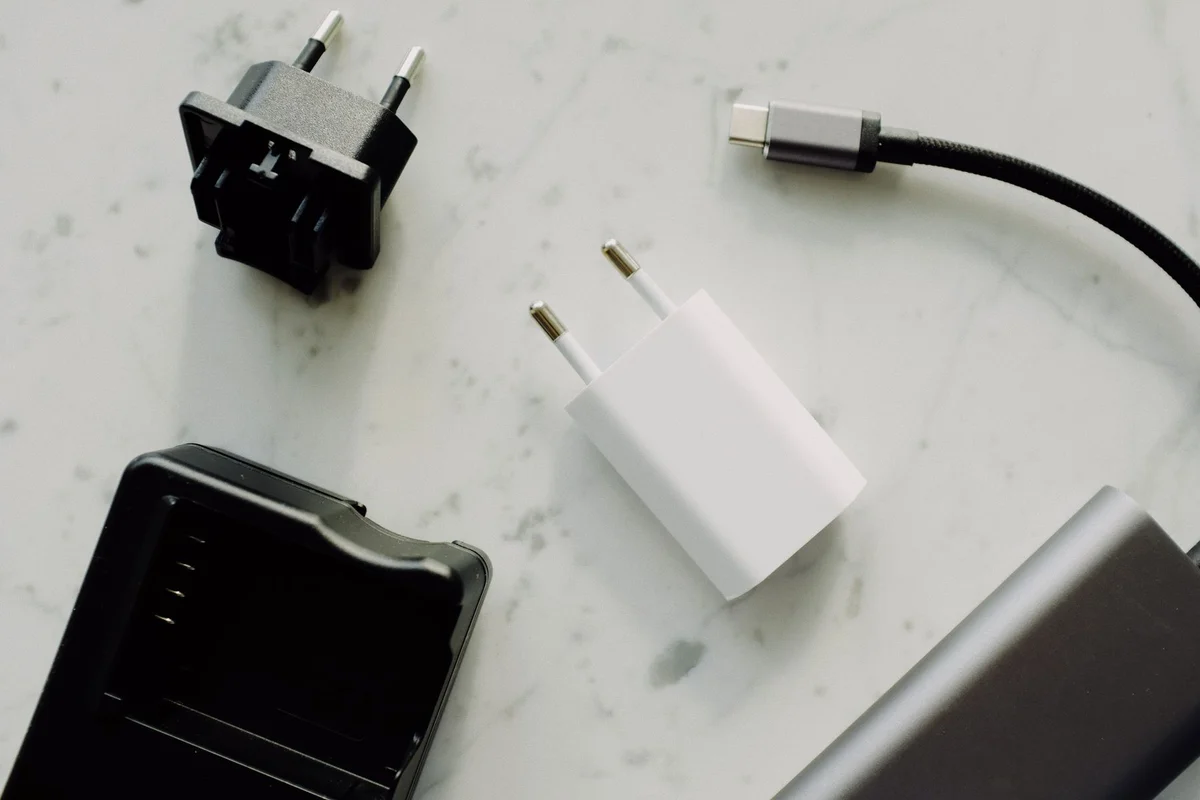
A cable that charges a phone reliably is not automatically suitable for a fast SSD or a monitor. Look for the data and power ratings needed by your task. A display connection also needs a cable explicitly suitable for that video connection. A higher price is not a technical specification.
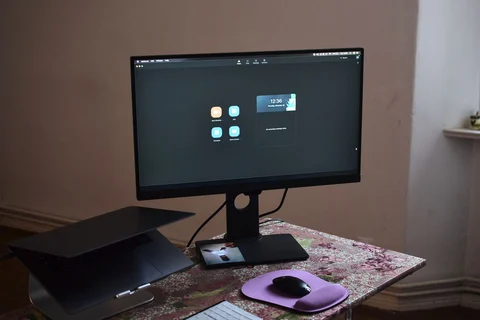
If both the laptop and monitor support USB-C video but the screen stays blank, try a cable with known video capability. Change that one part first. Swapping the cable, dock and computer socket together might produce a picture, but it gives you little evidence about which component caused the problem.
Keep a short note of the working laptop, socket, monitor and cable combination. A label on a proven cable can save another search through the drawer. Remember that a replacement cable cannot add a feature absent from the laptop port. A passive adapter cannot simply create a display output that the computer does not provide.