Measure a busy afternoon
Memory capacity is easiest to judge when the computer is doing your ordinary work. Open the applications, documents and browser tabs you normally use together. Include a video call or a photo editor if either belongs in that routine. Then inspect memory use in Task Manager. A reading taken immediately after startup describes an almost empty desk; it says little about the space needed once the working day is underway.
A high percentage deserves investigation, but it is not a purchase instruction by itself. Windows also uses available memory for caching, and one misbehaving application can distort the picture. Watch whether the machine pauses when switching applications and whether closing a particular program changes the experience. Repeat the observation on another day before attributing every delay to insufficient RAM.
Capacity before a speed label
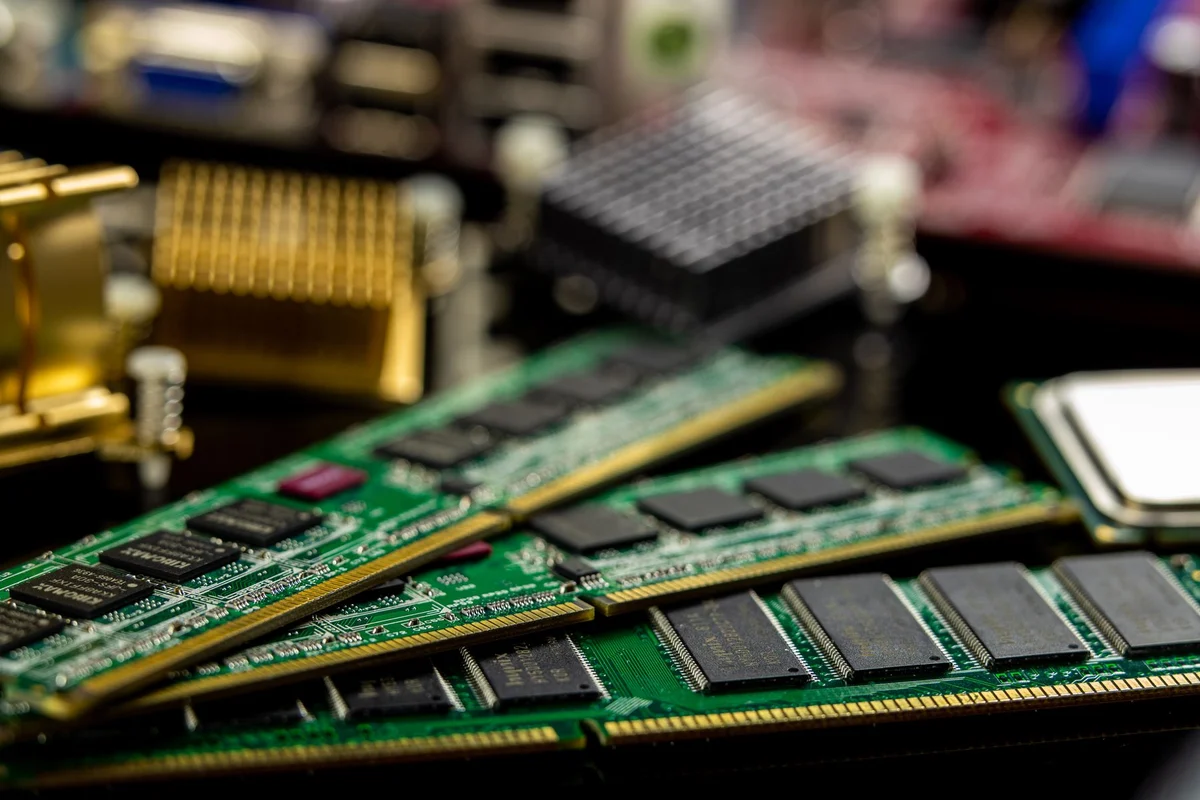
For an upgrade, find the computer's supported memory generation, module format and maximum capacity. These limits come from the exact model and its memory controller, not from the number printed on a shop filter. A faster module that does not fit or is unsupported has no practical value. A notebook with soldered memory may offer no replacement route at all.
Think about the next task you genuinely expect to add. Large image projects, virtual machines and sizeable datasets can have very different requirements from writing letters. Use the software publisher's requirements as a starting point, then consider how many applications will remain open simultaneously. Avoid buying a huge capacity solely because the slot exists, but leave reasonable room for work you can name.
Keep the comparison honest
When testing a memory upgrade, repeat the same workload with the same files. Record how long a troublesome operation takes and whether switching between applications becomes smoother. A change in free space or an application update can otherwise receive credit that belongs to another alteration. Memory improvements may be obvious during multitasking without changing the speed of a small single task.
Do not confuse working memory with storage. More RAM does not create room for a photo collection on a full SSD, and a larger SSD does not automatically solve memory pressure. If the computer is slow only when opening files from an external drive, investigate that connection first. A short description of the delay is more useful than an isolated capacity number.