A computer that has to move
A desk can make a laptop look like a small desktop, but the purchase decisions are different. Start with a normal week. If the computer travels between home, an office and a classroom, an integrated screen and battery solve a real problem. If it stays under one desk, those features may consume money that could go towards a larger monitor or more storage. Occasional travel also differs from carrying the machine every morning. Include its charger in the weight you compare.
Write down what must travel with the files. A presentation might need only a lightweight machine, while editing video away from home may require the same demanding applications used at the desk. Remote access is another possibility, but it depends on a connection and does not remove every software or security constraint. Do not choose a travel computer on the assumption that an untested remote setup will always be available.
Compare the whole workstation
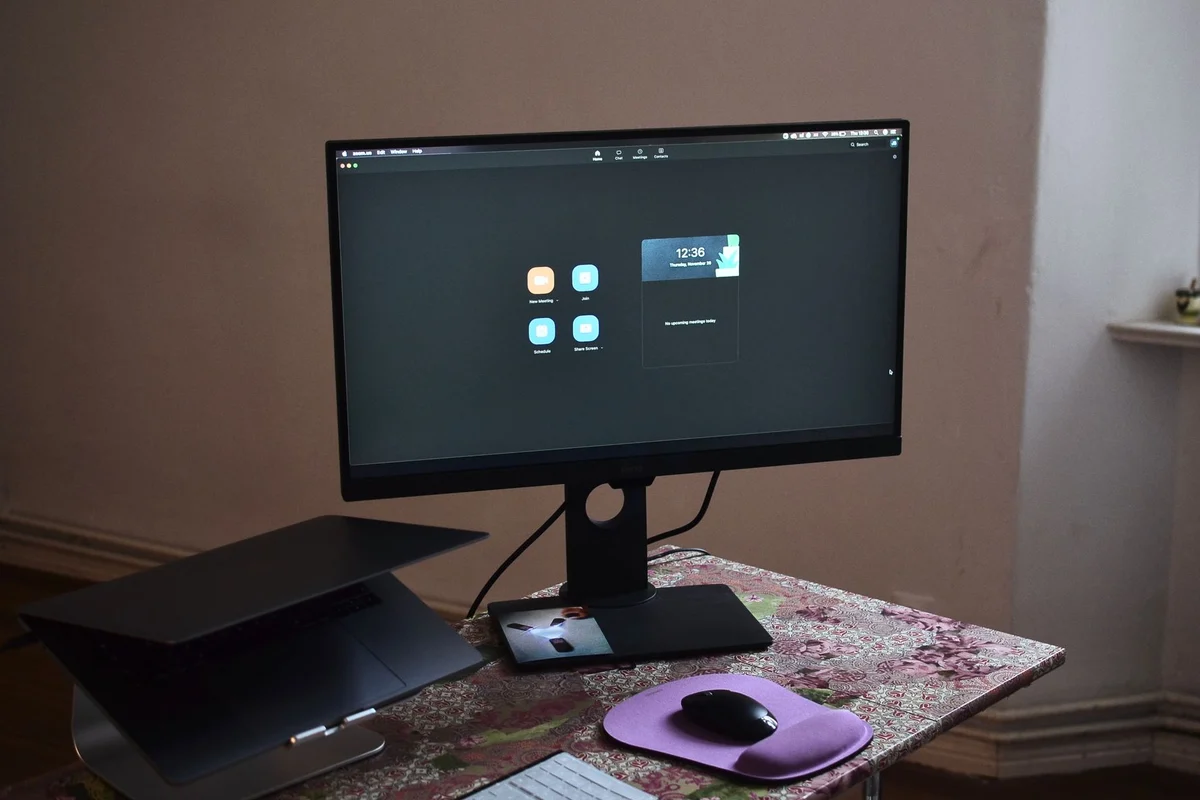
A desktop price rarely includes the entire workplace. Add a monitor, keyboard, webcam and any wireless adapter it needs. A laptop may need a dock, stand and external keyboard for comfortable desk use. Put both complete baskets next to each other. This also exposes existing equipment that can be reused, such as a good monitor, instead of counting everything as a fresh purchase.
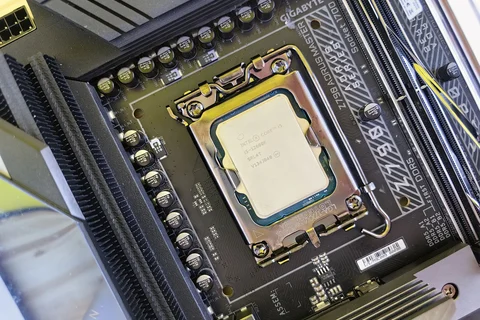
Check the exact processor and cooling arrangement rather than treating matching family names as equal performance. A compact notebook and a tower have different power and space constraints. For long rendering jobs, look for sustained results in the applications you use. For correspondence and spreadsheets, a quiet fan and readable display may matter more than a short benchmark victory.
What happens in three years?
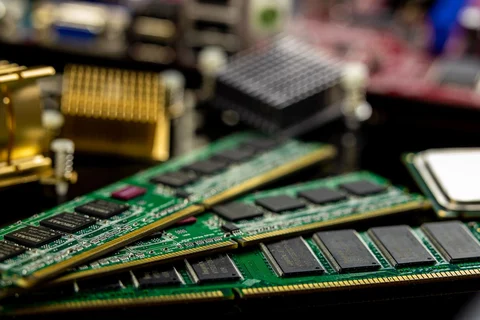
Open the service information before buying. Some desktops accept standard memory and storage upgrades; others use compact or proprietary parts. Some notebooks have accessible memory slots, while others have soldered memory. Neither form factor alone guarantees repairability. Identify the actual replacement path for the battery, drive and charger.
Finally, consider failure as well as speed. A broken laptop screen affects a complete portable workstation, whereas a separate desktop monitor can often be swapped independently. On the other hand, a laptop battery can bridge a brief interruption in mains power. Choose around the disruption you can tolerate, and maintain an independent backup whichever format wins.