Start with the job, rather than the drive
A computer that pauses whenever an application opens has a different storage problem from a cupboard full of old video files. The first needs to deal with many small requests promptly. The second needs enough room, manageable costs and a sensible arrangement of copies. Choosing between an SSD and a hard disk becomes easier once you give the drive a specific job.
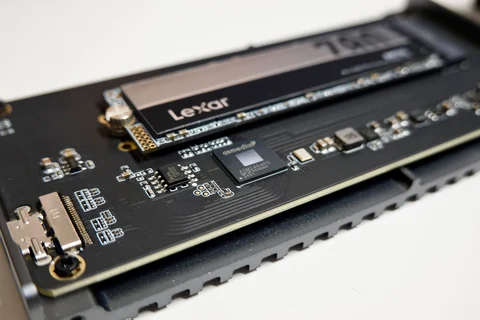
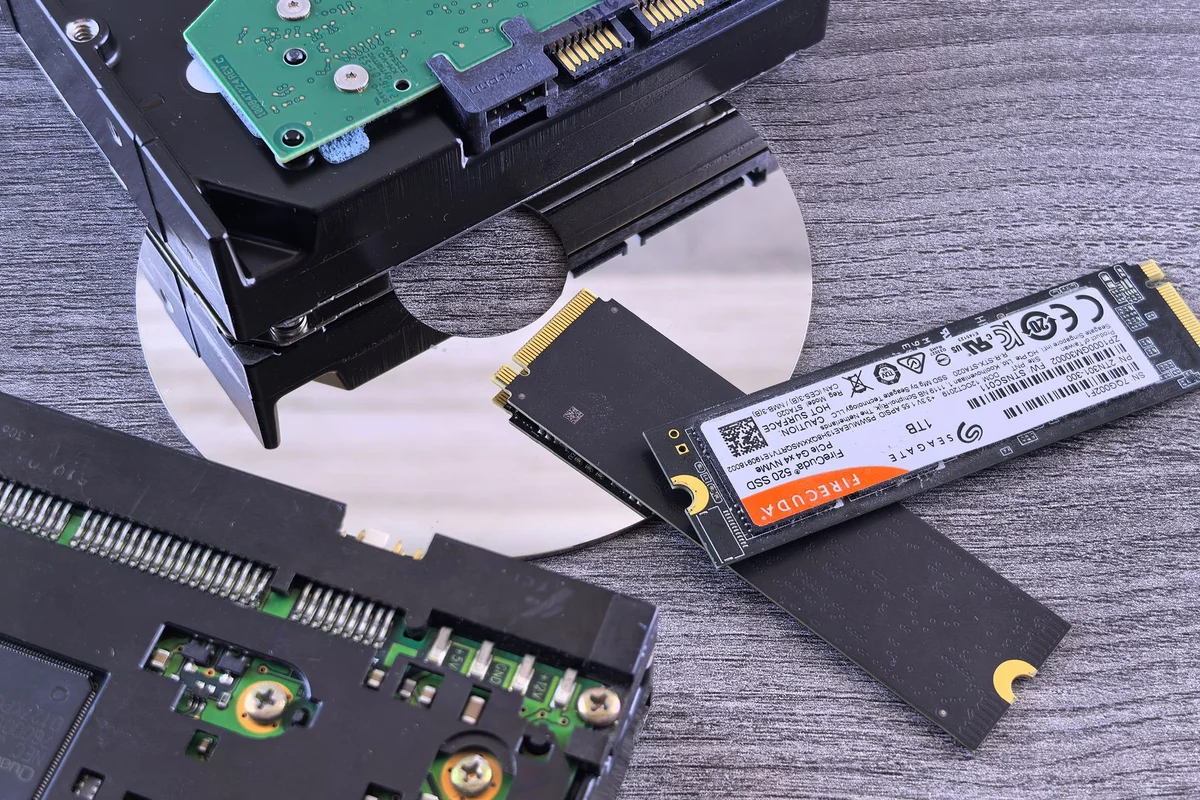
An SSD stores data without a moving read head. A hard disk uses rotating platters. For an operating system and frequently used applications, an SSD is usually the more comfortable choice. A separate hard disk can hold a large collection that you open occasionally. This does not mean every computer needs both: a small laptop may have room for only one internal drive.
Where the difference reaches you
Starting an application involves reading many small files. An SSD's short access time helps with that work. Downloading a finished film over a slow internet connection is a different situation: the connection sets the pace first. A faster internal drive will not necessarily shorten that download. Likewise, an old USB stick can limit a transfer even when the source is a fast SSD.
Consider where the device will live. A hard disk may produce audible spinning and vibration. An SSD has no mechanical drive noise, although either kind of device can become warm or fail. Resistance to movement is not a promise that a portable SSD will survive a fall, a damaged socket or a spilled drink.
Leave room in the budget for another copy
For an office computer, sufficient SSD capacity can matter more than buying the fastest model in a smaller size. Add the operating system, applications, personal files and likely growth. Allow for working files and larger updates as well as the material you intend to keep. On an existing computer, check the connector, physical dimensions and restrictions in the device manual before choosing a replacement.
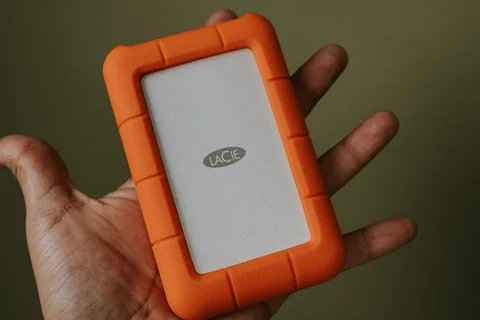
An external hard disk may suit an archive that is opened infrequently. The crucial point is that the archive must not exist only on that one device. Even a drive sold as rugged still needs a separate copy. If the budget stretches either to an expensive SSD or to two less costly storage devices, consider what failure would mean. Irreplaceable photographs need a route back, not just an impressive specification.
Keep the old storage intact during a move. Open a selection of copied documents and large files before repurposing the previous drive. This modest overlap gives you a chance to notice missing folders while the originals are still available. Once the move is verified, decide which drive will hold the working collection and which will hold the backup; otherwise two apparently identical folders can soon become two uncertain versions.