A fixed desk offers different options
Wi-Fi is an obvious fit for a laptop moving between rooms. A computer used permanently at a desk may benefit from Ethernet instead. It removes the wireless hop between the computer and router from that connection, which is useful when walls, variable reception or numerous neighbouring networks cause difficulty.
A cable does not automatically increase the internet subscription's capacity or the speed of a distant service. Router port, computer connection, adapter and cable must also suit the intended link. If a download is limited at the server, changing from Wi-Fi to Ethernet cannot remove that bottleneck. The benefit often lies in more consistent behaviour rather than a dramatic peak number.
Build a clear comparison
For a test, connect the computer with a suitable cable directly to the router or intended network outlet. Establish that the tested route really uses Ethernet; temporarily disable Wi-Fi for this limited comparison if necessary. Repeat the same activity as before while changing as little else as possible.
If the problem disappears over the cable, the next investigation can focus more closely on the wireless section. If it remains, other parts of the path are candidates. This does not prove every cause, but separates two important areas. Record whether the original interruption or delay occurs, not just the final speed figure.
Include the adapter and cable route
A laptop without a network socket needs a suitable adapter or dock. Check its Ethernet capability and the USB connection it uses. A fast adapter can be limited by a slower link elsewhere. Connector shape alone says little about that; the specifications of the connected equipment matter.
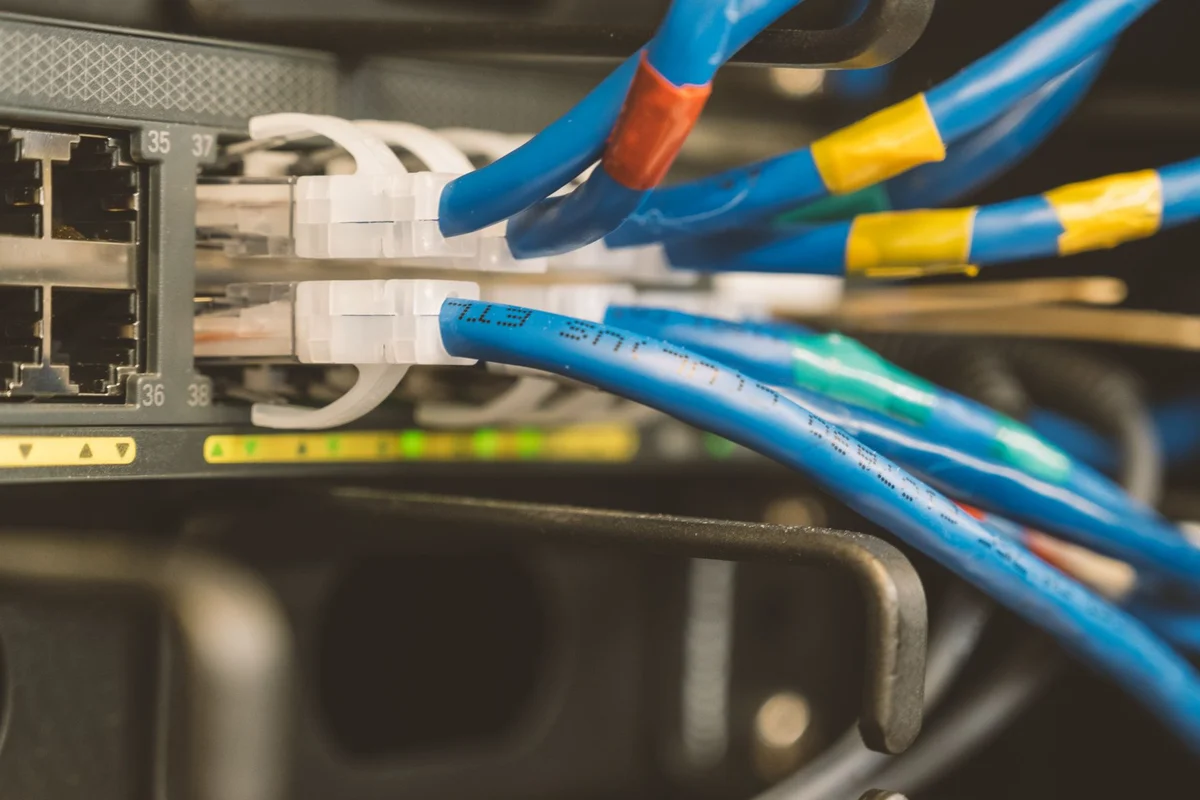
For a permanent cable, plan a route without trip hazards or severe pinching. A temporary lead across the room can support a comparison without being an acceptable finished installation. Label its ends when several similar cables meet. This makes later changes at a router or switch easier to follow and reduces accidental disconnection of the wrong device.
You do not need to choose one technology for the entire home. A stationary computer can use a cable while portable devices remain wireless. Decide according to the place and activity. A useful home network can combine different connection types, provided each is understandable and the routes used regularly work reliably. The objective is a dependable working arrangement, not loyalty to one connection method.