A PDF does not belong to one particular program
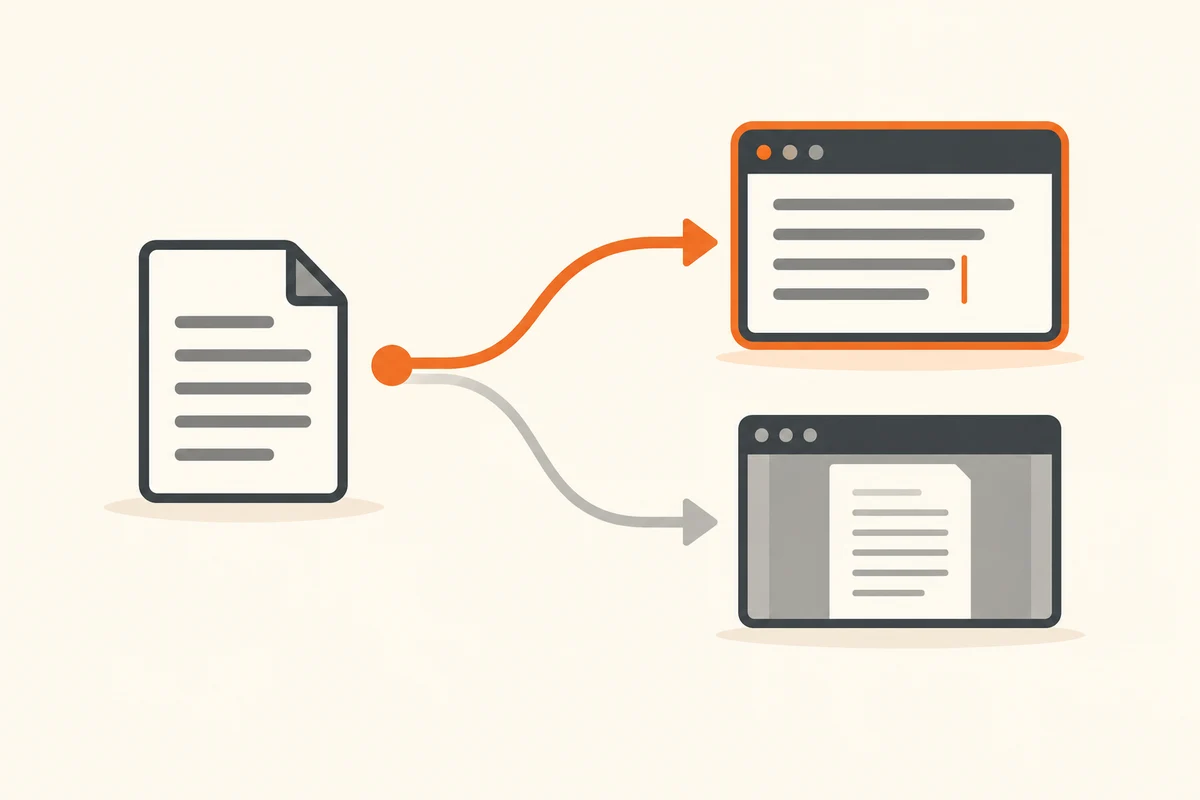
A double-click suddenly opens a PDF in a browser, although you normally use a dedicated reader. That does not mean the document has changed. Windows has an application associated with that file type. The association determines how you open the document; it does not, by itself, alter the contents.
First establish whether the intended application can open the file at all. Launch it directly and open an ordinary sample document from inside it. If that fails, changing the default will not solve the underlying problem. The application might be missing, unable to handle the format, or in need of repair. Use a document without sensitive information while exploring unfamiliar software.
Change the relevant association
In Windows Settings, open Apps and then Default apps. Search for a file extension such as .pdf and select the installed application you want. This targeted change is easier to understand than assigning every offered format to one program. An image viewer does not necessarily need to take over editable graphics projects as well.
You can also choose another application through a file's context menu for an individual opening. Watch the distinction between a one-time choice and a lasting default. The exact labels vary between Windows versions. For a document you only want to try in another program, the temporary choice is usually enough to begin with.
Check more than one example
After changing the default, double-click a familiar file and then another file of the same type in a different folder. This helps show whether the association applies generally or whether the first case was unusual. Check that the application renders the content correctly too. The expected program name does not guarantee suitable printing or complete support for a form's interactive fields.
Web links and local files are separate cases. Choosing a default browser does not automatically answer which application should open a downloaded PDF. An application can also use its own internal viewer. If only one program behaves differently, look at that program's preferences rather than repeatedly changing the Windows setting.
Do not rename an extension to force a different application to open a document. Renaming an image does not turn it into a PDF. If an association changes again later, note whether software was installed or updated just beforehand. On a managed computer, organisational policy may control the choice; ask the responsible support team rather than repeatedly overriding a setting that is deliberately maintained centrally.