Which route do you want to change?
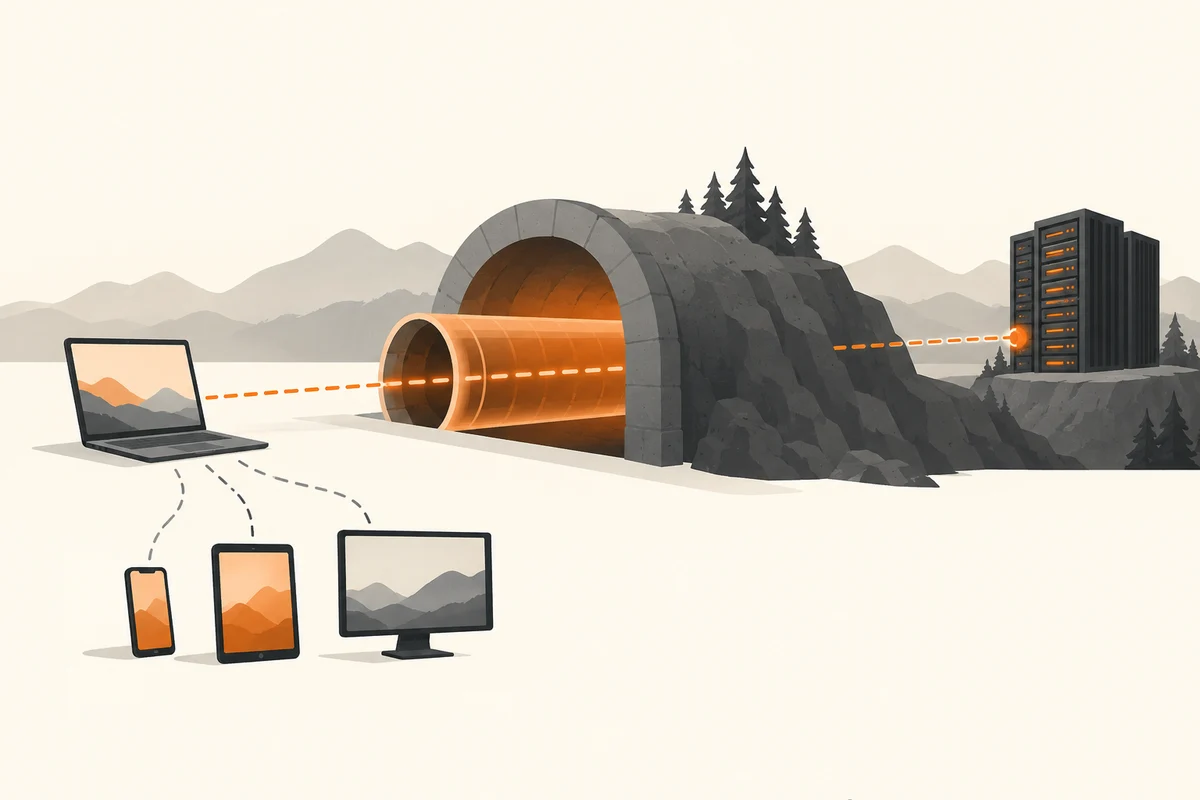
A VPN establishes an encrypted connection to a VPN endpoint. A workplace connection may make an internal network reachable. A public VPN service carries the affected internet traffic onward through its own infrastructure. Those are different purposes, so first establish whether you need internal resources or an alternative internet route.
Not every connection on a device necessarily travels through the same tunnel. Routing settings can exclude particular traffic. Do not rely only on a small connected indicator when the precise scope matters. The product documentation and the organisation's requirements explain which traffic is covered.
What the tunnel does not remove
A VPN does not stop you entering a password on a fraudulent website. It does not automatically establish that every downloaded file is safe. An account you sign into can still recognise you. Cookies, account details and other identifying information do not disappear simply because the connection's apparent exit address changes.
Trust remains relevant too. The VPN operator becomes part of the traffic route, making its technical arrangements and privacy terms significant. A promise of complete anonymity is not a substitute for an explanation of what the service processes and how it works. Use the service designated for work data rather than an unrelated provider installed alongside it.
Performance and everyday devices
An additional route can change request latency. A distant or busy endpoint may make a nearby service feel slower. A particular route may perform better in another situation, but that is not a general promise that a VPN accelerates a slow connection. The local Wi-Fi link remains part of the path as well.
If a local printer or shared folder becomes unreachable after connecting, check the intended local-access rules. Do not disable security features broadly. A workplace VPN may deliberately restrict that access. Tell support which destination was available before the tunnel connected and what changed afterwards.
A controlled comparison using a non-sensitive website can help, provided access without the VPN is permitted. Do not send confidential work data during that comparison. Note the endpoint, time and exact error instead of changing the browser, DNS and router simultaneously. This helps distinguish the tunnel from the underlying connection and the destination.
A VPN is therefore a tool for a particular network route. Maintaining software, handling accounts carefully and keeping independent backups remain separate jobs. An encrypted connection can still lead to an unsuitable or fraudulent destination.