Think beyond the incoming connection
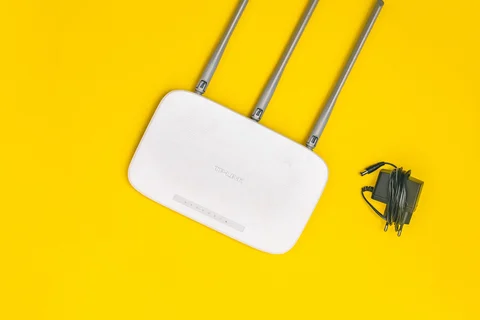
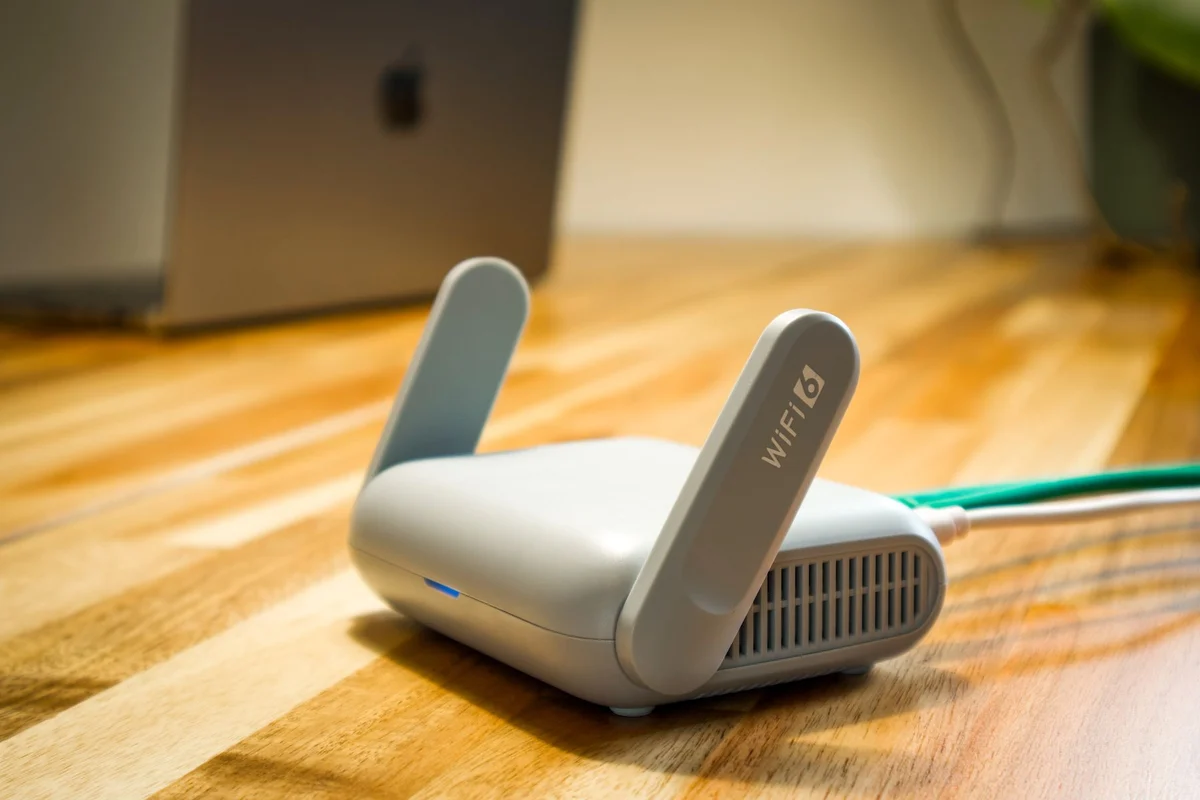
A router often stays where the internet connection enters the home: a hallway, behind a cupboard or in a corner. That may suit the cable but says little about the wireless path to a desk. First identify the rooms needing reliable service and the obstacles between them and the router.
A reasonably central, open position is a useful starting point. Avoid hiding the device behind large metal surfaces or inside closed furniture. Follow its ventilation requirements too. A router is not a decorative object that can occupy any spare nook without considering heat and radio paths.
Compare small moves methodically
Identify two or three locations that are genuinely practical. At each, use the same laptop at the actual workspace and repeat a relevant activity. This might be a longer download or another task whose stability you can observe. Keep conditions reasonably similar. Comparing a quiet morning with an evening of simultaneous streams mixes placement with network load.
Do not judge only by signal bars. They describe one aspect of the wireless link, not overall internet performance. Note interruptions and behaviour during the intended activity as well. A location with a slightly lower peak result may serve everyday work better if the connection remains more consistent.
Recognise the limits of moving it
Thick walls, several floors or awkward parts of a building cannot always be overcome by shifting the router half a metre. If no practical location reaches all important areas, consider an appropriate extension or a wired connection to another access point. A larger promise on a product box does not replace looking at the floor plan.
Before making the move permanent, establish which cables are needed and whether the location remains safely accessible. Leads across walking routes are not a good lasting arrangement. Route or extend them with suitable components while respecting connection requirements. Excellent wireless results help little if the equipment is constantly disconnected accidentally.
Keep a short note of the selected location and tested workspaces. If large furniture moves or another access point is added later, repeat the comparison. Placement succeeds when the places you actually use work reliably, not when the most impressive measurement appears directly beside the router. The ordinary desk, sofa or upstairs room is the relevant destination of the signal.