Identify the spare drive precisely
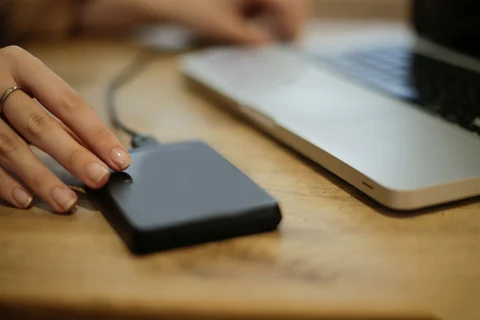
A working SSD often remains after an upgrade. An external enclosure can give it another job, but the exact drive type matters. A 2.5-inch SATA SSD, an M.2 SATA SSD and an M.2 NVMe SSD do not necessarily use the same enclosure. Read the model number and find its specification before shopping for the accessory.
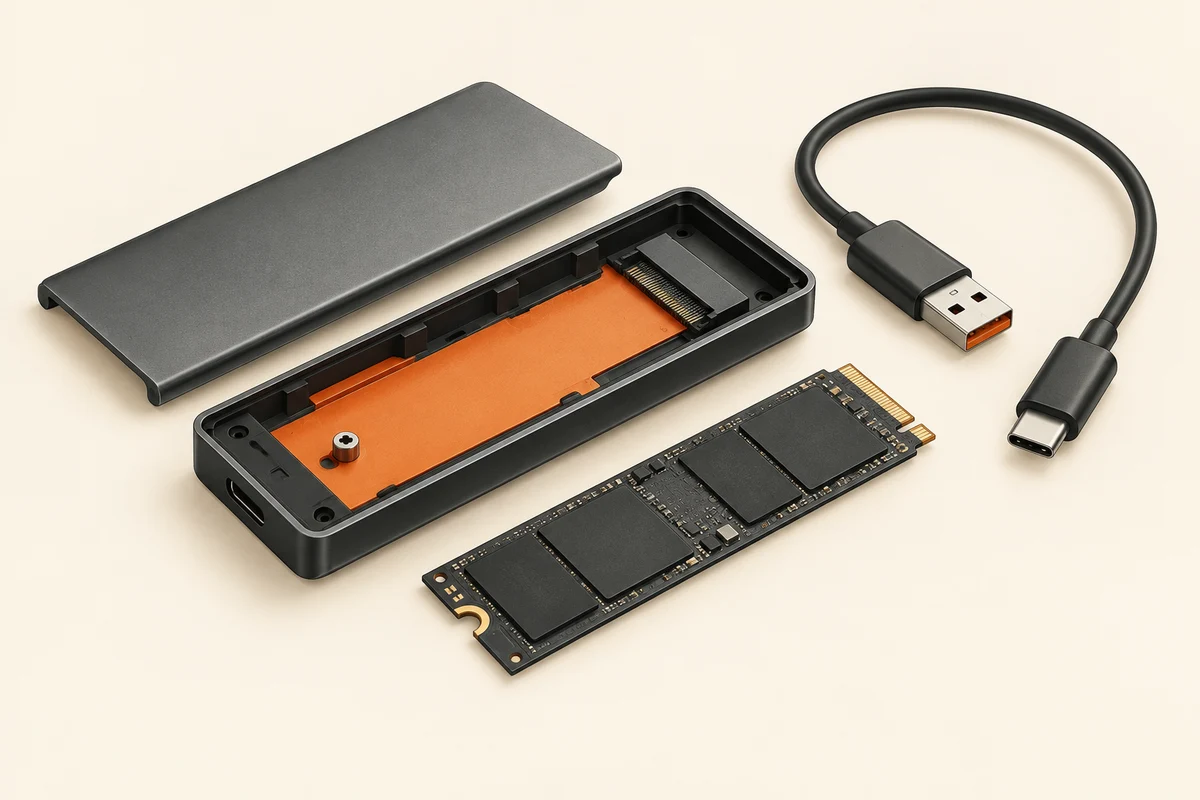
For M.2, check the length as well as the interface. The enclosure needs the correct mounting position. Connector notches are clues, not a replacement for an explicit compatibility statement. Some enclosures support more than one type; others support only one. A listing headed simply “M.2” leaves an important question unanswered.
Consider the USB side too
The enclosure contains electronics that bridge the internal drive and the USB connection. Performance therefore depends on that bridge, the cable and the computer's port. A fast internal drive will not reach its internal peak speed through a slower external connection. That arrangement may still be entirely adequate for occasional copies.
Larger mechanical hard disks also raise a power question. A 3.5-inch drive generally needs a suitable external supply; it is not equivalent to a small laptop hard disk. Use the power adapter intended for the enclosure. Matching the plug shape alone does not establish that another adapter has the correct voltage, polarity and capacity.
Keep existing files or start fresh?
A new enclosure does not automatically erase the drive inside it. If a previously used drive suddenly appears uninitialised, do not agree to format it while you still need its files. Check the connection, compatibility and any encryption first. An encrypted system drive may require its recovery key when read outside the original computer.
Follow the enclosure's assembly instructions. Put thermal pads where specified and remove their protective film if instructed. The board should not be bent or loose inside the case. A short trial with a disposable file can establish whether writing, reading and reconnecting work as expected.
Only then assign the drive its new role. Give portable storage a recognisable name so it is easy to identify during a copy. As a backup destination, it needs sufficient room and a routine that you can follow. Coming from an older computer says little about its remaining life. Do not make it the only home for irreplaceable files simply because it was available at no extra cost.