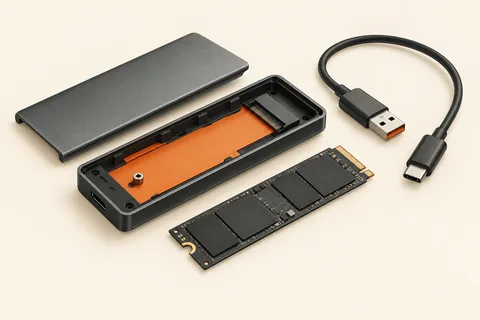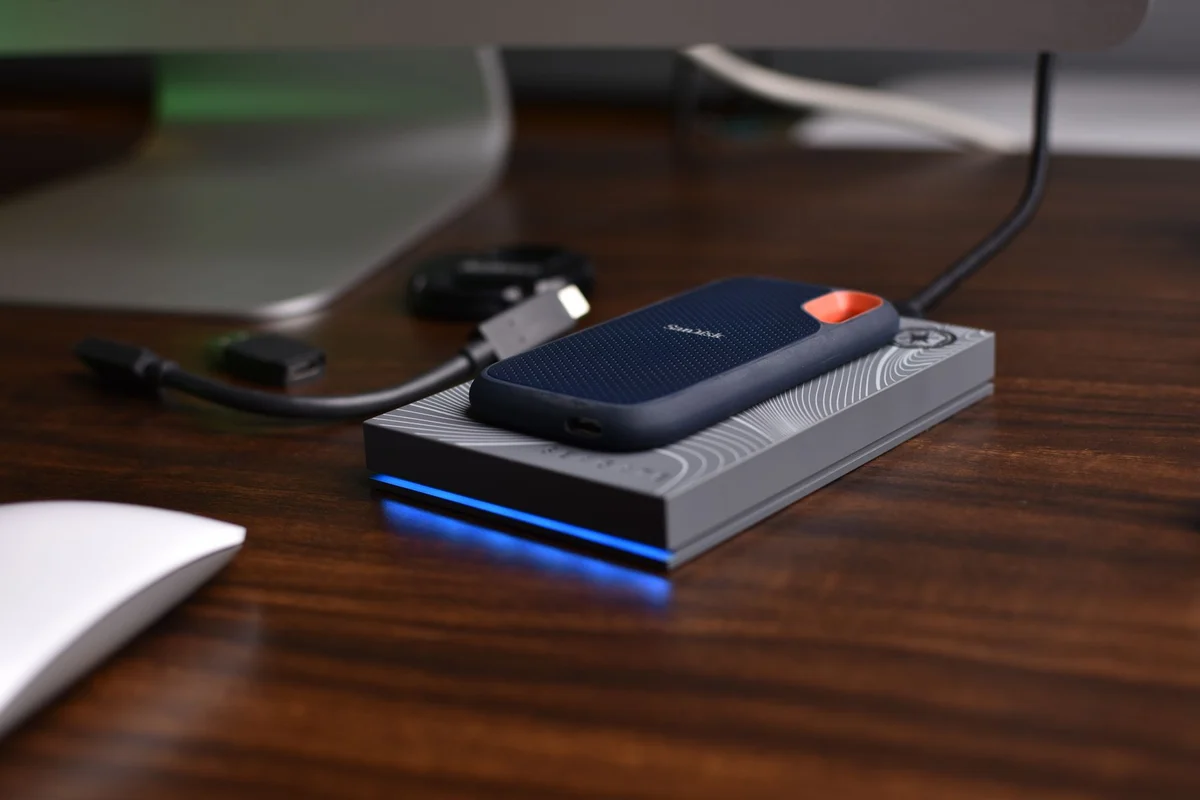
A transfer has two ends
A fast external SSD is connected, yet the copy takes longer than expected. Before returning it, trace the whole path: the source drive, the computer's port, the cable, any hub and the destination. The slowest part can set the pace. A fast receiver cannot accelerate data that is arriving slowly from somewhere else.
A useful comparison starts with one large, non-critical test file on the internal SSD. Copy it to the external drive and note the approximate duration. Repeat the same operation through the same port when trying a different cable. Change one component at a time. Otherwise, an improvement will not tell you which change caused it.
Small files are a different workload
A folder containing thousands of small documents creates many individual operations. It can transfer much more slowly than a video file of the same total size without either drive being faulty. Security scanning, encryption and other applications may also be involved. Compare similar data rather than timing a film once and an entire user folder the next time.
The speed displayed during a copy is not a constant measurement either. Temporary buffering can create high initial figures. Longer transfers reveal more about sustained behaviour. Record the overall duration instead of relying on the highest or lowest number that briefly appears.
Separate the cable from the socket
USB-C tells you the connector shape first. The supported data rate comes from the specifications of the cable, computer and drive. A cable that charges a device need not provide the connection speed wanted by a storage device. Begin a comparison with the supplied cable and a suitable port directly on the computer. A shared hub can introduce another limit.
If the SSD becomes warm during long writes, consider its position and the manufacturer's guidance. Do not cover the enclosure or sandwich a working drive between soft objects. Warmth alone is not a diagnosis. Repeated disconnections, a disappearing drive or read errors deserve more attention than a fluctuating progress display.
Formatting is not the first thing to try for a disappointing speed. It can remove data while leaving an unsuitable cable entirely unchanged. Protect important files first. If the problem persists through an appropriate direct connection with a suitable cable, collect the device model, connection details and a repeatable example for support. Those details are considerably more useful than simply reporting that the SSD feels slow.